Mergin Maps alternative
Geocadra vs Mergin Maps
The field round without a QGIS project behind it: forms in the browser, an organization per client, and the report and the DXF from the same data.
The verdict
Geocadra vs Mergin Maps in short
Mergin Maps is an affordable, EU-hosted way to take QGIS projects into the field, and a good fit for teams that already work in QGIS. Geocadra fits better when nobody on the team builds QGIS projects, you work for several clients, and the round ends in a report and a drawing.
Mergin Maps does one thing well: it syncs a QGIS project between the desktop and a phone. Layers, forms and styles are built in QGIS, and that is where changes happen. If your team lives in QGIS, that is a strength. If it does not, every form and every new project waits for the person who does. Geocadra builds the project in the browser: import the layer, build the form, invite the crew and the client. The report and the DXF come out of the same data.
Side by side
Geocadra vs Mergin Maps, feature by feature
| Feature | Geocadra | Mergin Maps | |
|---|---|---|---|
| A separate workspace per client | Yes | Partly | One workspace on Premium; several on Enterprise |
| Free logins for your clients | Yes | Yes | Both: Mergin Maps' read-only members are free and unlimited |
| No GIS specialist needed | Yes | No | Built around QGIS projects |
| No desktop software | Yes | Partly | Simple projects from the app or dashboard; full forms and layers in QGIS |
| Capture on a map over aerials | Yes | Yes | |
| Your client's DXF or DWG on the map | Yes | Desktop only | DXF and DWG are converted in QGIS first |
| Forms with formulas and conditional questions | Yes | Yes | QGIS attribute forms with widgets and expressions |
| Photos stored with the record | Yes | Yes | |
| Every inspection kept, with who and when | Yes | Partly | A project version per sync; going back means re-uploading files |
| PDF reports built from the data | Yes | Desktop only | No built-in report; QGIS print layouts on the desktop |
| CAD drawing (DXF) export | Pro and up | Desktop only | Through QGIS on the desktop |
| Shapefile, GeoPackage and GeoJSON export | Yes | Yes | Both work with GeoPackage and Shapefile |
| Capture without signal | Yes | Yes | Both: offline in the mobile apps |
| Mobile apps | iOS and Android | iOS and Android | Both: iOS and Android; Mergin Maps also runs on Windows |
| Data stored in the EU | Yes | Yes | Both: Mergin Maps' cloud runs on AWS in Ireland |
The Mergin Maps column was checked on October 12, 2026 against its public pages: pricing, organizations, project setup, supported formats, data hosting.
Why switch
Why teams choose Geocadra over Mergin Maps
Built in the browser, not in QGIS
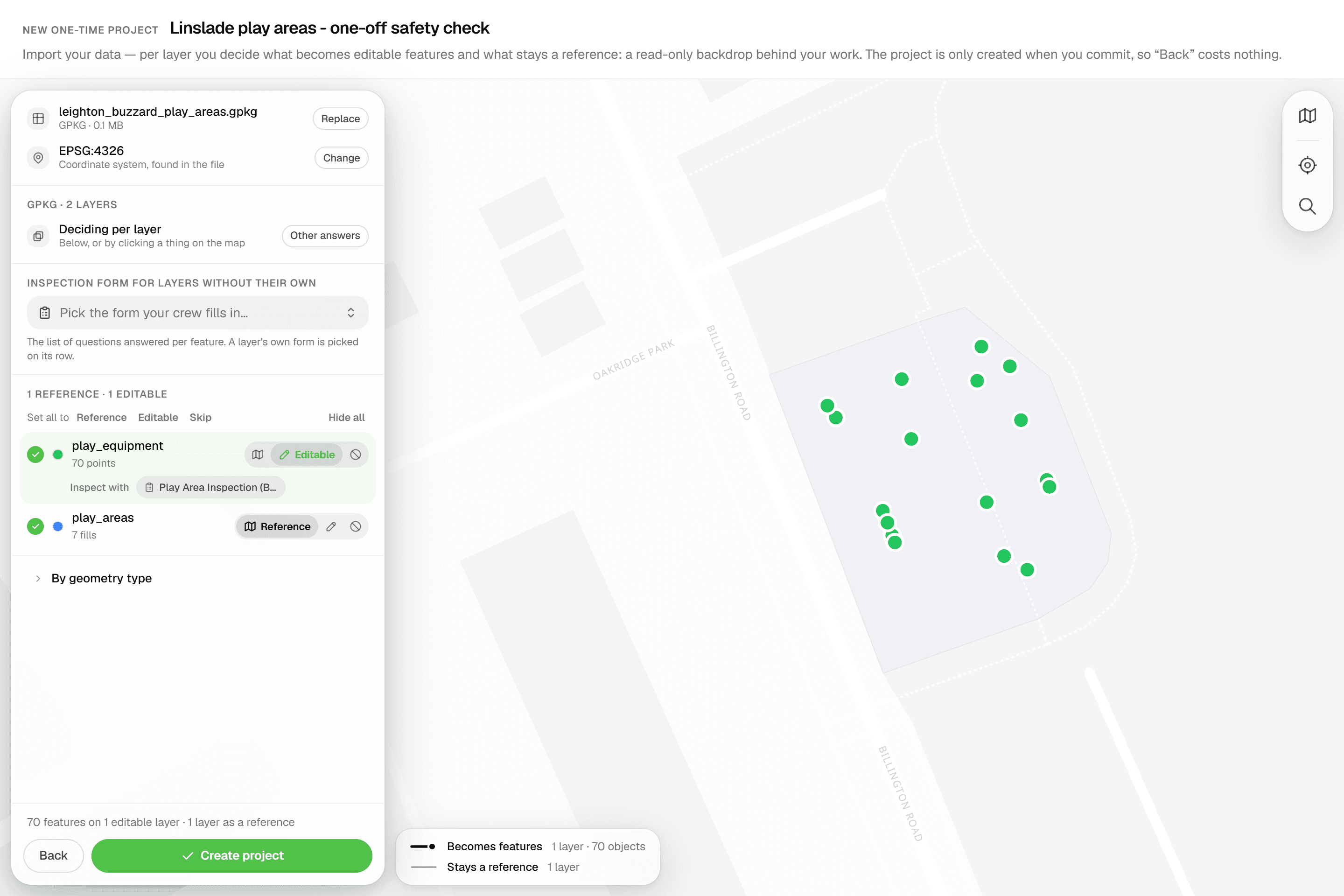
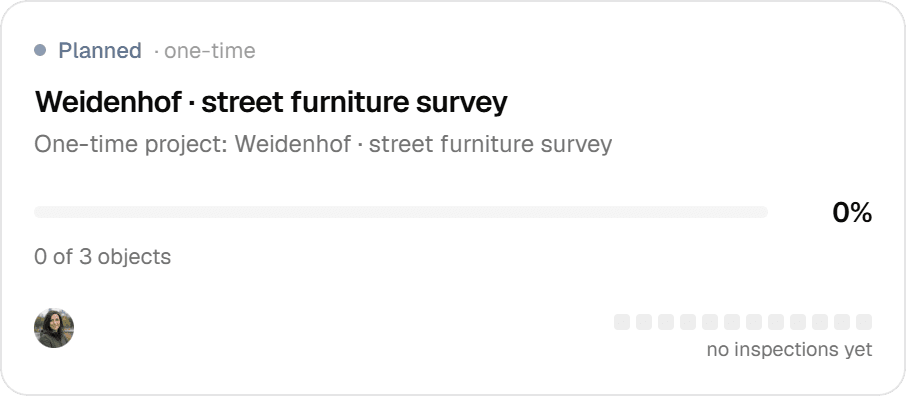
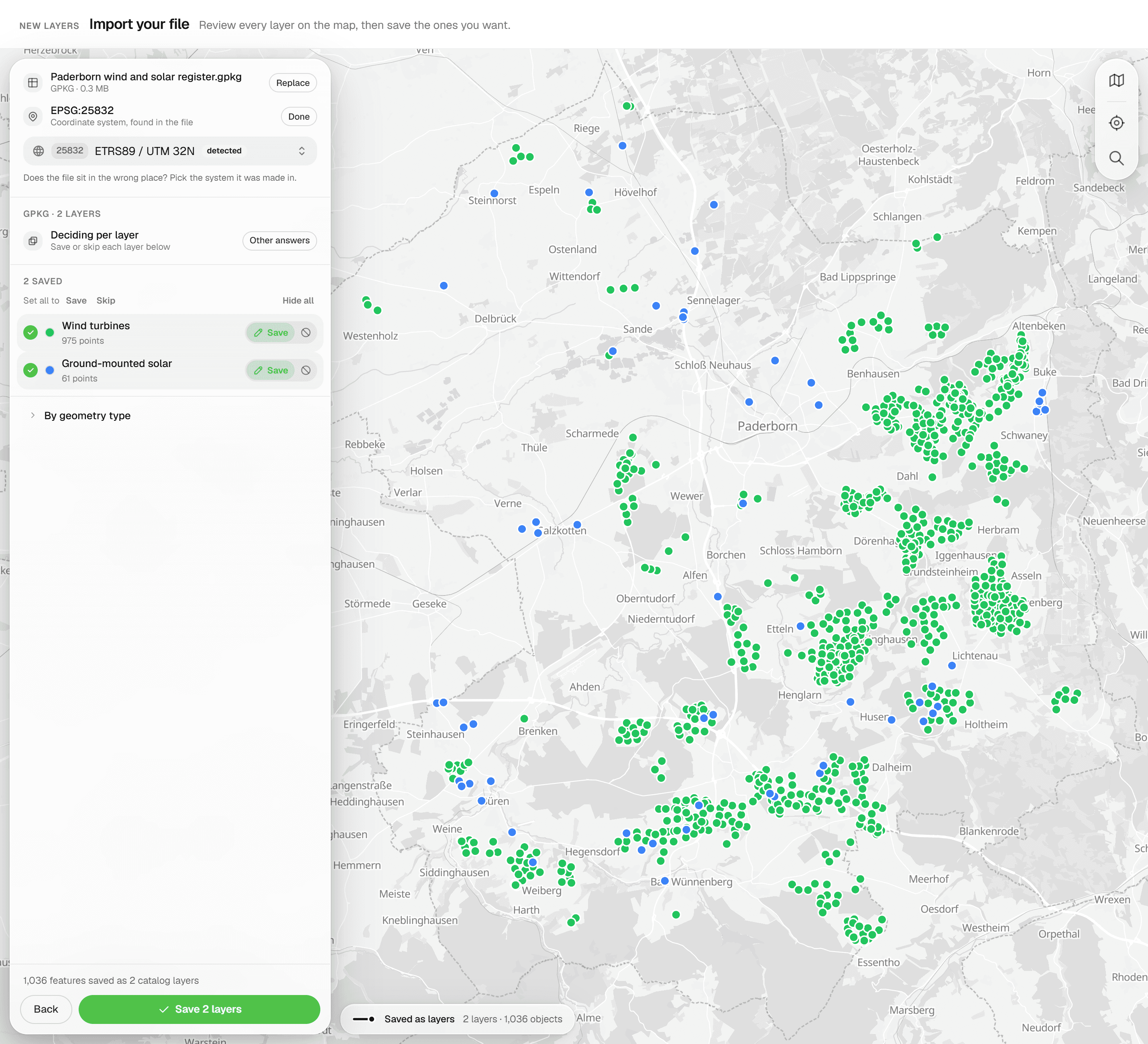
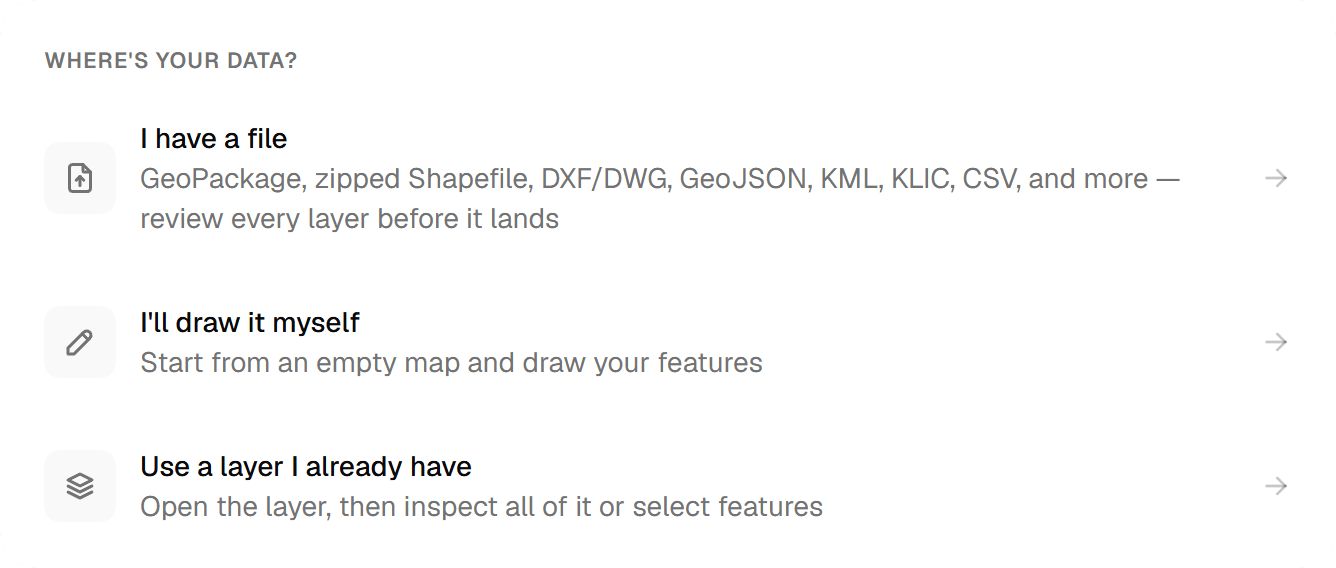
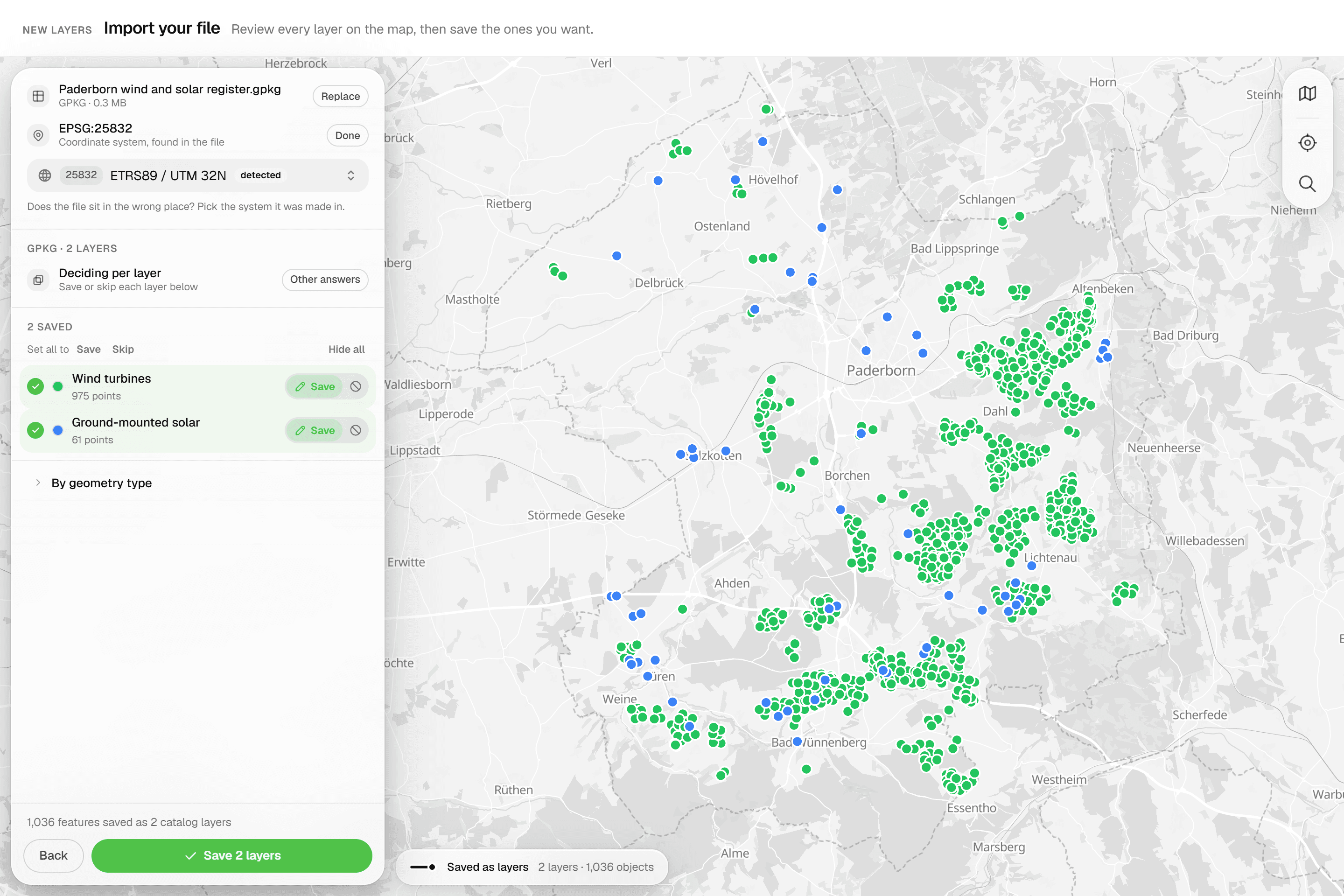
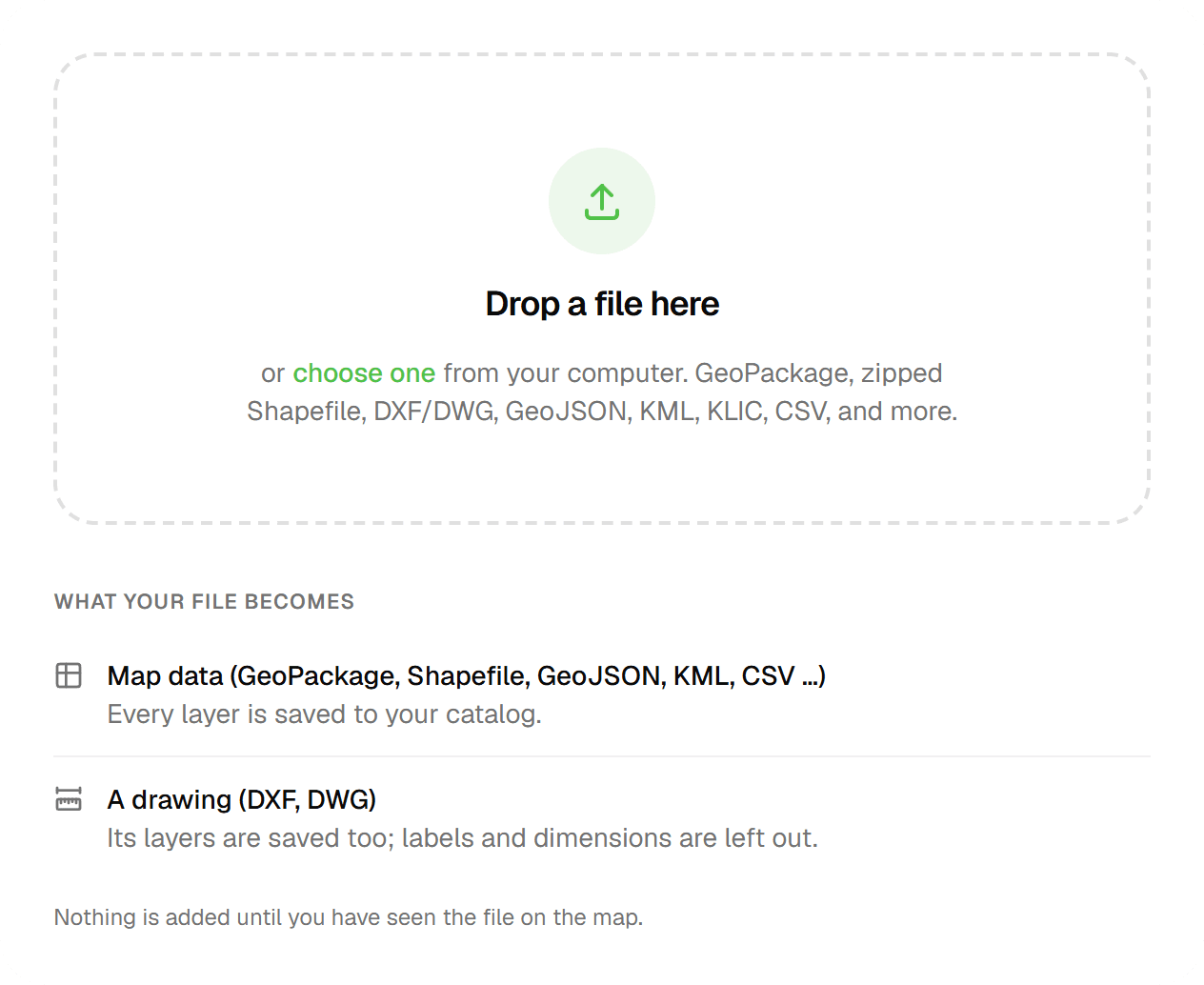
Mergin Maps can create a simple project from the app or the dashboard, but real forms and layer setups are made in QGIS with its plugin. In Geocadra the whole project is set up in the browser: import a GeoPackage, Shapefile, DXF or CSV, review it on the map, attach a form and invite the team. Nobody needs desktop GIS.

02Forms that the office can change
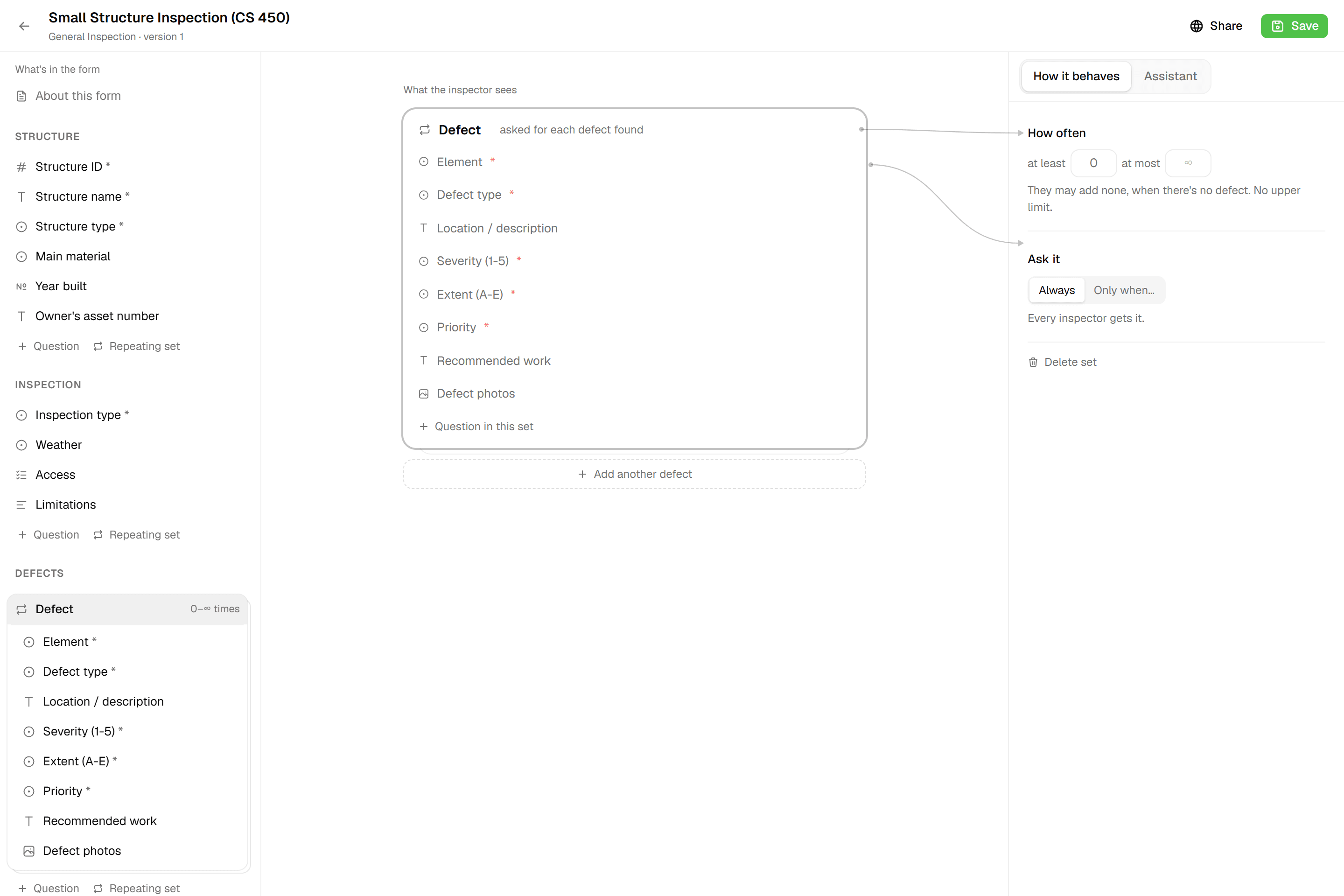
A QGIS form is configured in layer properties, with widgets and expressions. The Geocadra form editor works like a form editor: twelve field types, required fields, conditional questions, computed fields and repeatable blocks. Each save is a new version, so a running project keeps its version and its data never changes shape.
03An organization per client
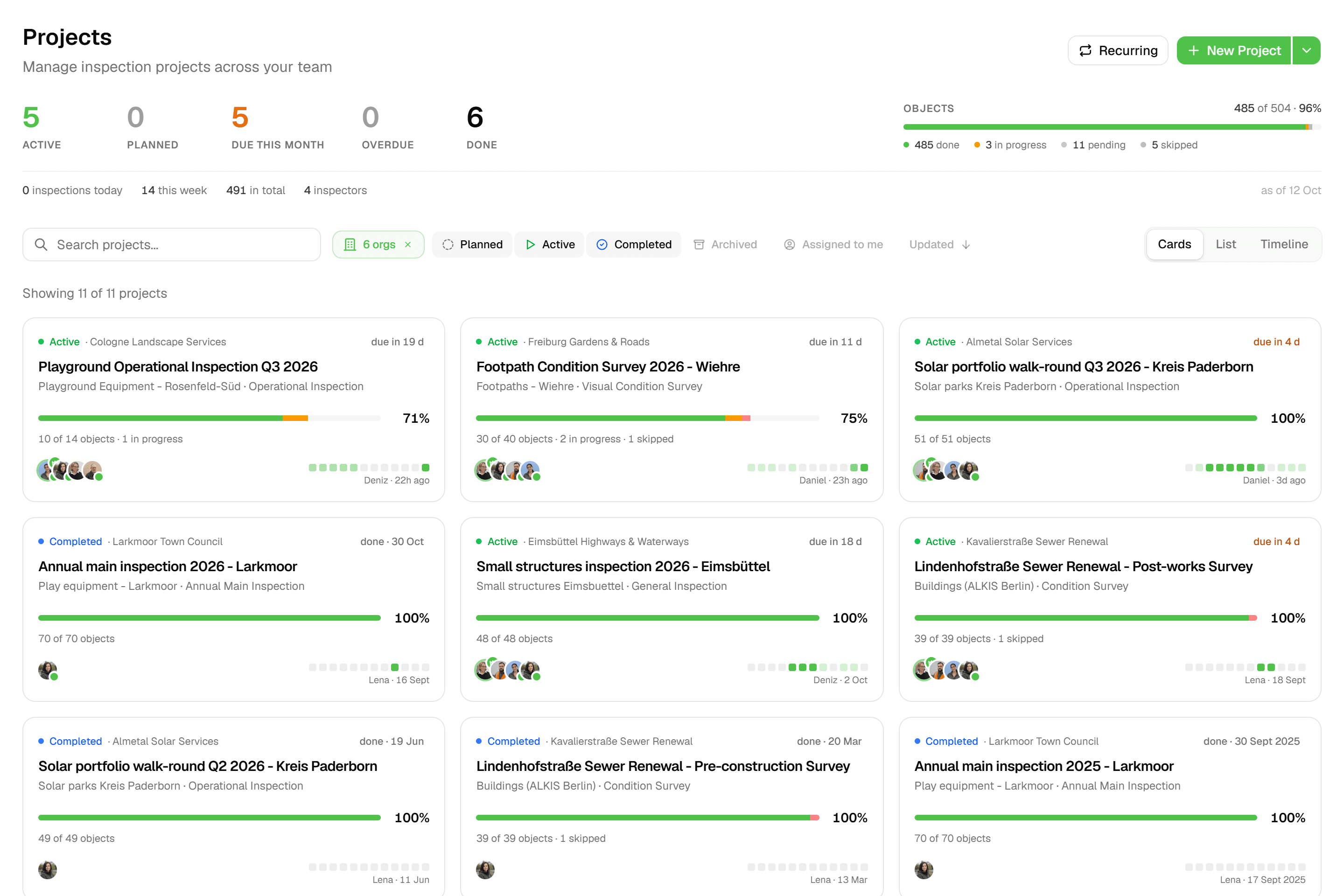
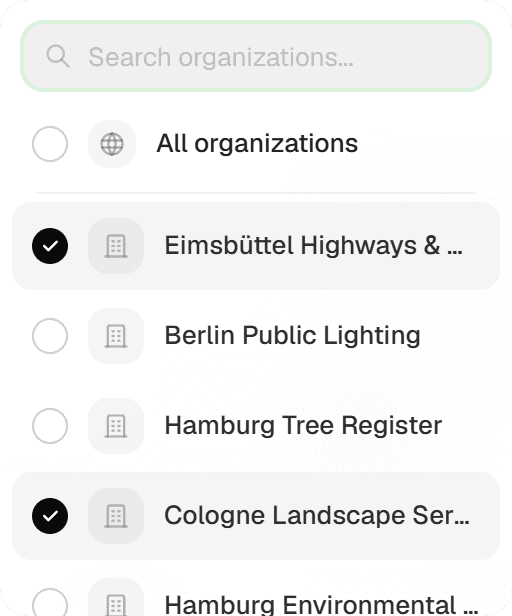
Mergin Maps Premium includes one workspace; several workspaces are an Enterprise feature. In Geocadra your workspace holds an organization per client, with its own layers, projects, logo and members: 3 on Starter, 10 on Pro, as many as you need on Business. Client contacts see only their own organization.
04Reports and drawings without the desktop
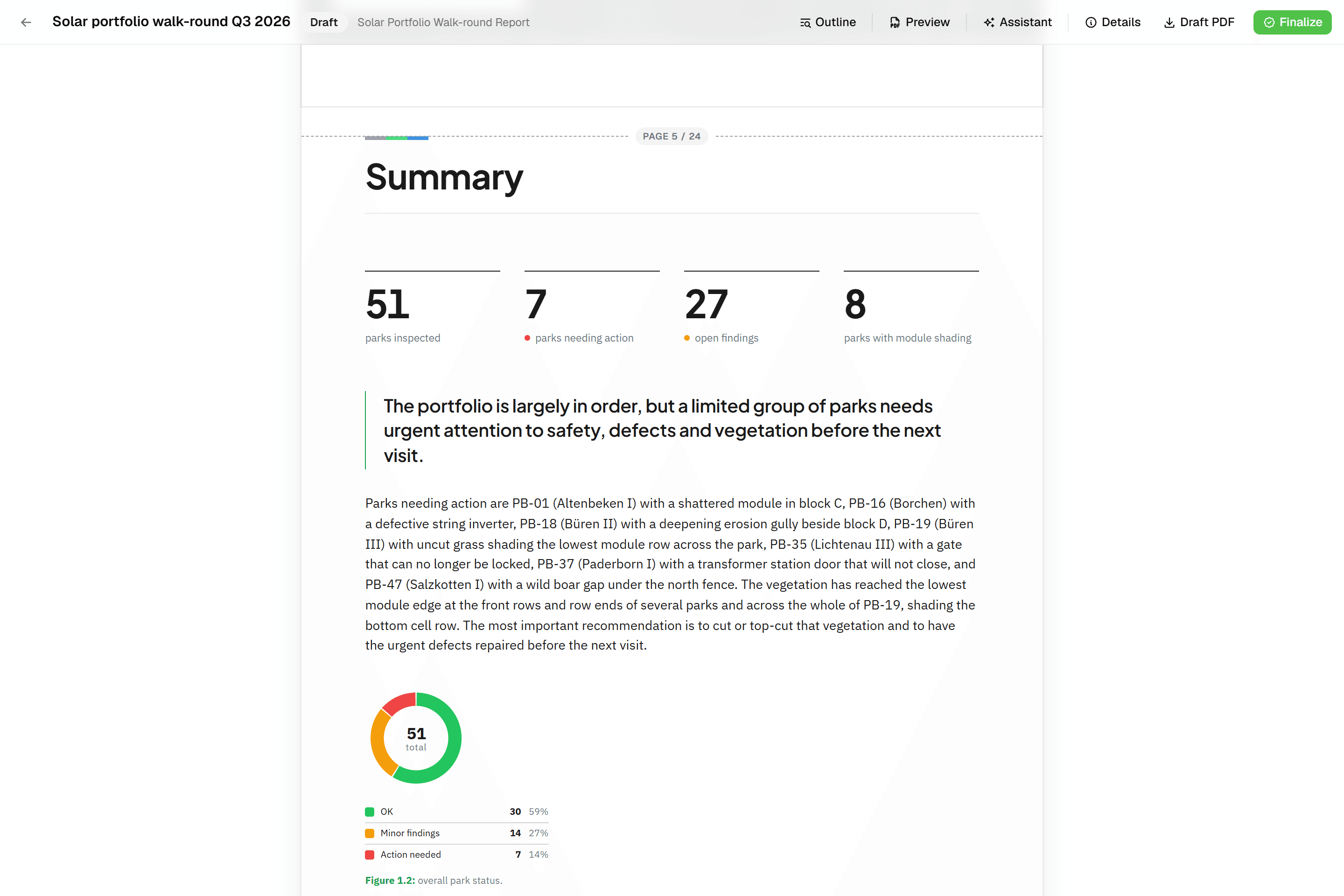
Mergin Maps has no report of its own; reports and CAD drawings are made in QGIS. In Geocadra the report is built from blocks that read the inspections, finalised as a PDF, and the DXF export draws your layers with labels, rings and fills, previewed in the browser (Pro and up).
05Every inspection on the asset
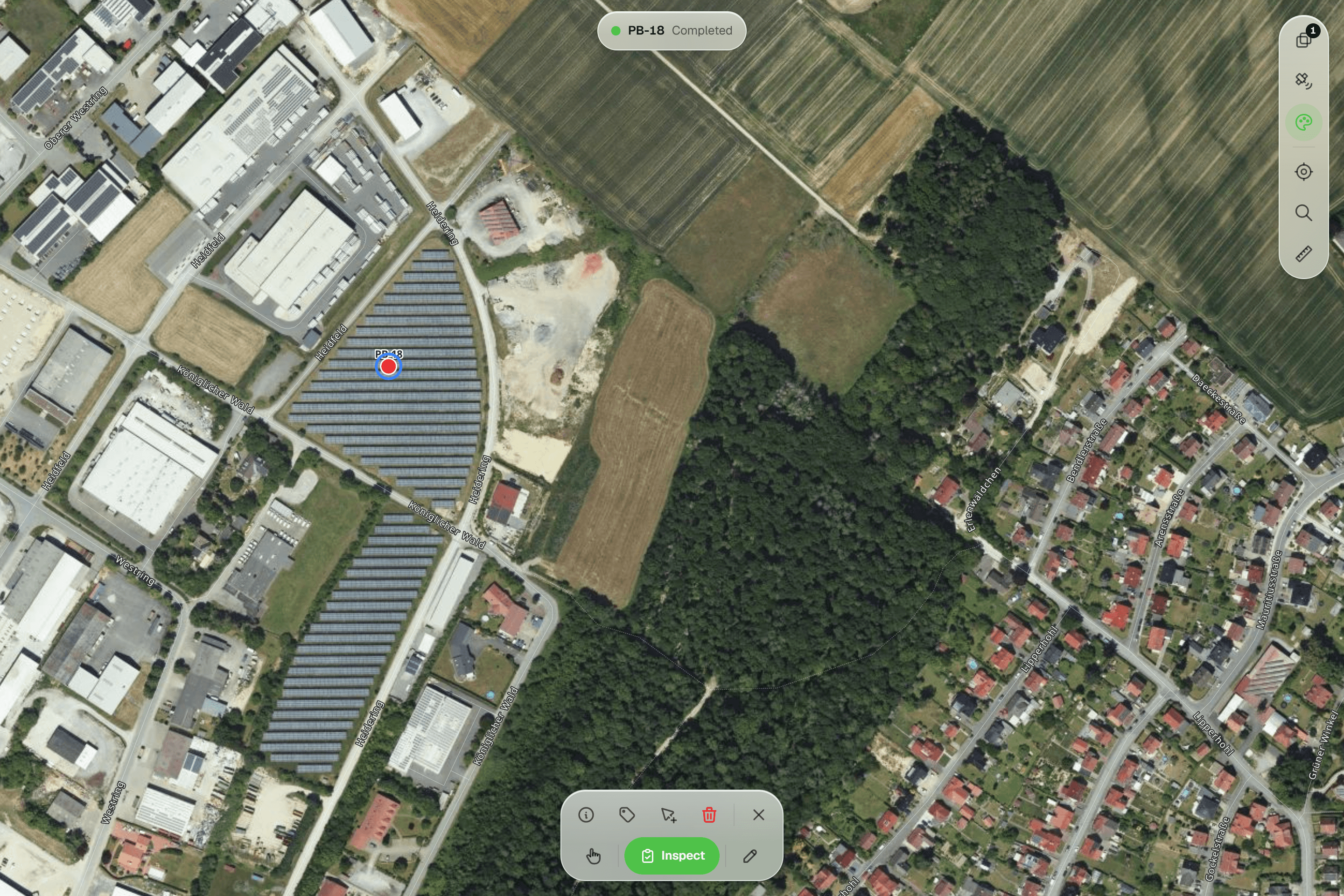
Mergin Maps versions the project on every sync, and going back means uploading older files again. Geocadra keeps every inspection as a new record on the asset, with who and when. The history follows each field across rounds, and a grid edit that went wrong is restored per row.
Fair to say
What Mergin Maps does well
Mergin Maps, formerly the Input app, is developed by Lutra Consulting, a QGIS specialist registered in England and Wales. Its mobile app for Android, iOS and Windows opens QGIS projects in the field, works offline and syncs through Mergin Maps' cloud, hosted on AWS in Ireland, or a self-hosted server. Every sync creates a project version. Read-only members are free and unlimited, and the Premium plan is priced per contributor. Forms, layers and styles come from QGIS, so teams that already build QGIS projects get their own setup in the field with little extra work.
- Made by
- Lutra Consulting, England and Wales
- Runs on
- Android, iOS and Windows, with QGIS
- Pricing
- From €15.80 per contributor a month
- Data hosting
- AWS in Ireland, or self-hosted
The reality
Where Mergin Maps gets in the way
What a contractor runs into when client rounds run on it.
Real setup needs QGIS
Forms, layers and styles are configured in QGIS. Without someone who knows it, projects wait.
Set up in the browser, without QGIS.
Changes go through the desktop
A new question means opening the project in QGIS, changing it and syncing it to the devices again.
Forms change in the browser; nothing to sync.
No report of its own
Reports and CAD drawings are produced in QGIS on the desktop, after the data has synced back.
Report and DXF come with the round.
DXF and DWG need converting first
CAD drawings are not a supported project format; they are converted in QGIS before they reach the field.
DXF and DWG straight onto the map.
In practice
Mergin Maps and Geocadra on the same job
Contractor without QGIS skills
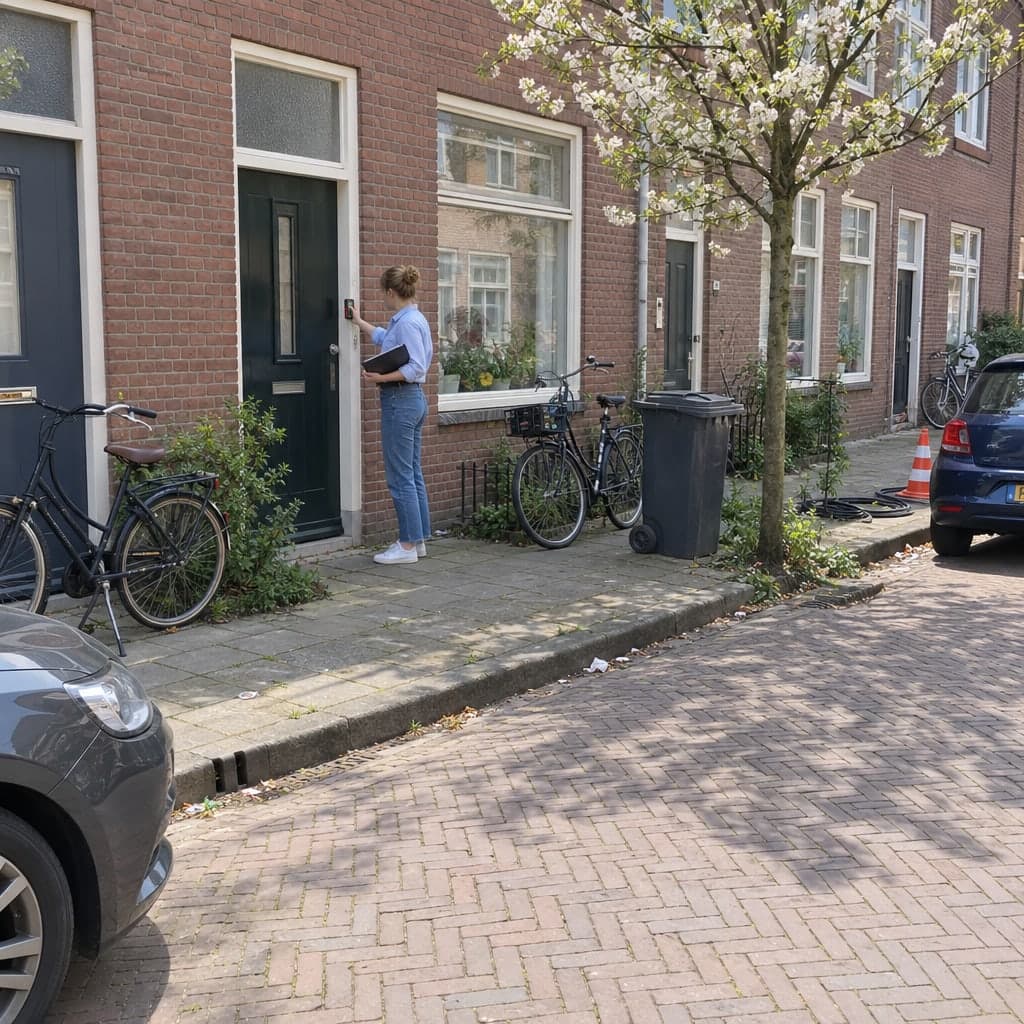
A utility contractor wants to digitise cable and pole inspections and has nobody who works in QGIS.
With Mergin MapsSomeone learns QGIS, builds the project with its forms and styles, installs the plugin and syncs it to the devices. Every later change goes through that person.
With GeocadraImport the network as GeoPackage or DXF, build the inspection form in the browser and invite the crew. The office changes forms and starts new projects without desktop software.
Consultancy with five clients
A consultancy runs inspections for five housing corporations, each of which wants its own data and a login.
With Mergin MapsPremium has one workspace, so all five clients share it and are separated by project permissions; separate workspaces are an Enterprise feature. Reports are made in QGIS.
With GeocadraFive client organizations in one workspace on Pro, each with its own logo, projects and free viewer logins. Each corporation downloads its own report PDF.
Decision guide
Geocadra or Mergin Maps?
Choose Geocadra if you…
- Have nobody who builds QGIS projects
- Work for several clients who each want a login
- Deliver PDF reports and DXF drawings
- Want forms the office can change in the browser
Choose Mergin Maps if you…
- Already build your projects in QGIS
- Want QGIS styles and symbols in the field
- Need the lowest price per contributor or a self-hosted server
Pricing
Mergin Maps pricing vs Geocadra
Mergin Maps costs less per contributor, and its read-only members are free. Geocadra costs more per seat and includes what Mergin Maps leaves to QGIS: setup in the browser, client organizations, reports and DXF.
- Geocadra
From €49 per seat a month
- Client viewers free: 2 to 10 per seat
- Reports and DXF export included (DXF from Pro)
- 2 months free on annual billing
- Mergin Maps
From €15.80 per contributor a month
- Billed annually; €19.50 billed monthly
- One workspace on Premium; several on Enterprise
- Setup, reports and drawings happen in QGIS
Switching
Switching from Mergin Maps
Your Mergin Maps project is a set of QGIS files, usually GeoPackage. Import the GeoPackage into Geocadra and every layer is previewed on the map before it is saved. Rebuild the attribute form in the form editor, with its conditional and computed fields. Keep QGIS for analysis and map production, with a GeoPackage export back. We help with the first project at no cost.
Questions
Geocadra vs Mergin Maps: questions
Do I need QGIS to use Geocadra?
No. Layers, forms, projects and the team are set up in the browser, and reports and DXF drawings are made there too. If you use QGIS for analysis, export a GeoPackage and open it there.
Mergin Maps is cheaper per seat. Why pay more?
Mergin Maps Premium is €15.80 per contributor a month on annual billing, and Geocadra starts at €49 per seat. The difference buys the work around the QGIS project: setup and forms in the browser, an organization per client, PDF reports, DXF export and the person-hours that QGIS setup takes. If your team builds QGIS projects anyway, Mergin Maps is the better deal.
Are viewers free in both?
Yes. Mergin Maps' read-only members are free and unlimited. Geocadra's client viewers are free too, 2 to 10 per paid seat depending on the plan, and each sees only their own organization.
Where is the data stored?
Both store data in the EU. Mergin Maps' cloud runs on AWS in Ireland. Geocadra is run from Amsterdam and stores all data in the EU, on every plan.
Can I move a Mergin Maps project to Geocadra?
Yes. Import the project's GeoPackage; each layer is previewed on the map with its coordinate system before it is saved. Forms are rebuilt in the form editor. We help with the first project at no cost.
Does Geocadra work offline like Mergin Maps?
Yes, in the mobile app. It saves inspections and photos on the device without signal and sends them when it is back. The web app needs a connection. Mergin Maps works fully offline on Android, iOS and Windows, which is a strength.
See Geocadra next to Mergin Maps
Run one real round in Geocadra during the 14-day trial and compare for yourself. No credit card needed.
No credit card requiredFree trial included