One-time projects
Drop a file, review its layers and start inspecting, without setting up a client or a reusable layer first.
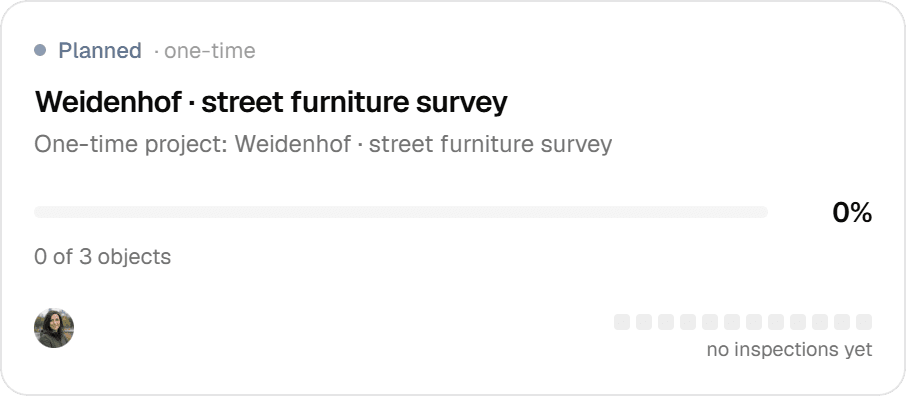
Not every job deserves a permanent layer in a client organization. A one-time project takes a GeoPackage, zipped Shapefile, DXF/DWG, GeoJSON, KML, KLIC or CSV file, lets you mark which layers to inspect, and creates the project the moment you commit. It lives in a dedicated 'One-time projects' organization, so ad-hoc work never mixes with your client data.
The problem
A one-off inspection should not need a permanent setup
Geocadra keeps map data in layers you reuse across inspection rounds, inside an organization per client. That structure pays off when you return to the same trees or pipes every year. A one-off survey is different: a client sends a drawing, you inspect it once and deliver. Setting up a client, a catalog layer and a project for that is work you will never use again.
The solution
One import creates the whole project
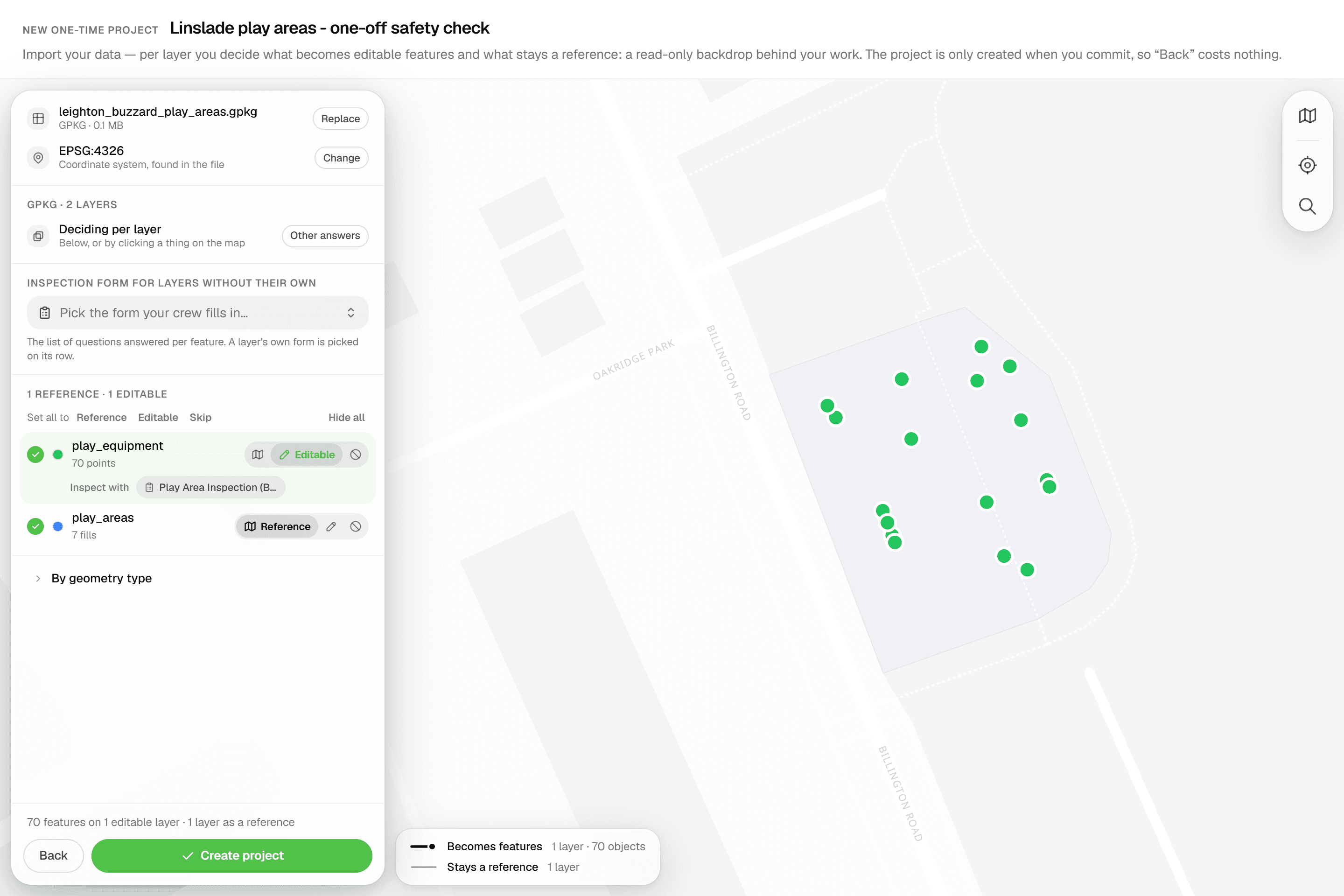
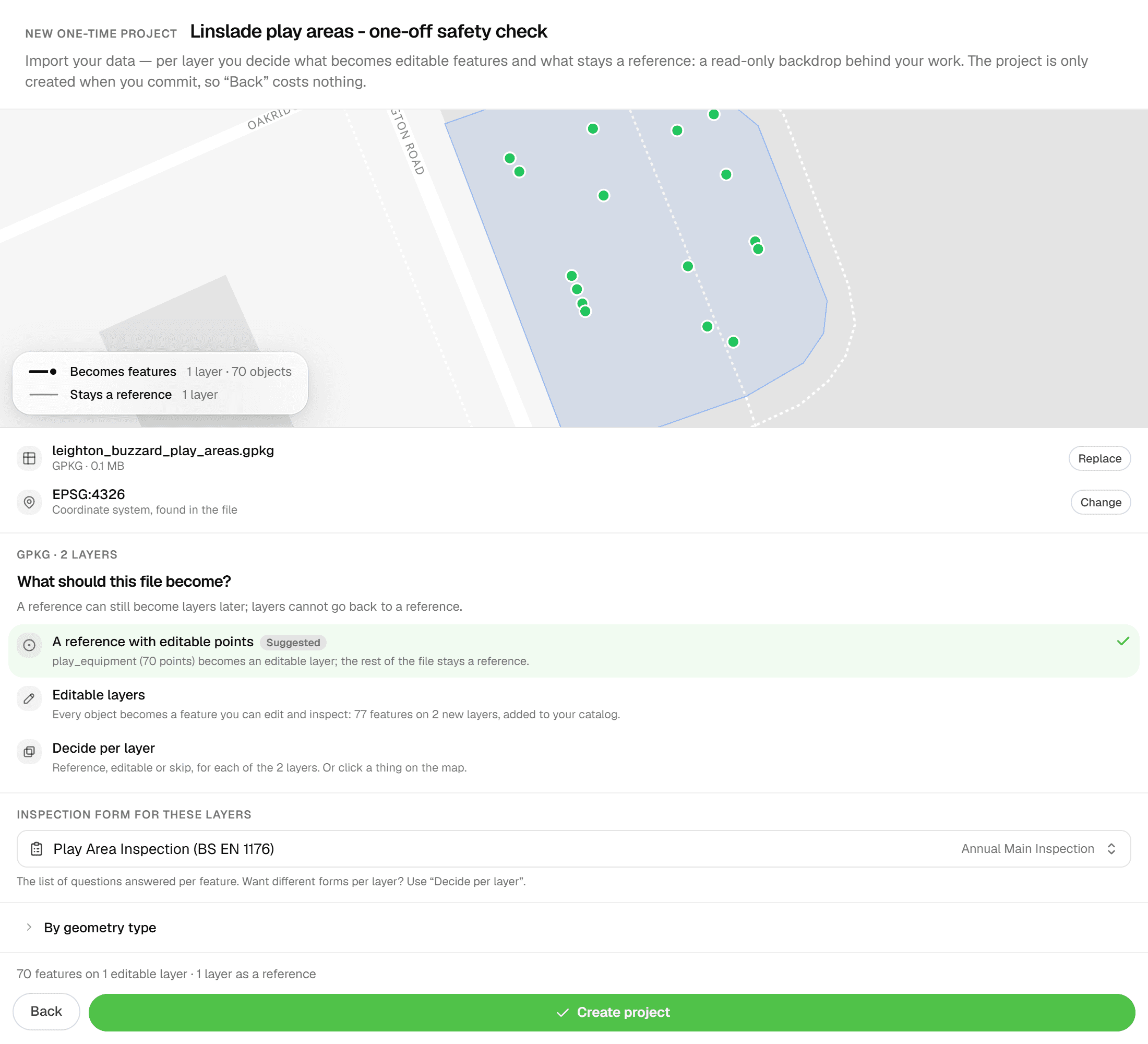
Start a new project and answer two questions: 'Where's your data?' and 'Will you inspect these features again later?'. Answer no to the second and the one-time branch opens. The same import engine that serves layer imports runs inline: it lists every layer in your file with feature counts, suggests which ones become editable features and which stay as reference linework, and lets you pick a coordinate system with a live preview. Nothing is created until you press 'Import features'. Then the project, its layers and its features land in one step, and you are on the project map.
Key benefits
- GeoPackage, zipped Shapefile, DXF/DWG, GeoJSON, KML, KLIC, CSV and more
- Nothing is created until you commit: 'Back' costs nothing
- Points become editable, linework stays reference, CAD block tables are skipped
- Attach an inspection form per layer with 'Inspect with' chips
- Kept in a dedicated 'One-time projects' organization, away from client data
- Source CRS picker with live re-projection in the preview
How It Works
- 01
Drop a file
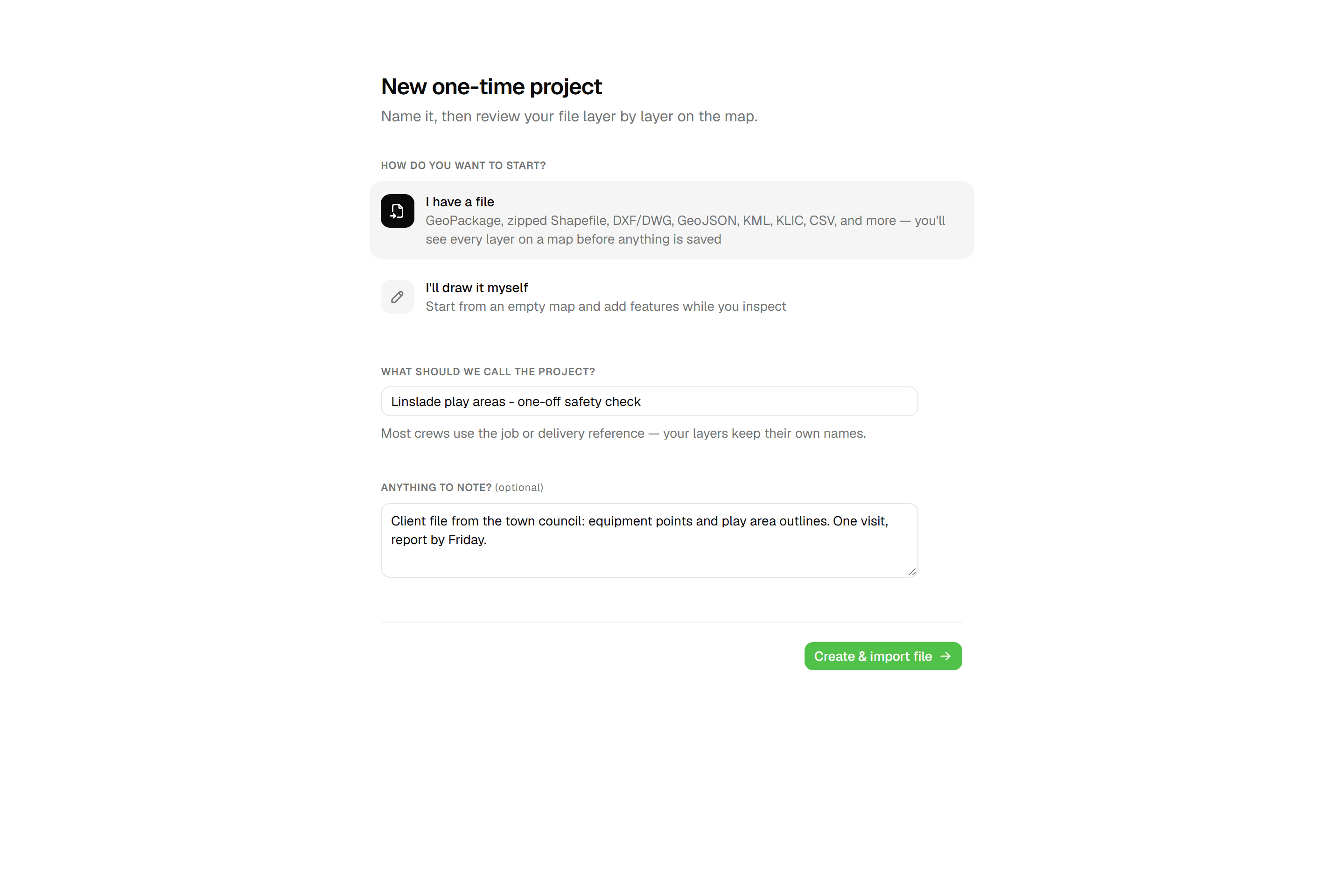
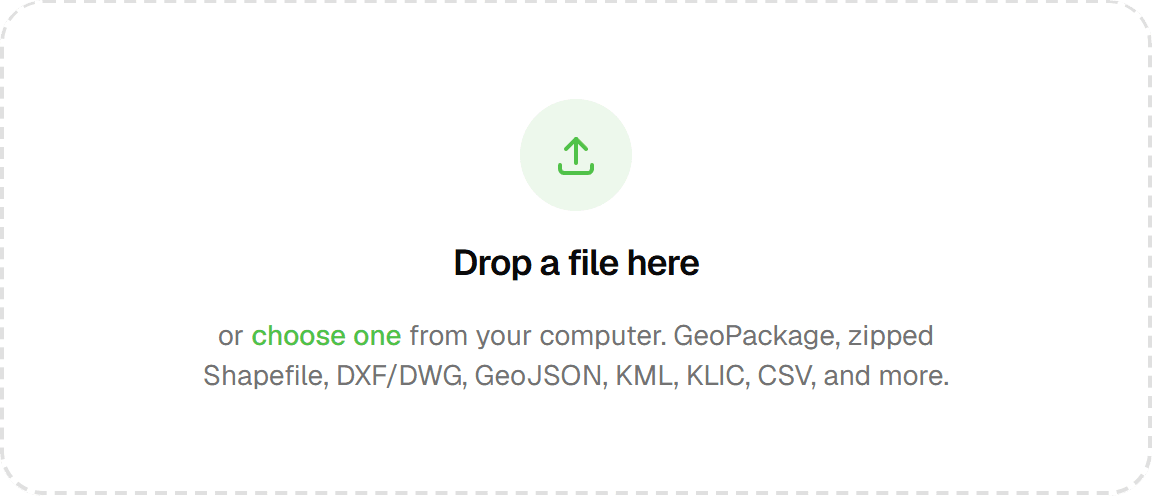
From 'New Project', pick 'I have a file' and answer no when asked whether you'll inspect these features again later. Name the project and drop your file: GeoPackage, zipped Shapefile, DXF/DWG, GeoJSON, KML, KLIC, CSV and more, up to 80 MB. The upload goes straight from your browser to storage, and DWG files are converted to DXF on the way in so CAD layers, blocks and texts survive. No file? Choose 'I'll draw it myself' and place the features on the map instead.
- 02
Review layers and coordinate system
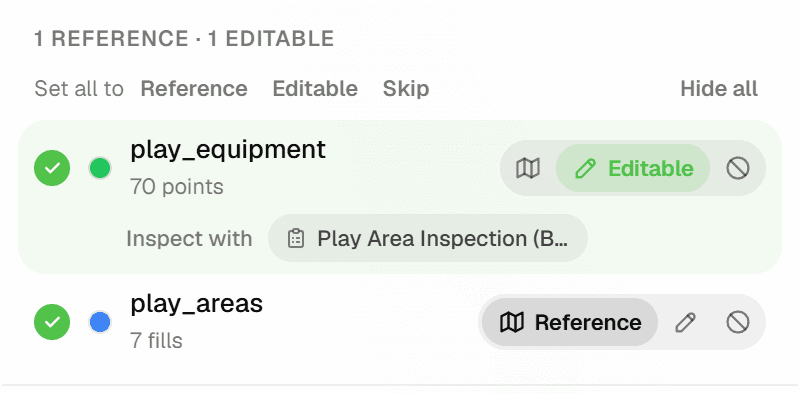
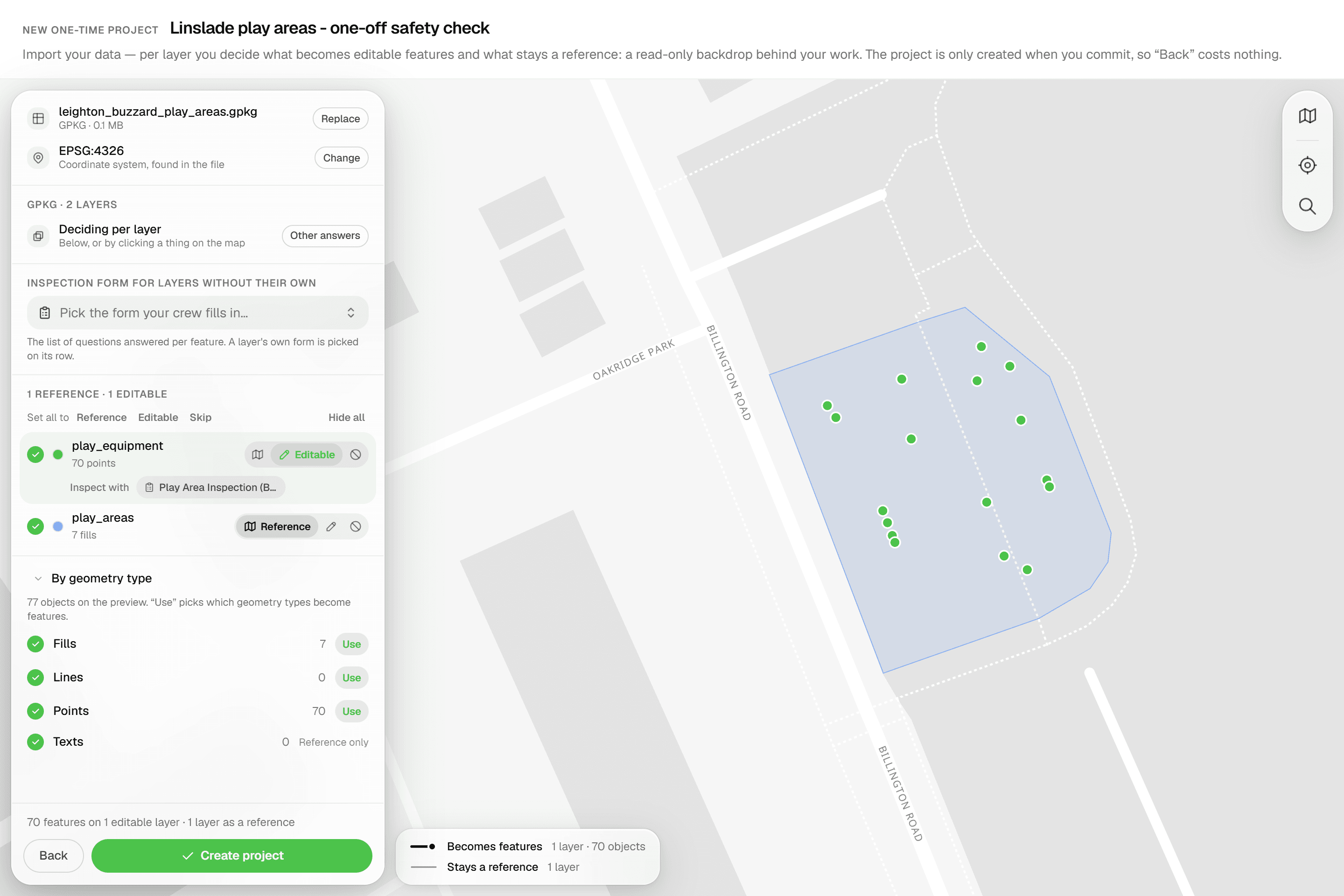
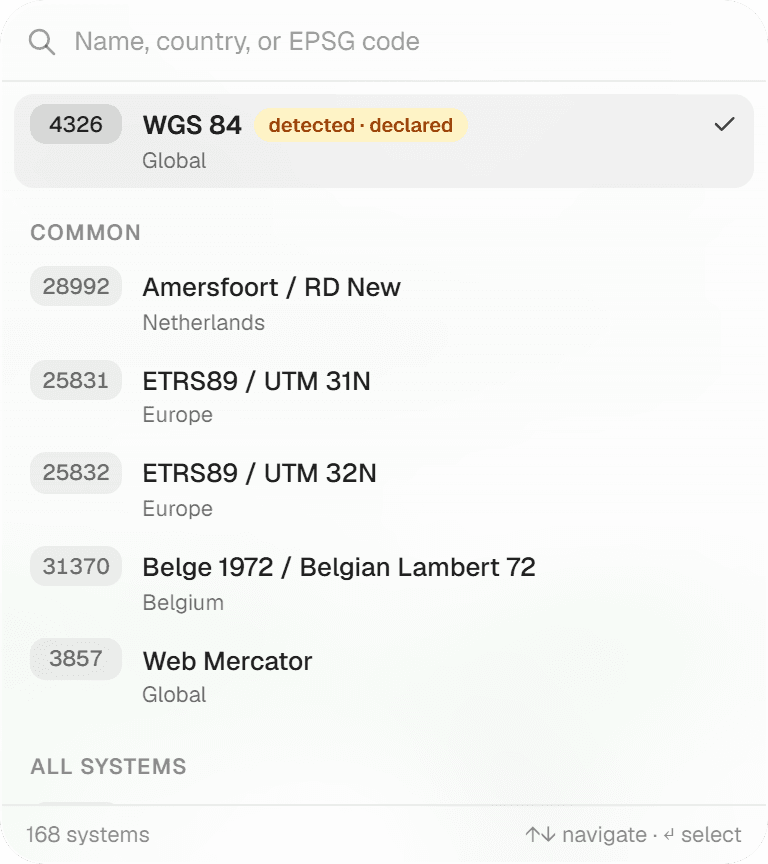
Every source layer is listed with its feature count and set to Editable, Reference or Skip. The defaults are deliberate: point layers become inspectable features; linework, fills and texts stay as a read-only backdrop; CAD block-definition tables are skipped. If the file declares no coordinate system, pick one from the 'Source CRS' list (RD New, WGS 84, ETRS89 UTM, Belgian Lambert 72 and more) and the preview map re-projects instantly. Each editable layer gets an 'Inspect with' chip to attach the form your inspectors will fill in.
- 03
Inspect
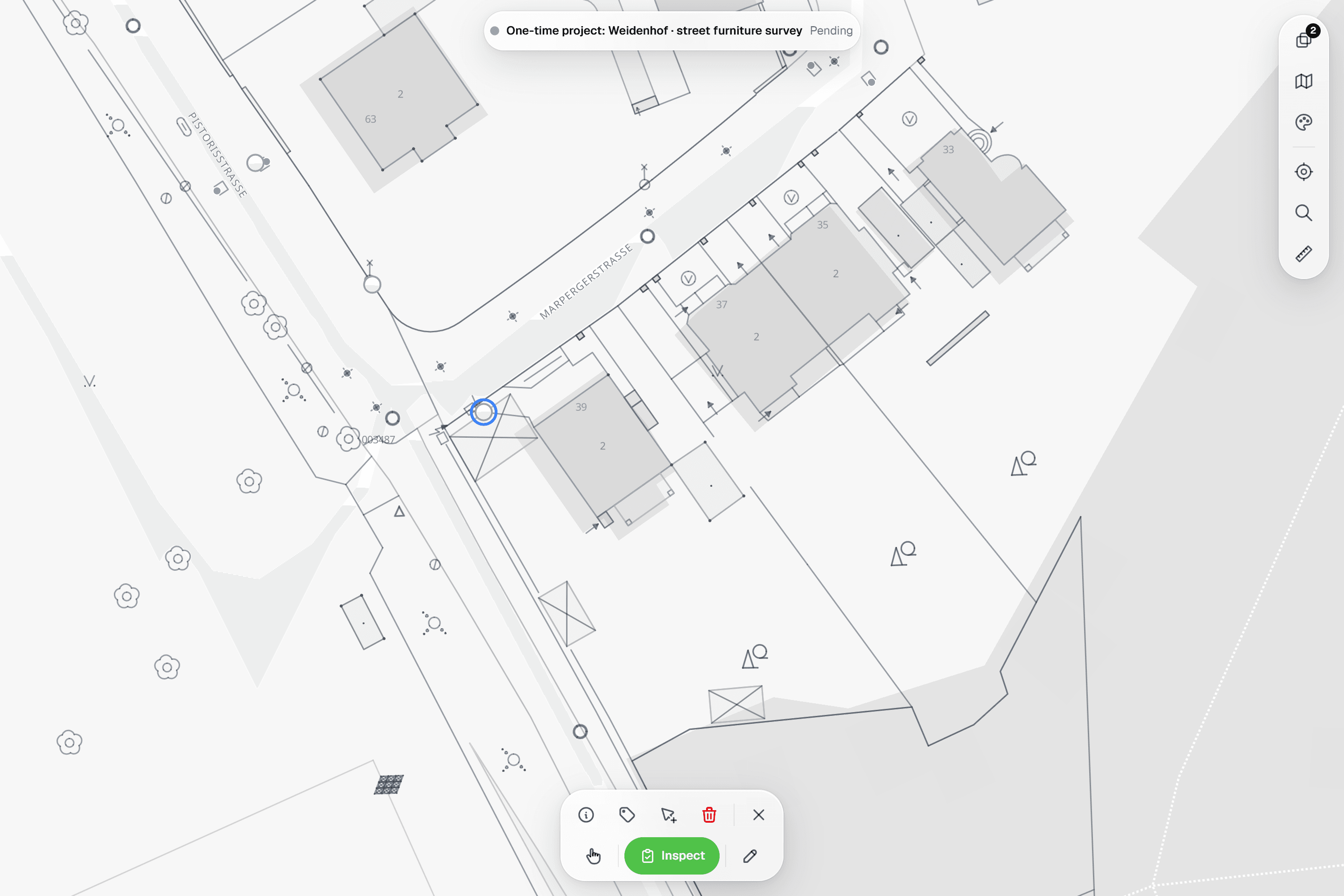
Press 'Import features'. The project, its layers and its features are created in one step and you land on the project map, ready for the first inspection. A file with a single layer skips the per-layer review: it simply becomes the project's first layer.
Common Use Cases
- 01
A client sends a drawing
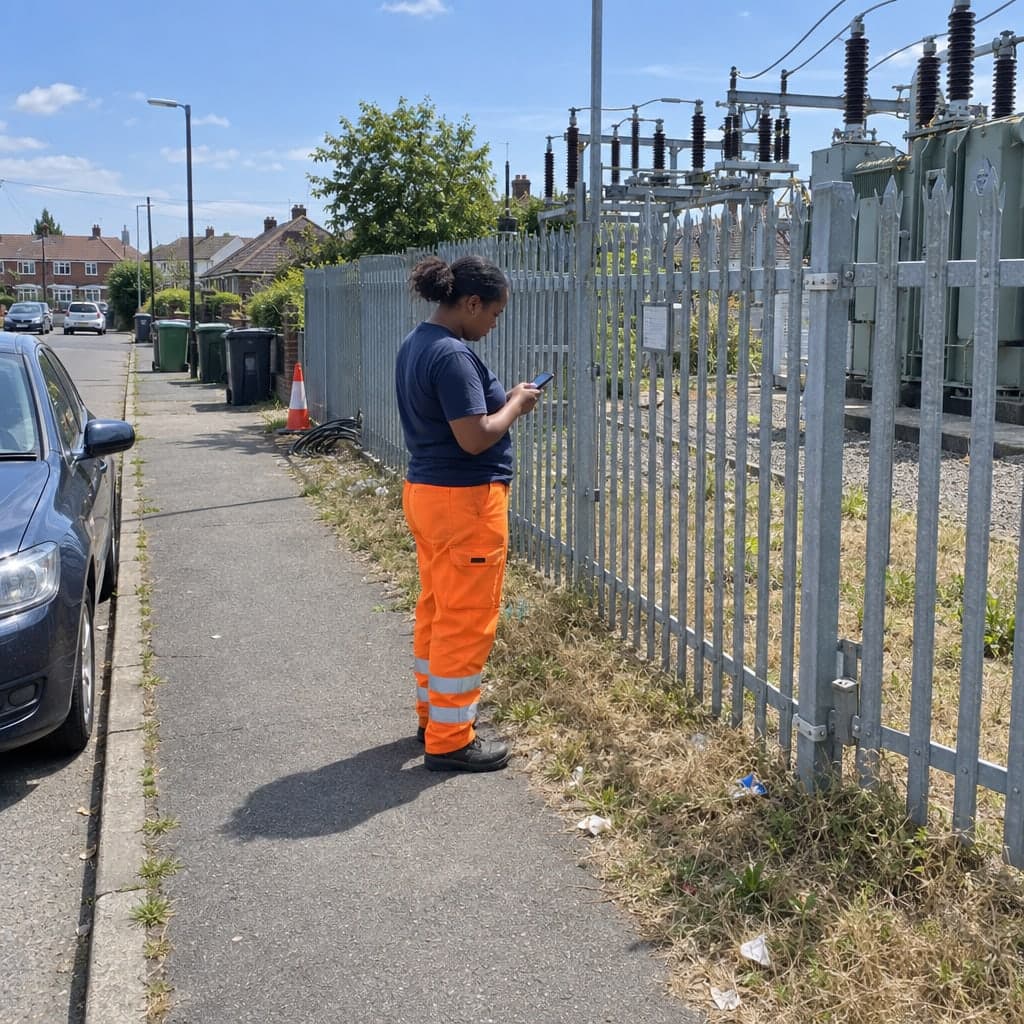
A municipality emails a DWG of a street with the trees to assess. Drop it in, keep the linework as reference, inspect the tree points, deliver. Nothing lands in a client's layer catalog.
- 02
Surveys you will not repeat
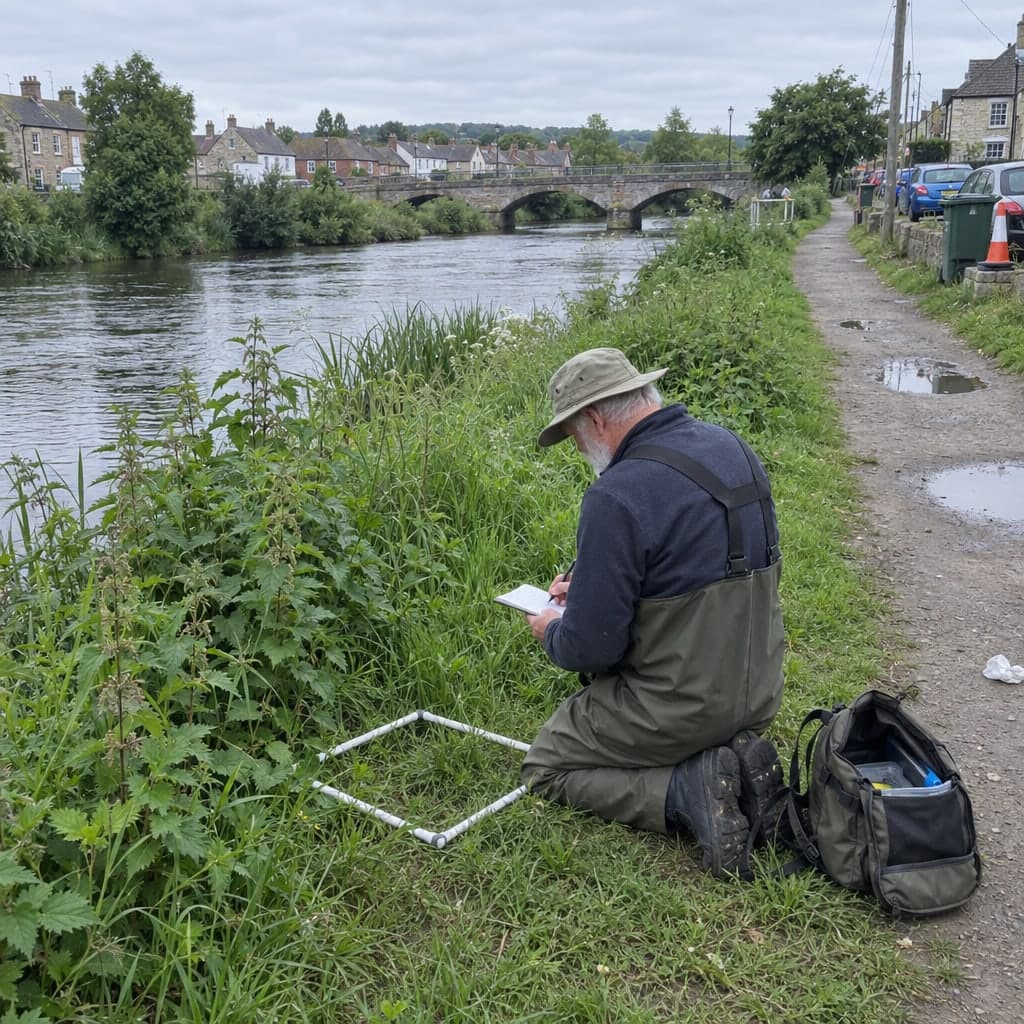
Trial trenches, a single condition survey, a site you will not revisit: a one-time project gives you the same map, inspections and exports as any other project, without committing the data to a reusable layer.
- 03
Trying Geocadra on real data
Import a real dataset, run an inspection round and export the result before you decide how to structure your permanent layers and client organizations.
- 04
Keeping client organizations clean
One-time projects live in their own 'One-time projects' organization, so ad-hoc work never shows up among a client's layers and projects.
Frequently Asked Questions
How many one-time projects can I run at once?
The cap applies to active projects (draft or active): 5 on Starter, 20 on Pro, unlimited on Business and Enterprise. Completed one-time projects do not count. When the cap is reached, the chooser shows 'One-time project limit reached' and asks you to complete or delete existing ones first.
Are one-time projects archived automatically?
No. A one-time project completes itself once every feature has been inspected or skipped, and it stays until you delete it. Completed one-time projects no longer count against the cap.
Who can create one-time projects?
Workspace admins. The question 'Will you inspect these features again later?' only appears for admins, and with it the one-time branch.
What if I need the data again later?
Then it is not a one-time job: answer yes to 'Will you inspect these features again later?' and the file is saved as a reusable layer you can run future projects on. One-time projects are meant for one-off inspections whose data is not reused afterwards.
Does DWG import cost extra?
No. DWG import is included on every plan: Geocadra converts the file to DXF on upload, so layers, blocks and texts survive, and it then follows the normal DXF pipeline. Only DXF export is a Pro feature.
Do I need an inspection form?
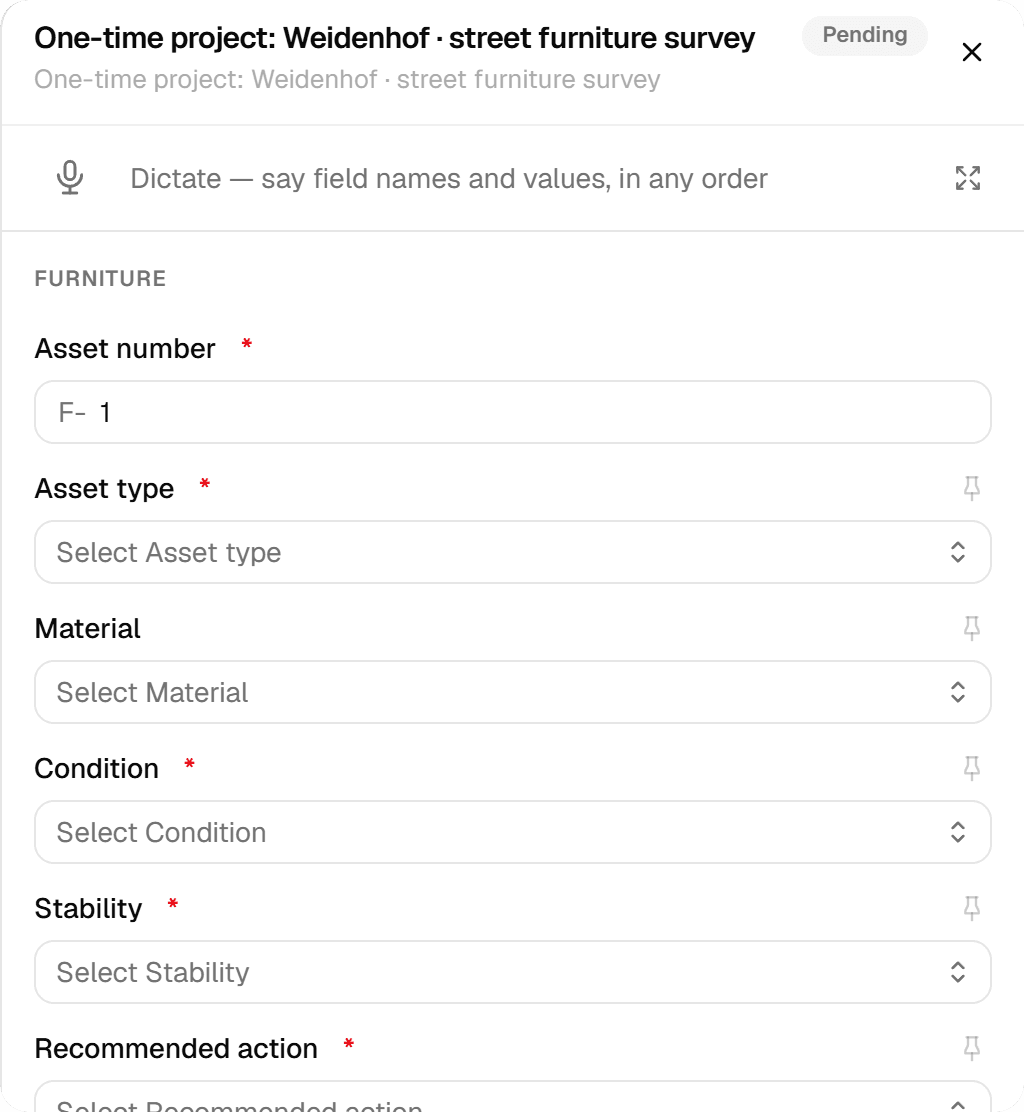
If your workspace has forms, at least one editable layer must have one before you can commit; the disabled 'Import features' button tells you what is missing. Pick a form per layer via 'Inspect with', or one 'Inspection form for these layers' that becomes the project default.
Explore More Features
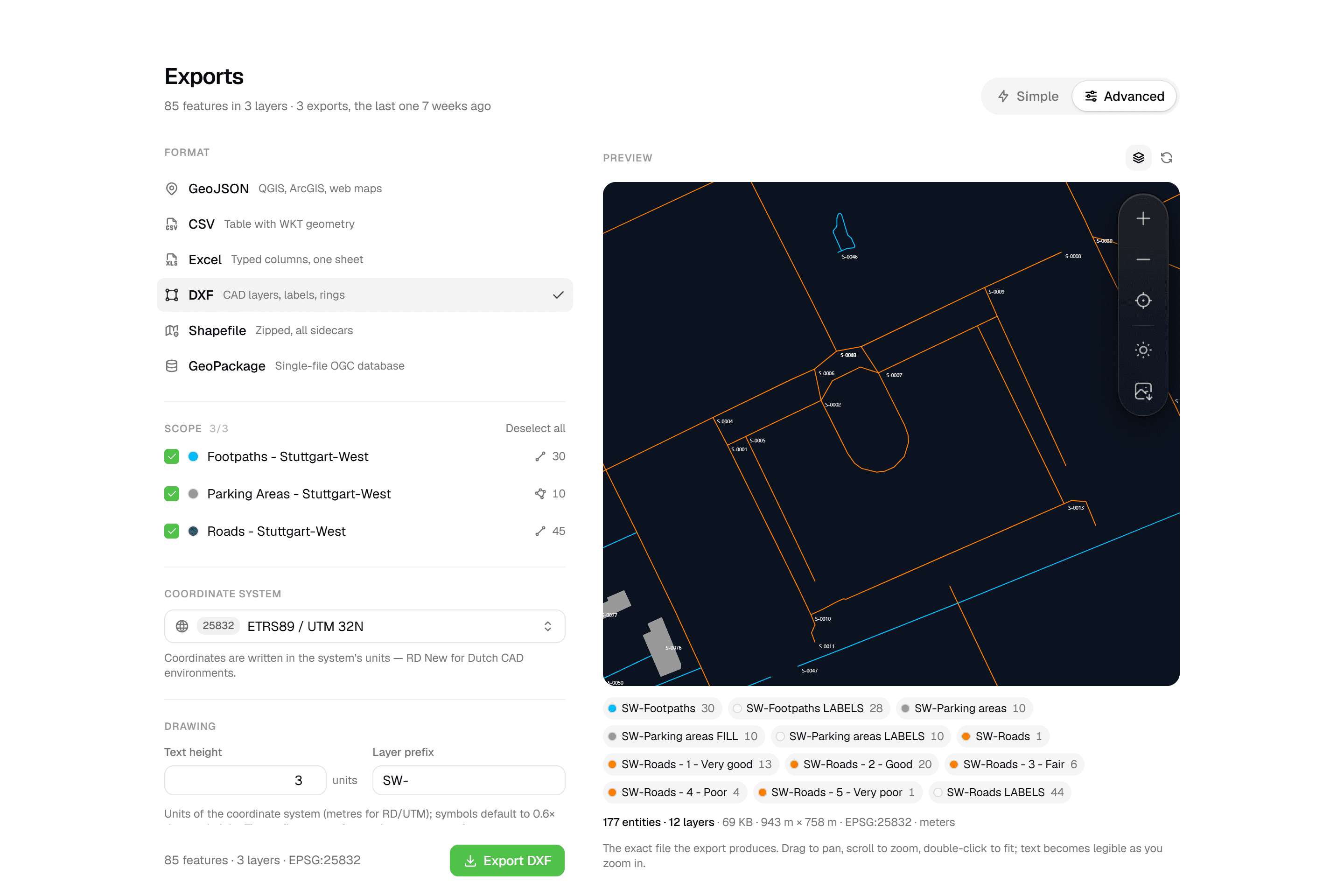 CAD-ready DXF, plus five data formatsLayered DXF with labels, rings and fills, previewed in the browser before you download. GeoJSON, CSV, Excel, Shapefile and GeoPackage on every plan.
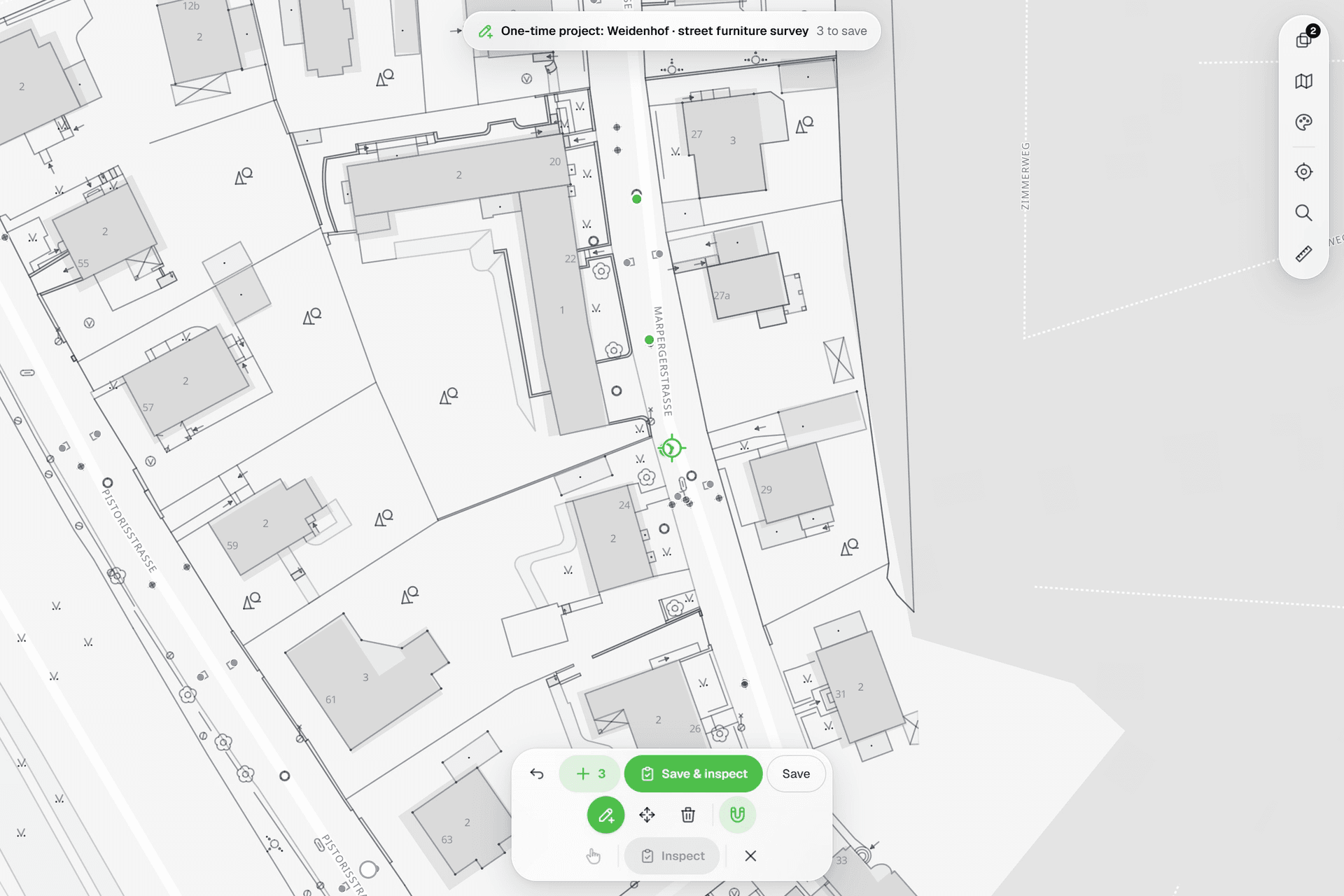 See everything on the mapPoints, lines and polygons over street maps, aerials, BGT and any CAD drawing you upload as reference. Place and correct geometry with a crosshair that snaps to the drawing.
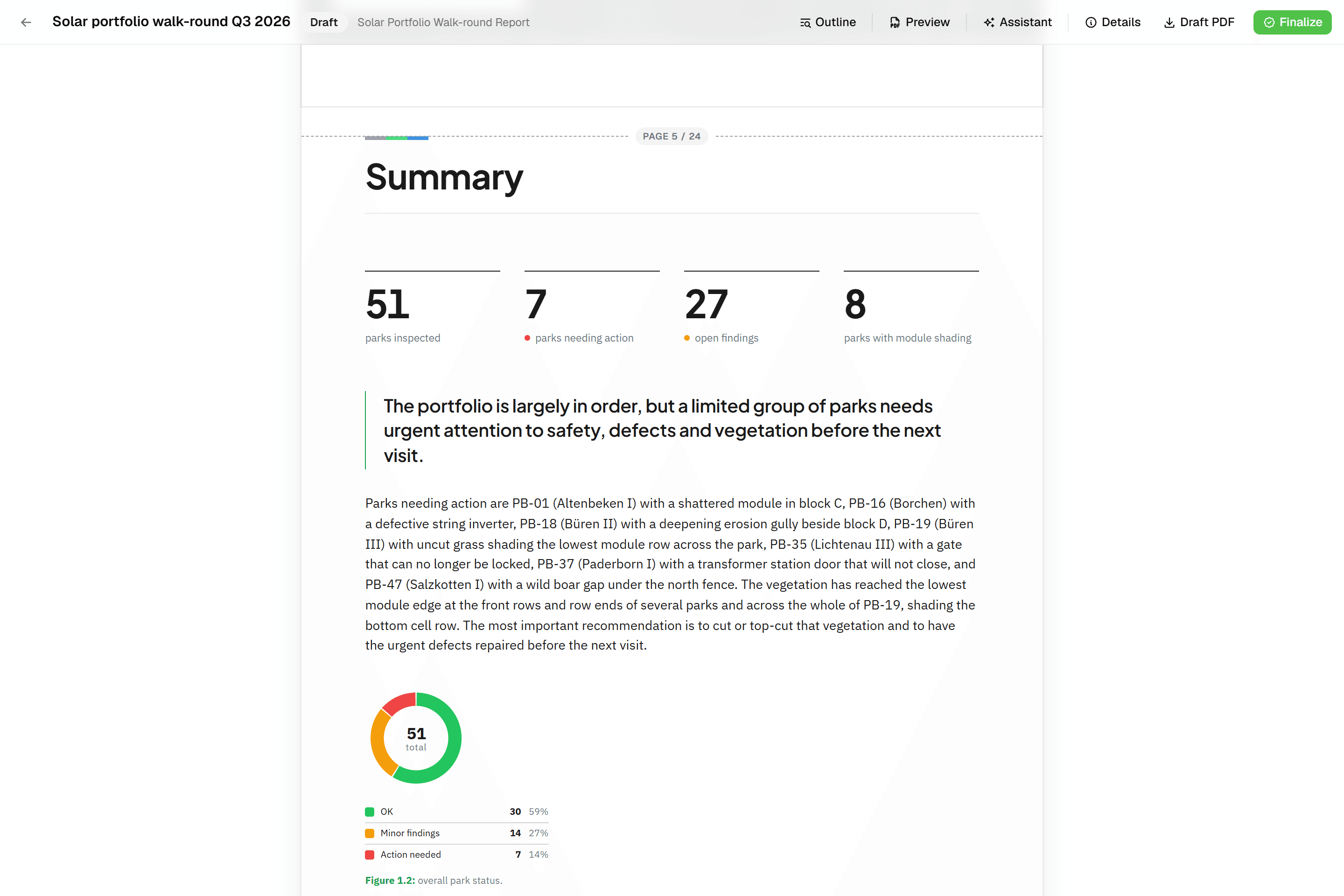 Reports that assemble themselvesBlock-based reports with live data tables, photo appendices, map figures and an AI assistant. Live PDF preview; finalize to an immutable PDF, revise as rev. B.
Try it on your own data
Set up a project and see your own data on the map. Free for 14 days, no credit card.
No credit card requiredFree trial included