




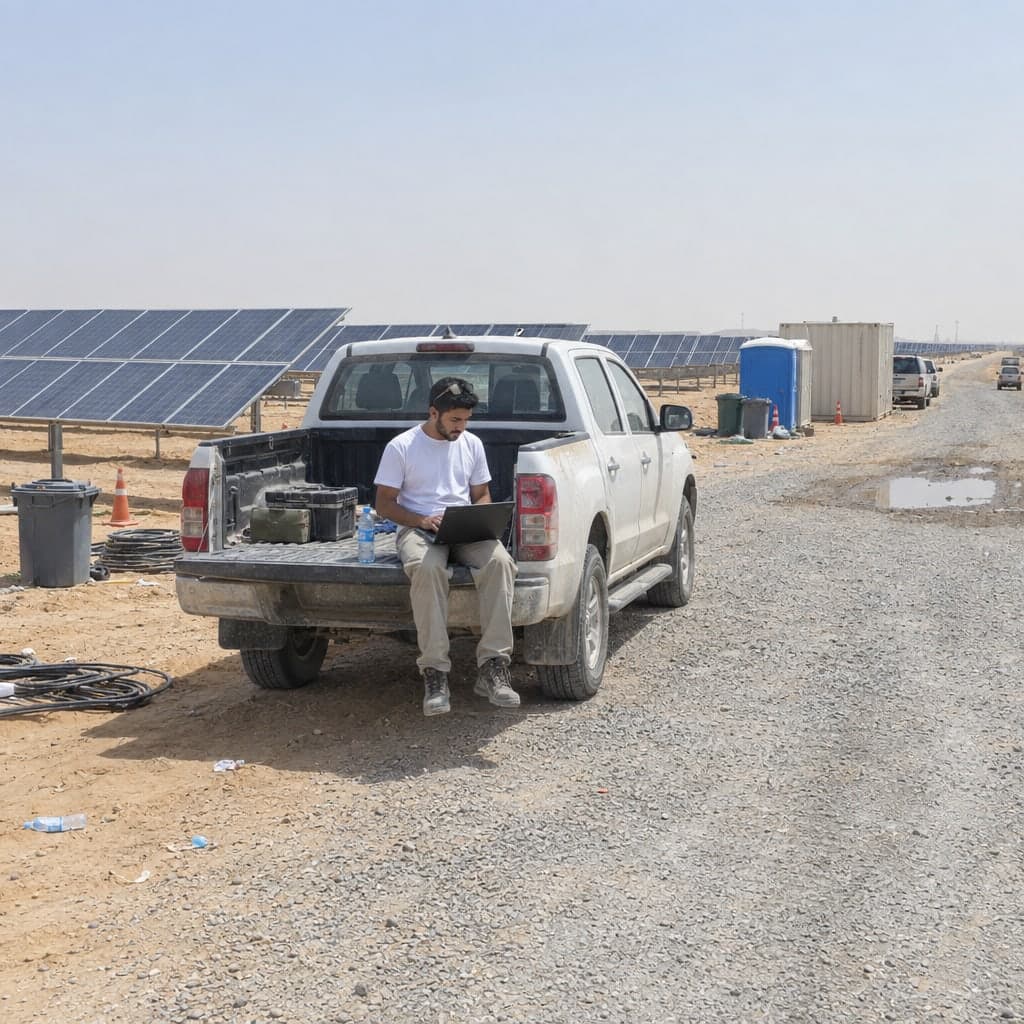

GeoConverter: from any format to any format
Import the GIS or CAD file you were given; export as GeoJSON, CSV, Excel, DXF, Shapefile or GeoPackage.
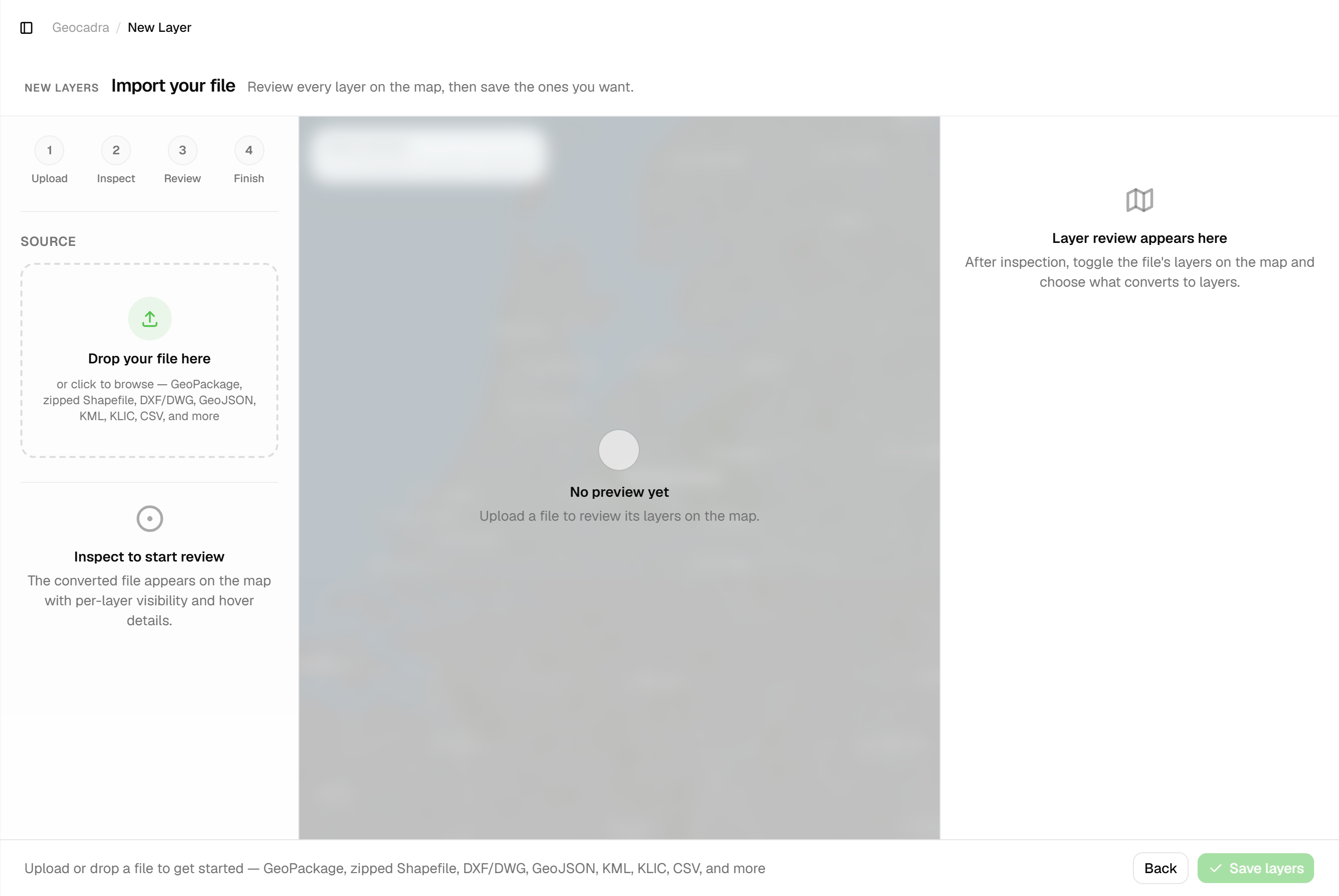
Geocadra converts formats where the work happens: on import and on export. Imports read GeoPackage, zipped Shapefile, DXF/DWG, GeoJSON, KML, KLIC, CSV and more in their native format; your inspection data leaves as GeoJSON, CSV with WKT geometry, typed Excel, CAD-ready DXF, zipped Shapefile or GeoPackage. There is no desktop GIS software to install and no command line to learn.
The problem
Every party in a project uses a different format
The engineer draws in DWG, the municipality's GIS wants GeoPackage or Shapefile, the web map wants GeoJSON and the project manager wants a spreadsheet. Converting between them usually means desktop GIS software or command-line conversion tools.
The solution
Conversion is built into import and export
There is no separate converter screen to learn. Drop the file you received into an import: Geocadra inspects it (layers, geometry types, feature counts, extent, fields, coordinate system) and places the native coordinates with the same projection pipeline that places DXF drawings. When you deliver, pick a format on the Exports page; Shapefile and GeoPackage take an optional target EPSG code. Files are uploaded straight from your browser to storage through short-lived, signed links.

Key benefits
- Conversion built into import and export, no separate tool
- Reads GeoPackage, zipped Shapefile, DXF/DWG, GeoJSON, KML, KLIC, CSV, GPX, GML, FlatGeobuf
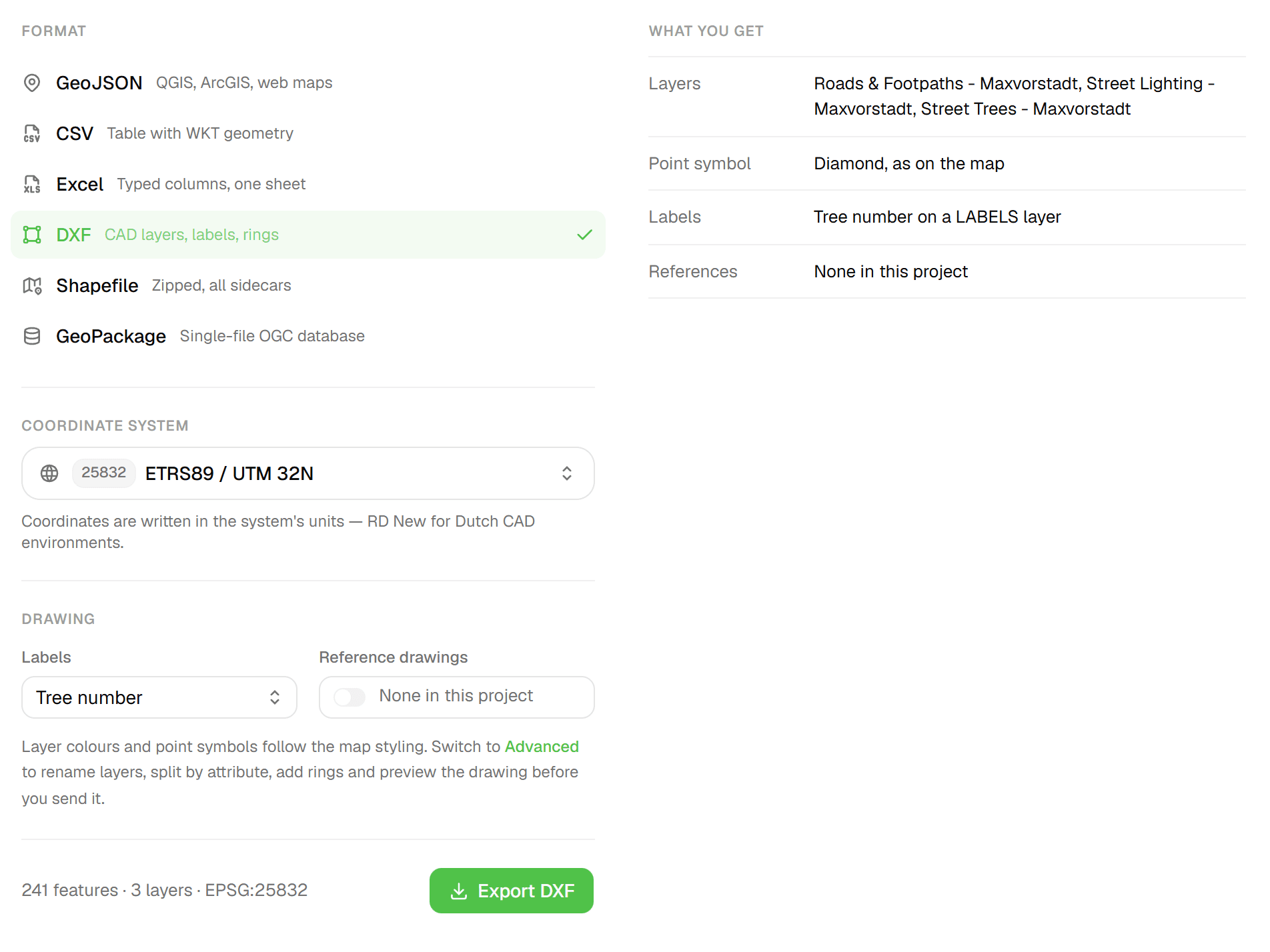
- Exports GeoJSON, CSV (WKT), Excel, DXF, zipped Shapefile, GeoPackage
- DWG in, DXF out: CAD layers, blocks and texts survive
- Target coordinate system for DXF, Shapefile and GeoPackage exports
- 80 MB per file, uploaded straight from the browser to storage
Common Use Cases
- 01
CAD drawing to GIS features
Import a DWG or DXF: set point layers to Editable so they become inspectable features, keep the linework as a reference, and the features can leave as GeoPackage or Shapefile for the client's GIS.
- 02
Inspection data to CAD
Export the inspected trees, pipes or surfaces as a DXF with layers, labels and rings around point features. It opens in the client's coordinate system, such as RD New for Dutch CAD environments.
- 03
Spreadsheets for people without GIS
Deliver the same data as a typed Excel workbook (one 'Features' sheet, 'Geometry (WKT)' as the first column, a bold frozen header, numbers and booleans kept typed) or as CSV.
- 04
Odd inputs, clean outputs
KLIC GML deliveries, CSVs with lon/lat or WKT columns, GPX tracks, FlatGeobuf: each lands on the map as a reference or as editable features, and editable features can leave in any of the six export formats.
Frequently Asked Questions
Can I export DWG?
No. Geocadra reads DWG (the file is converted on upload, so layers, blocks and texts survive) and writes DXF: an R2018 drawing with layers, symbol blocks, hatches and labels that CAD tools open directly. There is no DWG export.
Where is the converter in the app?
Behind import and export, not as a standalone tool. Uploads are read and converted as part of the import review, and the Exports page writes every outgoing format, Shapefile and GeoPackage included. If you only want to open or convert a file without an account, the free GIS viewer on this site runs in your browser.
Does it reproject?
Imports keep their native coordinates and are placed with the CRS the file declares or the one you pick. On export, DXF requires a target coordinate system, Shapefile and GeoPackage take an optional one (WGS 84 by default), and GeoJSON, CSV and Excel never reproject. RD New uses the official RDNAPTRANS2018 correction grid.
What are the limits?
80 MB per file. Up to 40 source layers per file are read; extra layers are dropped with a warning. Above 150,000 features you are warned that map rendering and exports may be slow. Curve geometries from CAD-exported GeoPackages are linearised.
Is the converter included in every plan?
DWG import and the data exports (GeoJSON, CSV, Excel, Shapefile, GeoPackage) are included on every plan. DXF export is available on Pro and up. Feature counts per organization are capped by plan: 5,000 on Starter, 25,000 on Pro, 100,000 on Business, unlimited on Enterprise.
Explore More Features
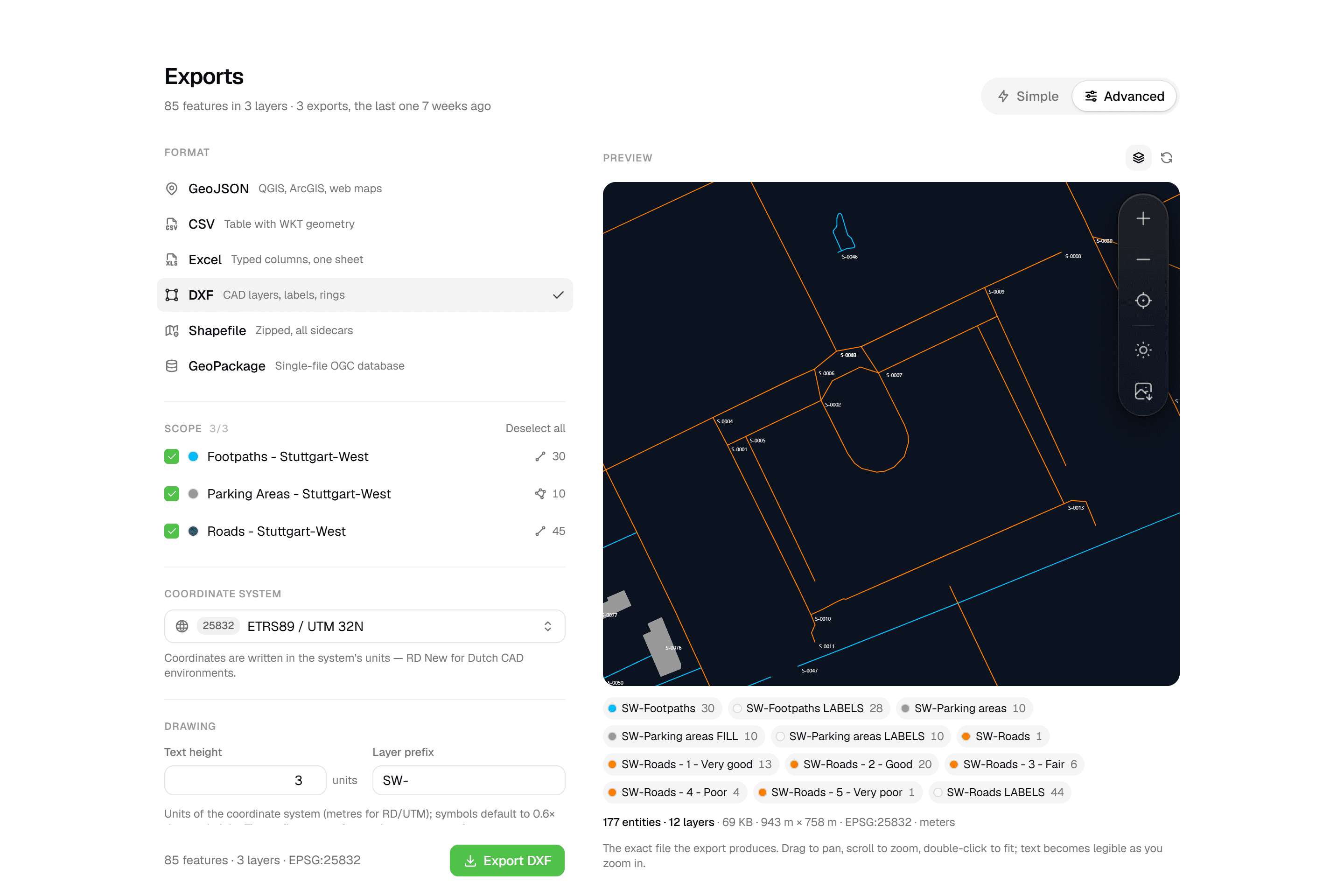 CAD-ready DXF, plus five data formatsLayered DXF with labels, rings and fills, previewed in the browser before you download. GeoJSON, CSV, Excel, Shapefile and GeoPackage on every plan.
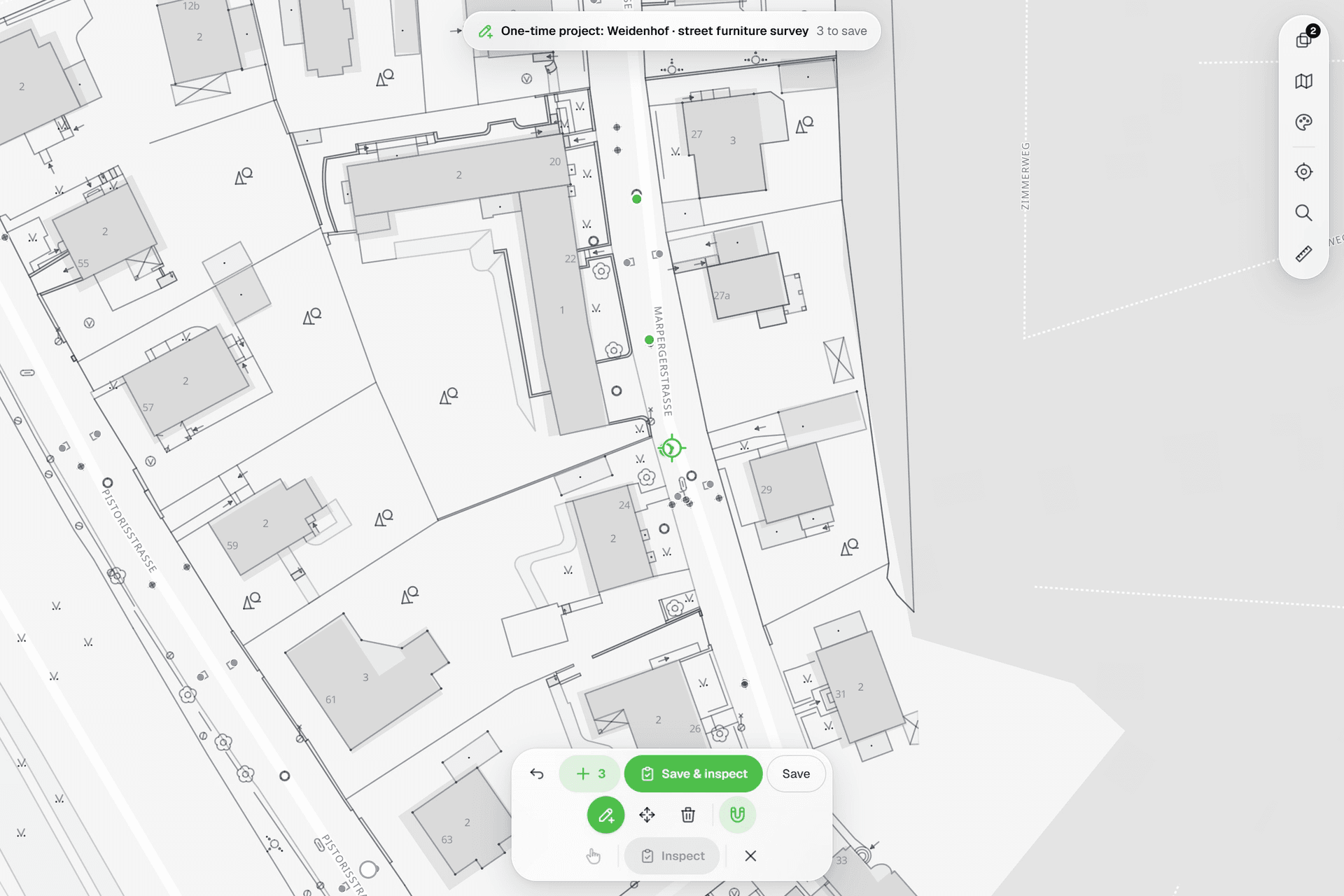 See everything on the mapPoints, lines and polygons over street maps, aerials, BGT and any CAD drawing you upload as reference. Place and correct geometry with a crosshair that snaps to the drawing.
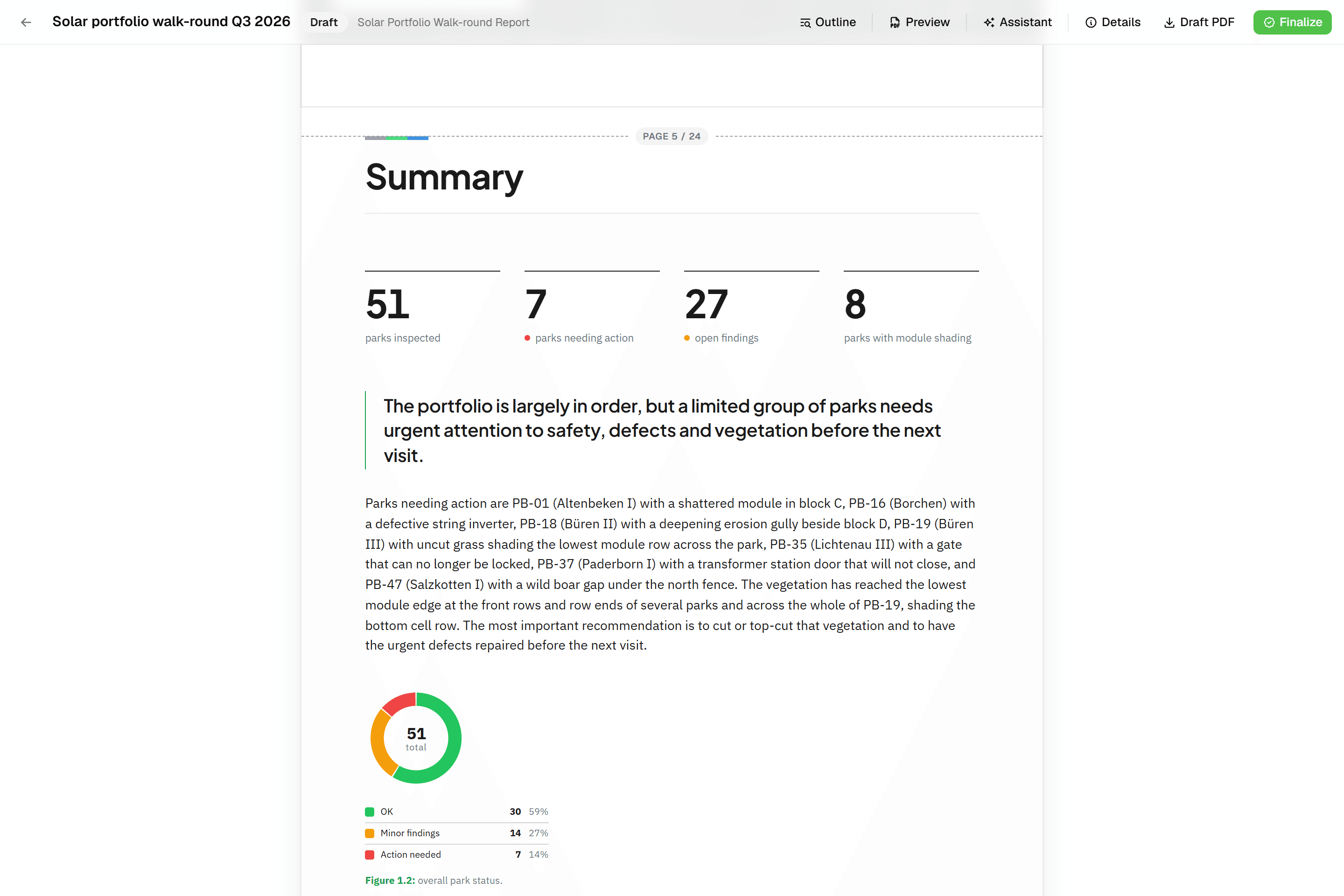 Reports that assemble themselvesBlock-based reports with live data tables, photo appendices, map figures and an AI assistant. Live PDF preview; finalize to an immutable PDF, revise as rev. B.
Try it on your own data
Set up a project and see your own data on the map. Free for 14 days, no credit card.
No credit card requiredFree trial included