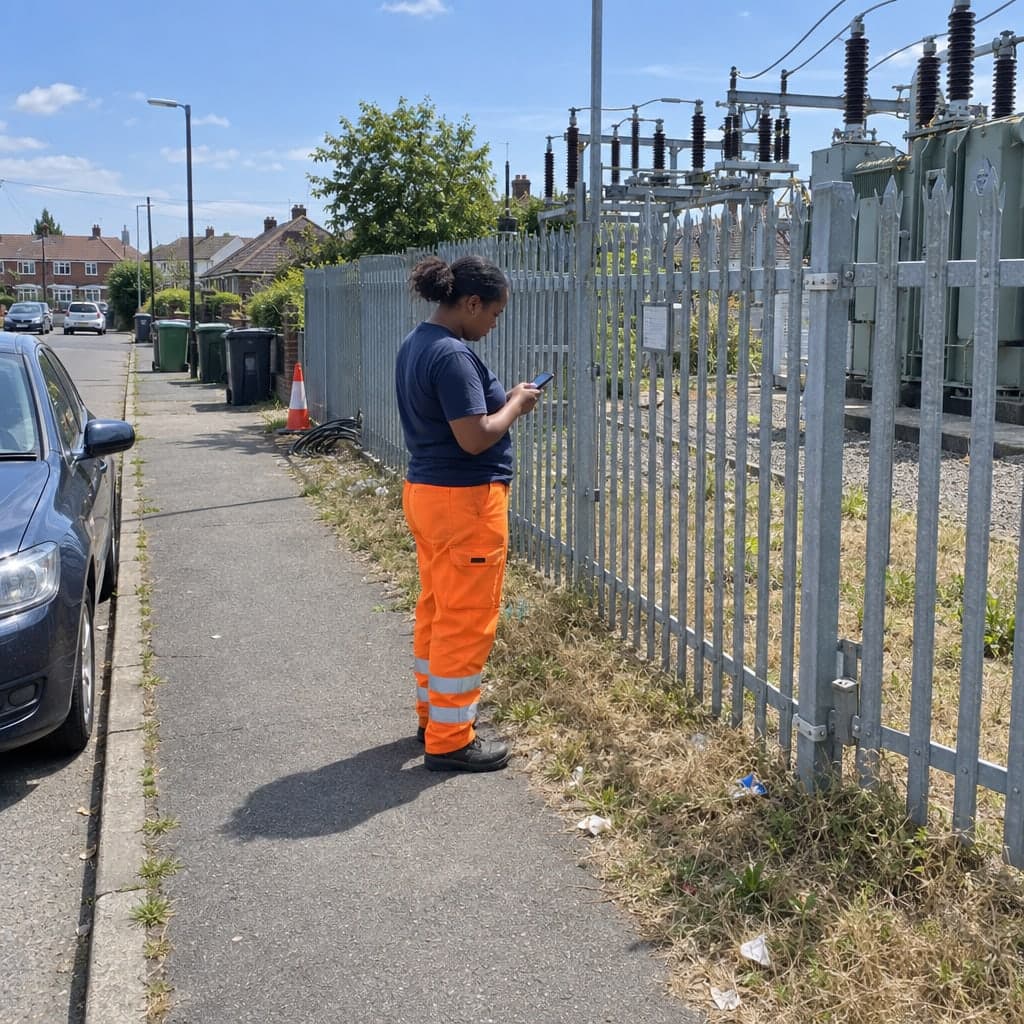
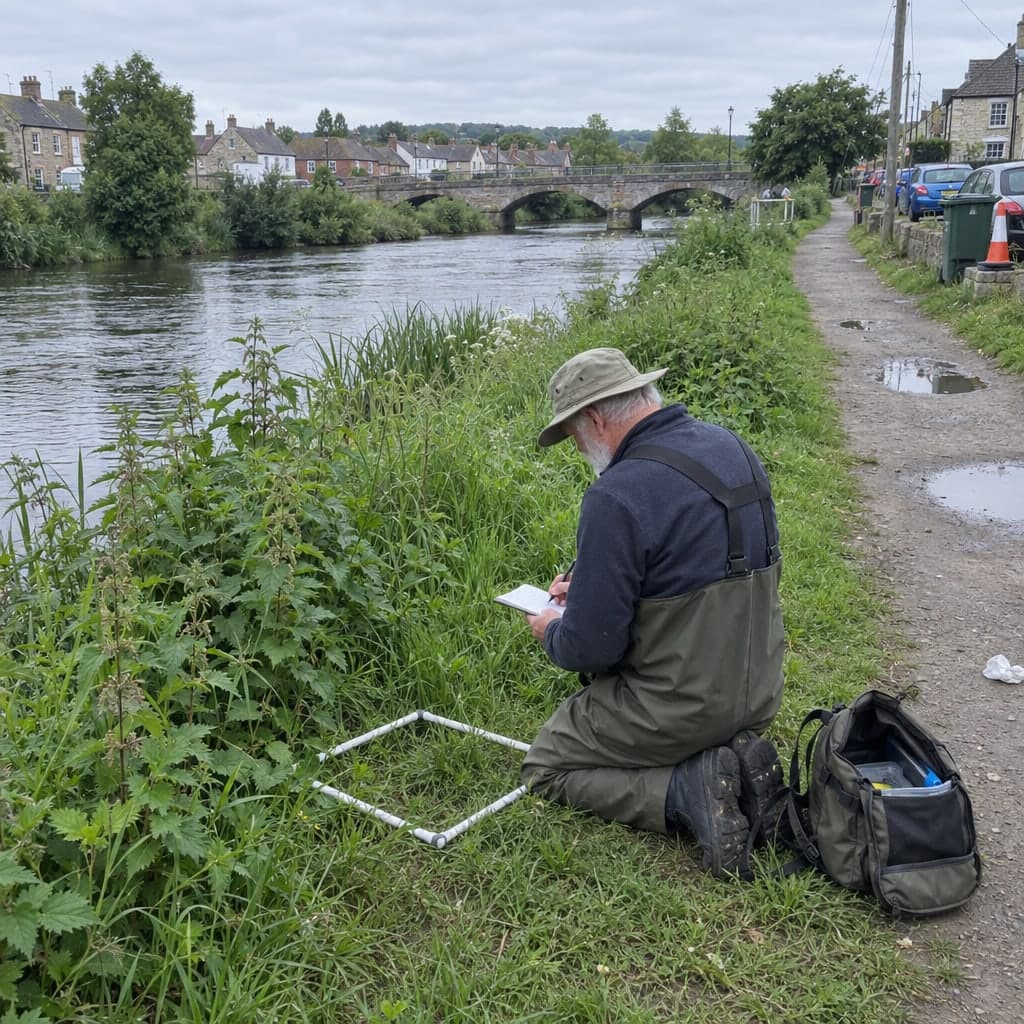
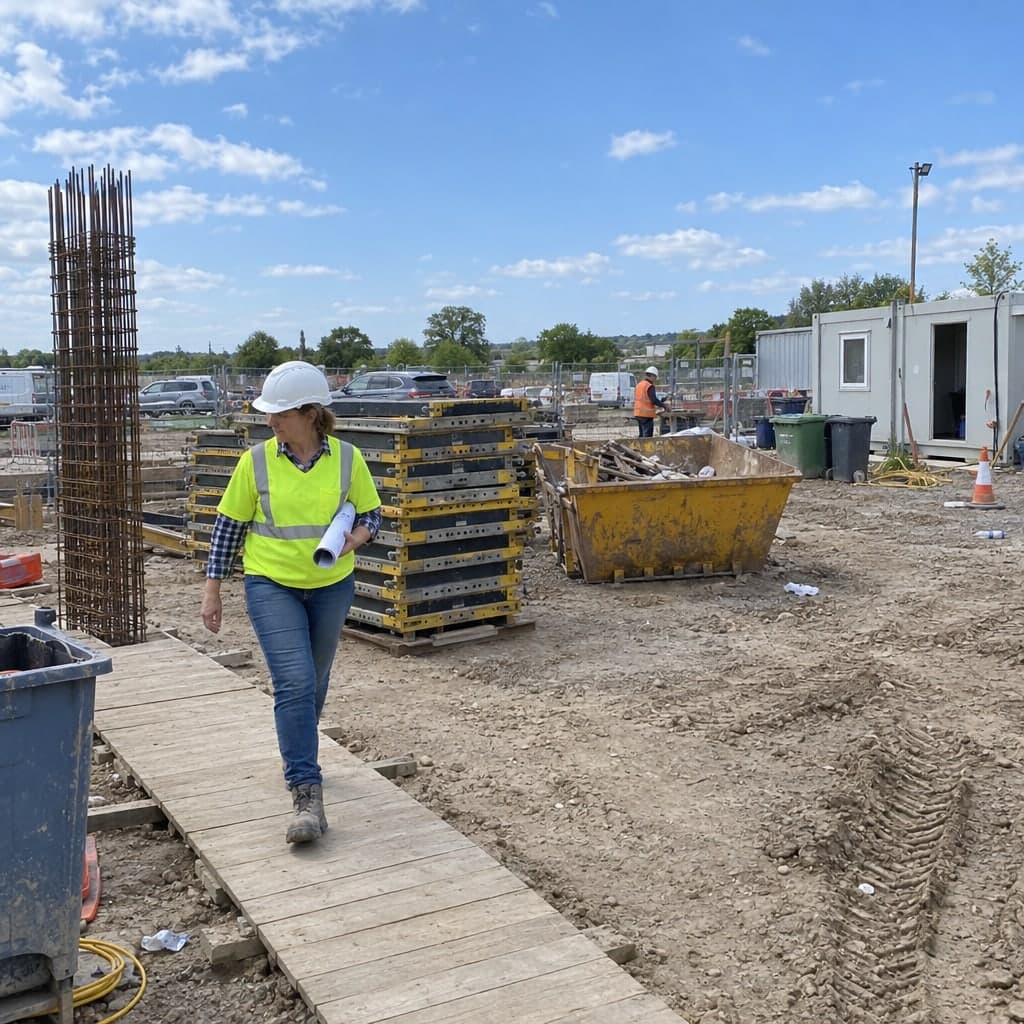
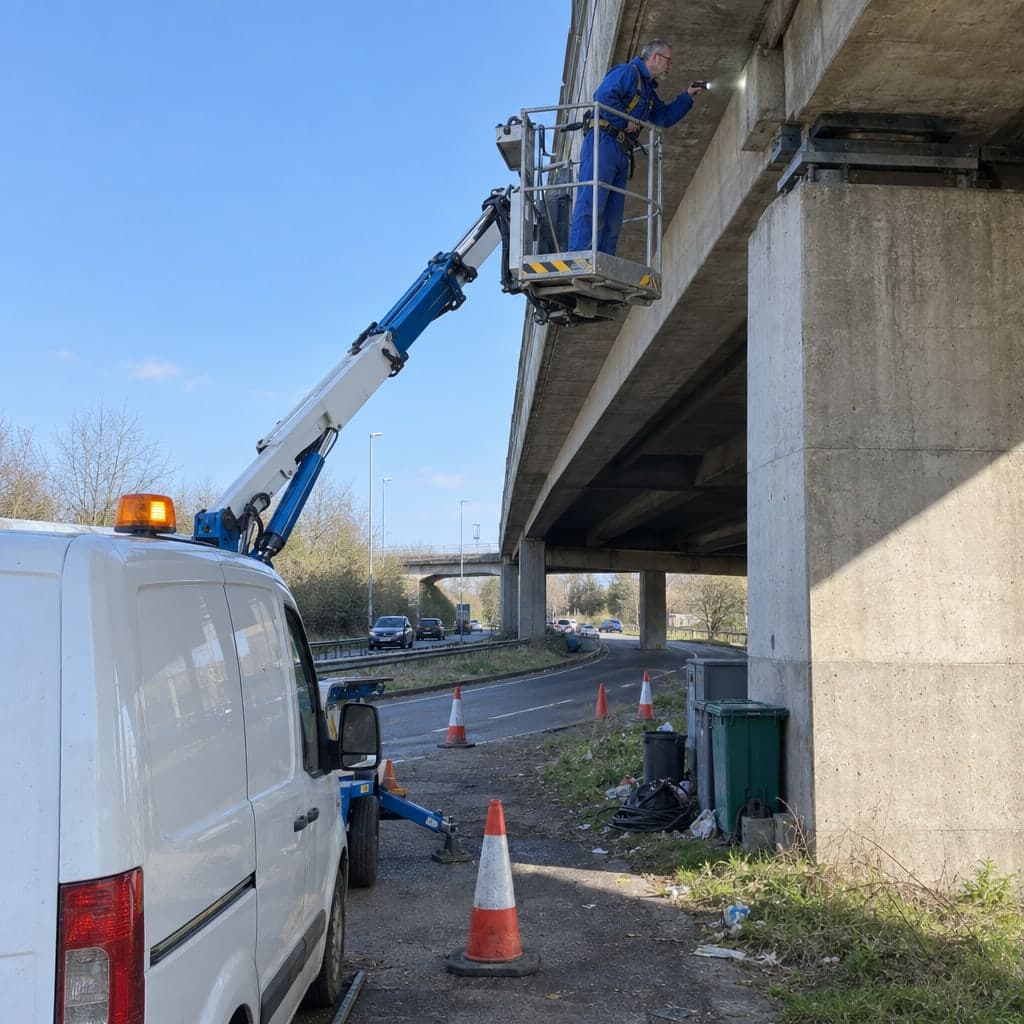
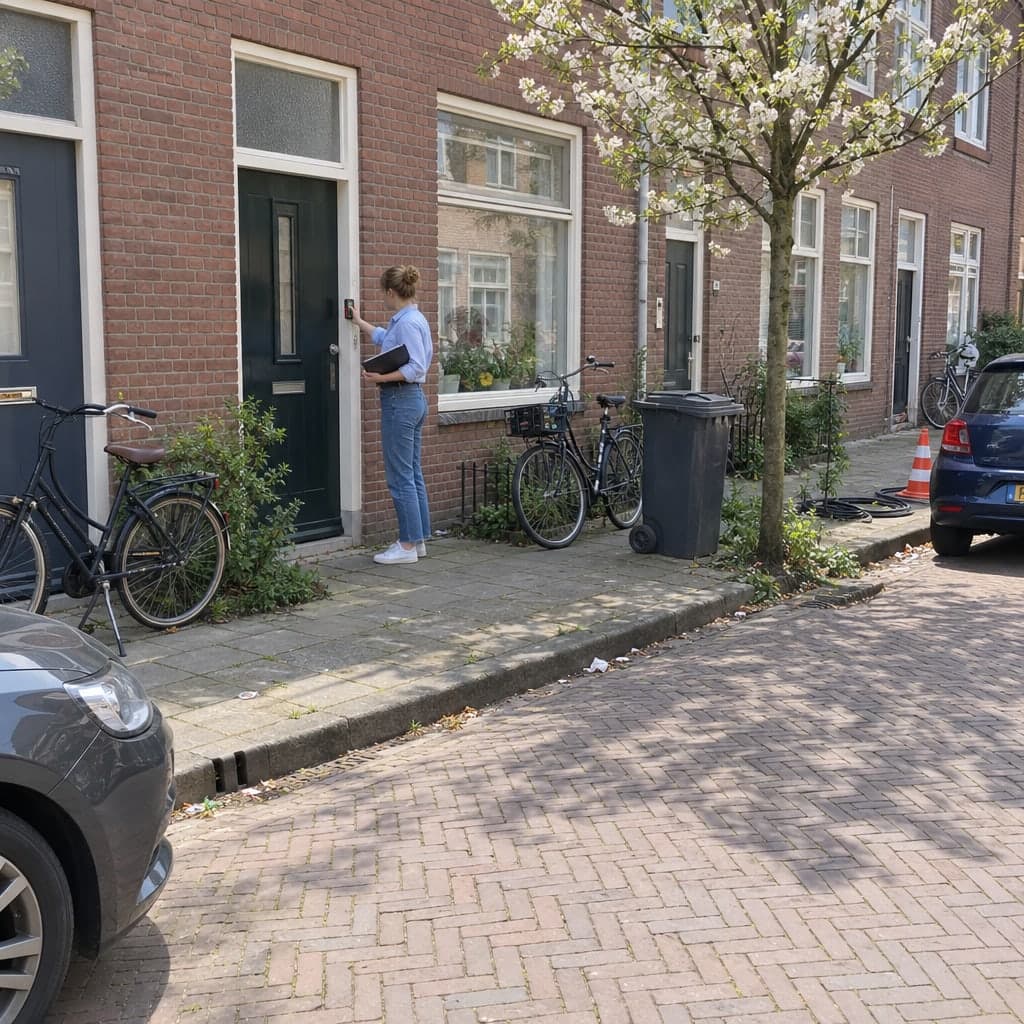
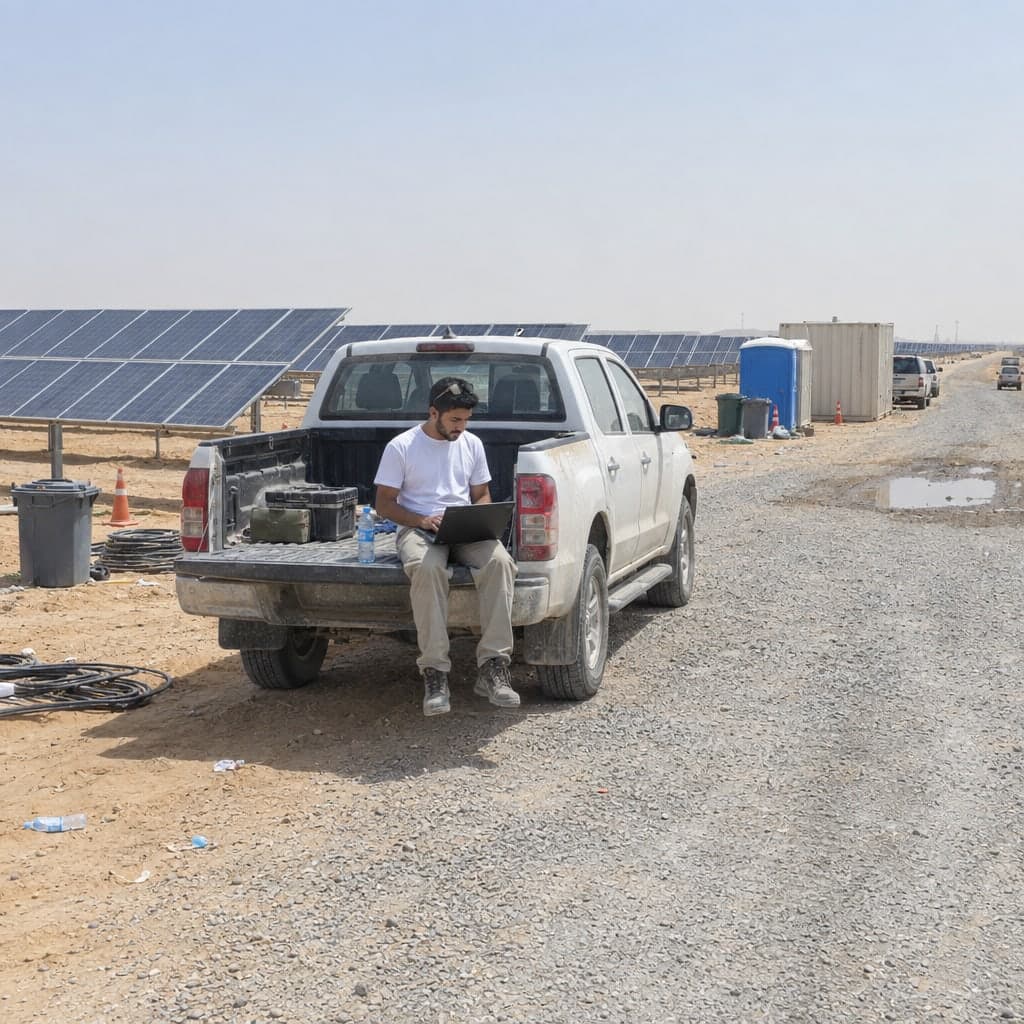
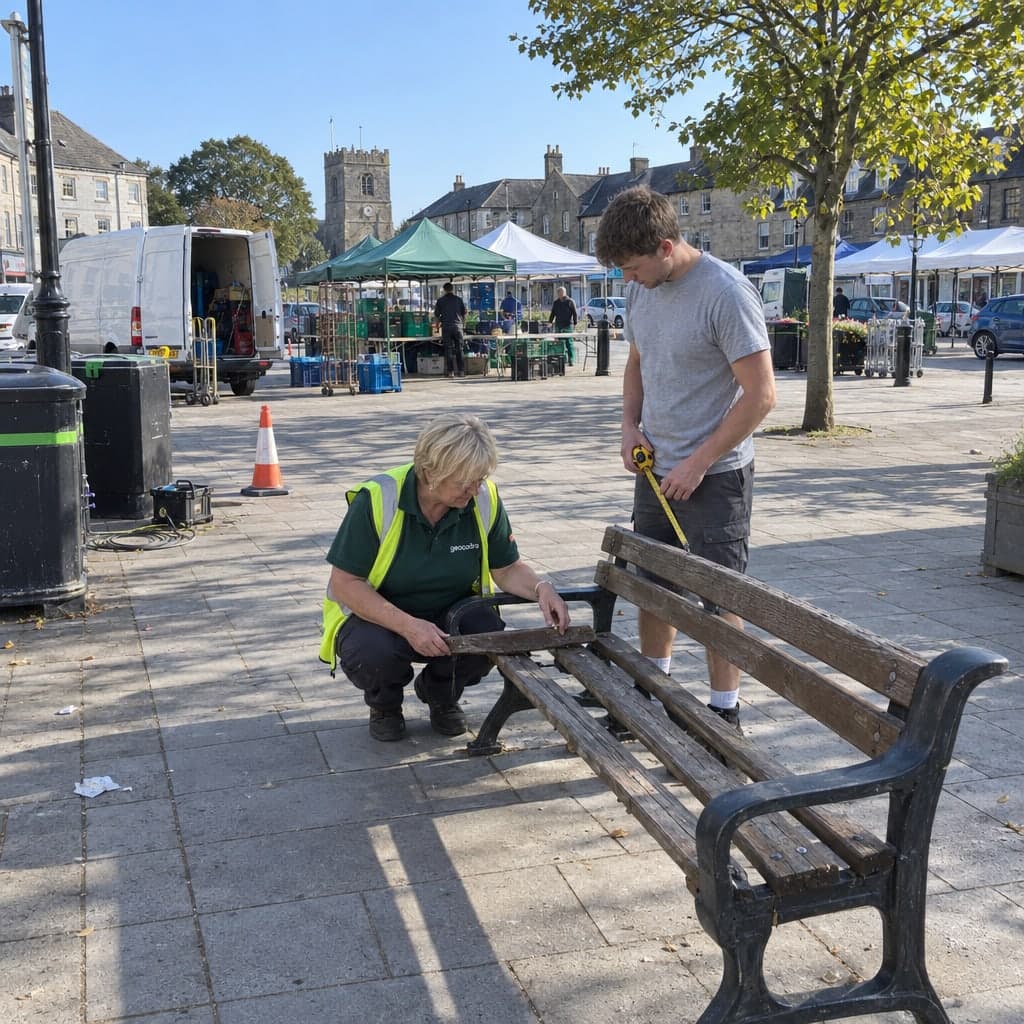
Condition assessments, roof checks and statutory tests for public building portfolios, with every visit appended to the building
Condition assessments, roof checks and operator duties kept as one history per building, from the component grade to the storm-day photo.A school building gets a condition assessment every few years, a roof check every spring and after every storm, and a dozen statutory tests in between, each with its own log book. The office that pays for the renovation backlog rarely has the data to rank it. Geocadra keeps the portfolio as a map layer, runs every assessment as a project on that layer and appends each visit to the building it belongs to.
Worked example
A district's schools, imported as they are published
The screenshots on this page are not mock-ups. They come from the Geocadra demo workspace on the state of Berlin's school register, imported unchanged. Years, areas, components, grades, costs and inspectors are generated for the demo; the schools, numbers, names, types and addresses are real.
Dataset
Schools in Berlin, school year 2025/26
- Publisher
- State of Berlin, Senate Department for Education, Youth and Family, via the Berlin geodata infrastructure
- Licence
- Data licence Germany – Zero – version 2.0
- Coordinate system
- EPSG:25833 (ETRS89 / UTM zone 33N)
- Extract
- 930 schools statewide, 0.6 MB GeoJSON
 01
01Import the register
The file declares a projected coordinate system. The importer detects it, places the 930 schools on the map and keeps the school number, name, type, provider, district and address as attributes. Save as one layer.
 02
02Copy the forms from the marketplace
The condition assessment form and the roof check form are copied into the workspace. Both carry the building number as identity, so every visit lands on the right building; the roof form adds a roof area number for buildings with several roofs.
 03
03Run the assessment on a district
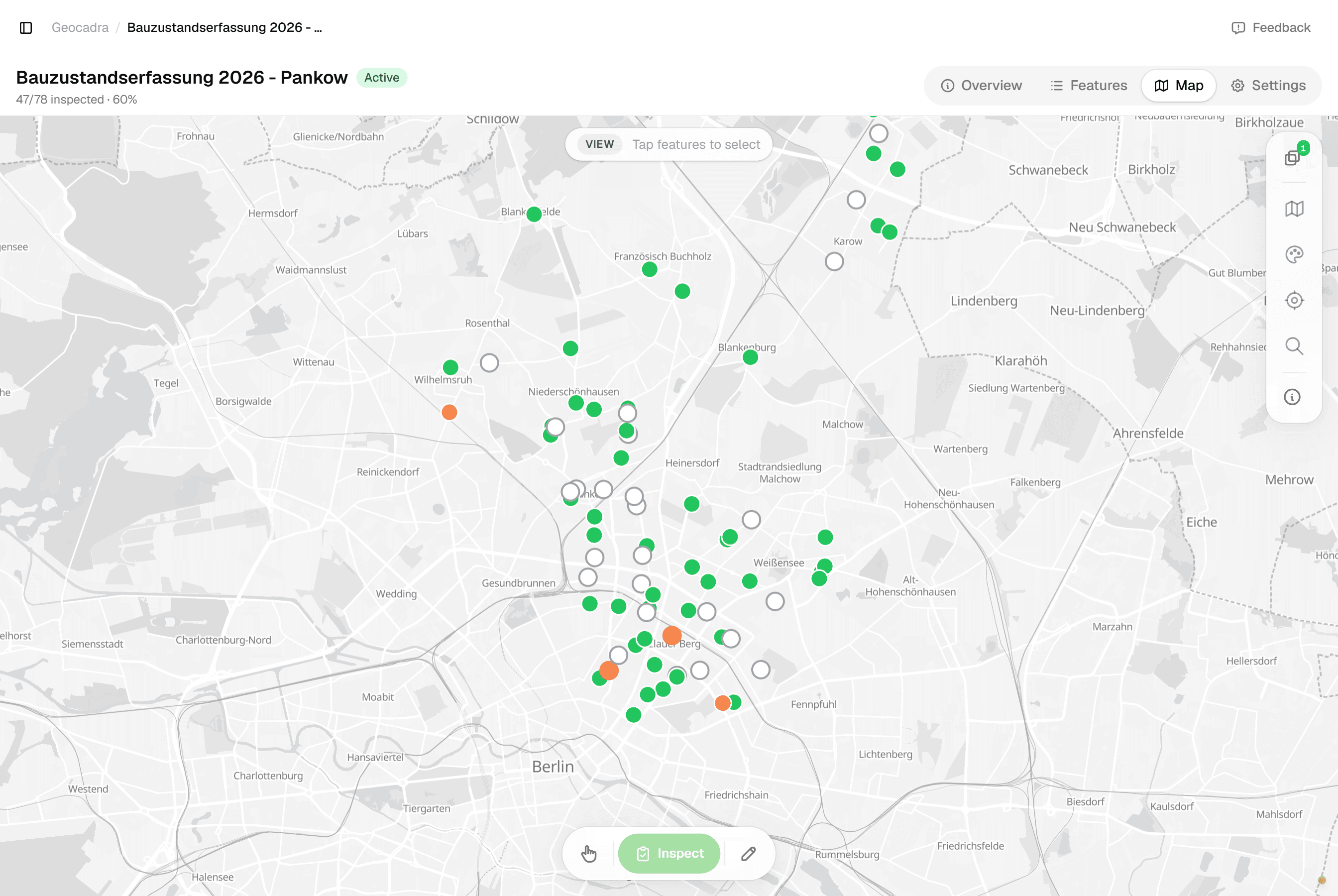
The 2026 condition assessment covers the 78 public schools of Pankow. The project shows how many buildings are done, who submitted what, which were postponed and why; the map colours the schools by status.
 04
04Assess at the building
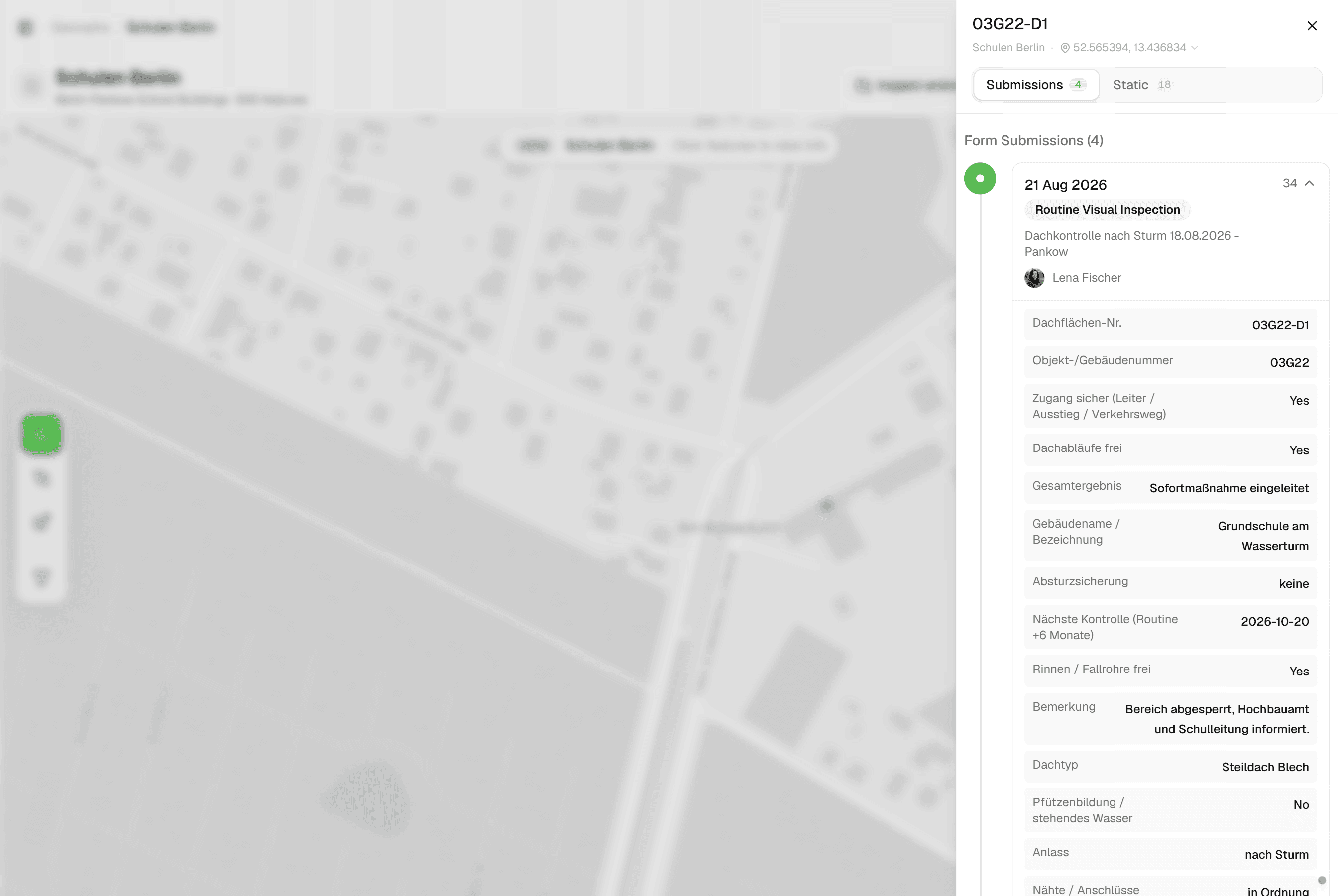
Tap the school, open the form: header with number, name and address from the register, master data with year, area and construction, then one component after another with cost group, grade, extent, urgency and cost, and the computed renovation ratio.
 05
05Every visit stays on the building
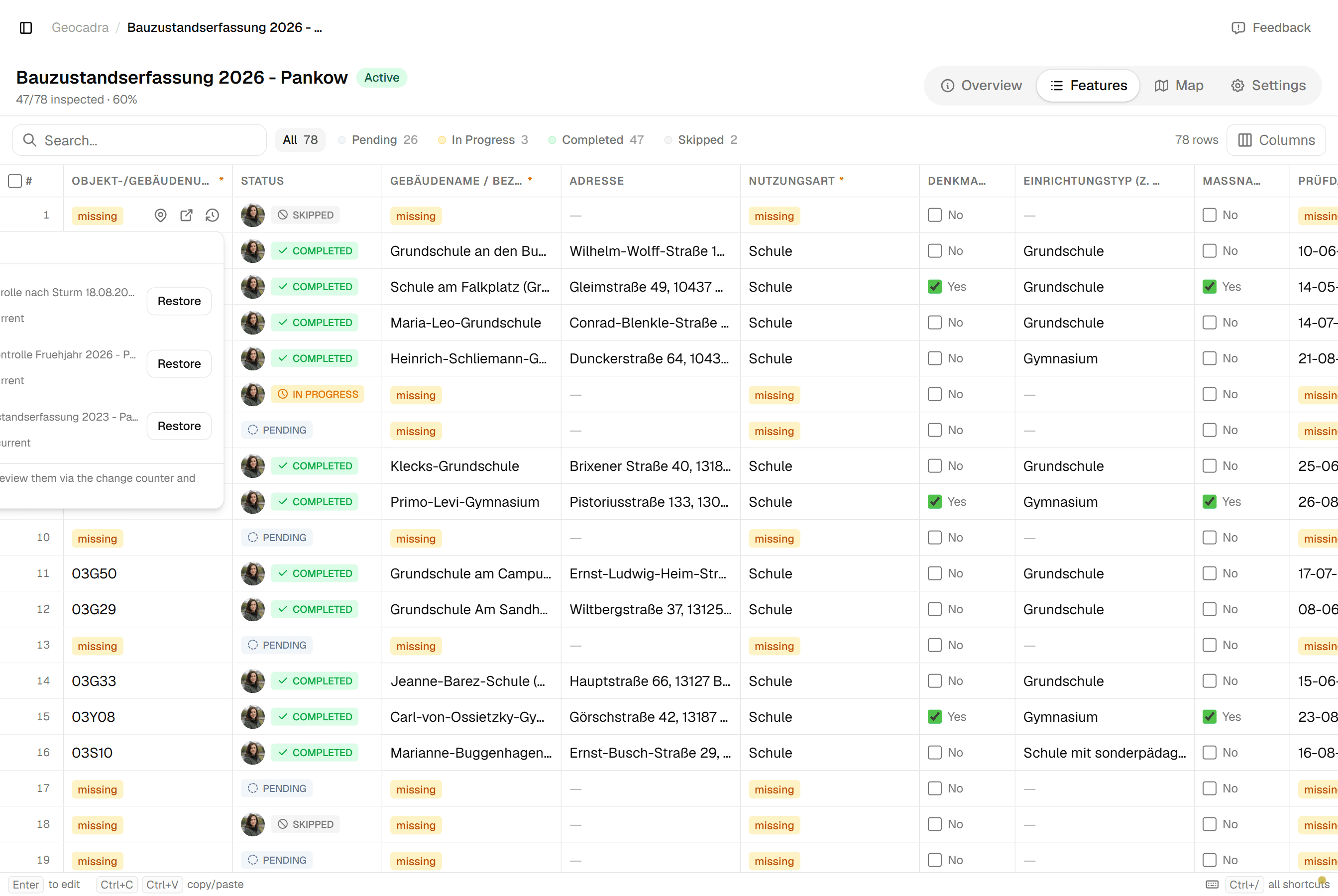
The features grid shows the version history of a school: the 2023 assessment, the spring roof check, the storm check and this year's assessment, with the number of fields that changed between each. The grade of a component in 2023 and 2026 is read side by side.
 06
06Hand it over
Excel for the treasury's portfolio table, PDF per building for the council, GeoJSON for the GIS. Export the assessment's current values or a chosen version; the history stays.
The challenge
What a building office actually deals with
From audit offices, facility-management guidance and the trade press on public buildings, three problems come up every time.
- 01
The condition of the stock is known roughly at best
Year built, heating system, roof areas and window quality live in paper files, old spreadsheets or in different departments that do not share numbers. Audit offices had to inspect school buildings themselves to estimate the backlog and demanded that owners record and prioritise condition. Without a data basis, the renovation budget goes to whoever complains loudest.
- 02
Operator responsibility with no proof
Whoever cannot show the record after an accident is liable. The responsibility can be delegated to the caretaker, but it stays with the owner. A single school carries lifts, electrical tests, emergency lighting, extinguishers, playground equipment, lightning protection and ventilation on different cycles, each in a separate log book, contractor PDF or the caretaker's head.
- 03
Findings do not reach the contractor, or come back unproven
A loose ceiling panel found on a walk-round becomes an email, then a work order, then nothing traceable. Councils want photo evidence per component to approve money; insurers cut payouts when maintenance records are missing. The loop from finding to order to completion to re-check runs on email and spreadsheets.
The solution
How the assessment runs in Geocadra
Everything below is what the product does today, shown above on a real school register.
The portfolio is a layer you import once
Load the buildings from the property register, the cadastre or a spreadsheet with addresses and coordinates. The importer detects the coordinate system, places the buildings on the map and keeps every attribute the file carried. The building number becomes the feature's name; nothing is renumbered.
Each assessment is a project on the same layer
The 2023 and 2026 condition assessments and the spring and storm roof checks are four projects on the same building layer. Each has its own form, its own participants and its own progress. Because they all point at the same building, the building's history holds them all, in order, with the person who submitted each one.
Components, grades and costs on the record
The assessment form is filled component by component with the cost group, material, year, condition grade, extent, urgency, measure and cost estimate. The building's total grade, renovation ratio and maintenance budget are computed on the record, so the portfolio ranking comes from the field, not from a later spreadsheet.
Hand over in the format the next reader wants
Excel with typed columns for the treasury, a PDF fact sheet per building for the council, GeoJSON for the GIS. The export takes the assessment's current values or a chosen version; the history stays in Geocadra either way.
How it works
Common Workflows
Six rounds as they run in the field, each backed by a form from the Geocadra marketplace. Copy the form, adapt the wording, keep the structure.
- 01
Condition assessment of a building portfolio
Two engineers walk every building with the tablet, component by component: facade, windows, roof, heating, electrical, grounds. Each component gets a grade, an extent, a photo and a cost estimate; the building gets a renovation ratio and a priority for the council's plan.
- 1.Create the year's project on the building layer with the condition assessment form and assign the buildings.
- 2.At the building, fill the header from the register, then one component after another with grade, damage pattern, extent, urgency and cost.
- 3.The total grade, renovation ratio and maintenance budget are computed on the record; immediate-urgency components become orders.
- 4.Export the portfolio table to Excel for the treasury and the fact sheet per building to PDF for the council; the next cycle reads against this one.
- 02
Roof checks in spring, autumn and after a storm
The caretaker walks the roof after the winter and before it: drains and overflows, seams and joints, parapet caps, skylights, damp in the attic. After a storm the framework roofer checks flat and old roofs with the same form; an immediate measure closes the area and informs the office.
- 1.Create the season's project with the roof check form; after a storm, a project for the roofs concerned.
- 2.Record access safety, the checklist and each finding with its position on the roof, a photo and urgency.
- 3.An immediate measure marks the building; the office and the school are informed from the record.
- 4.Export the season's findings for the roofer's order and the storm evidence for the insurer.
- 03
Owner's structural walk-round of halls and wide-span roofs
Sports halls and assembly halls with wide-span roofs get an owner's inspection every few years between the engineer's inspections: cracks, deflection, damp, timber decay, photographed on the roof plan. A serious finding calls the structural engineer.
- 1.Record the hall's structural class and interval from the engineer's first inspection.
- 2.Every two to three years the caretaker and the property manager run the checklist with photos.
- 3.A finding marked immediate notifies the structural engineer, who fills the engineer's form on site.
- 4.All three tiers append to the building log book export the insurer may demand after a loss.
- 04
Fire safety walk-round with defect tracking
The fire safety officer walks the floors with last year's open defects pre-loaded: escape routes, doors, extinguishers, signage. Each defect gets a level and room, a photo, a priority, a responsible party and a deadline; the re-check closes it with a photo.
- 1.Create the year's project with the fire safety form; open defects from last year are visible on the building.
- 2.Walk the floors and record each defect with level, room, photo, priority and deadline.
- 3.Export the protocol with photos for management; priority-A defects go to the caretaker or contractor as a list.
- 4.The re-check closes each defect with a completion photo; the five-year retention is the record's history.
- 05
Operator duty register before the school year
Before term starts, the caretaker and the property manager go through the statutory tests per building: which are overdue, which are due within a month, which contractor reports are missing. The register export answers the accident insurer's query.
- 1.Record each statutory test per building with its interval and last date.
- 2.Run the visual checks the caretaker may do (escape lighting, playground, sports hall) in one round.
- 3.Order the laboratory and the extinguisher service; attach their reports as evidence on the building.
- 4.Management signs the register; the export is the answer to the insurer and the audit office.
- 06
Flat handover at move-out
The property manager walks the flat room by room with the move-in protocol at hand: condition, precise defect text, photo, meter readings, keys. Both parties sign on the device and the tenant gets the PDF immediately; the deposit settlement references protocol lines.
- 1.Open the handover form on the flat with the move-in record side by side.
- 2.Room by room, record condition, defects with position and size, photos, meters and keys.
- 3.Record agreements and deadlines; both sign on the device; the PDF goes to the tenant.
- 4.Defects become contractor orders; the deposit settlement references the protocol.
The impact
What Changes
“The building's record answers the council's question: what is the state, what does it cost, and what did we already know in 2023. The caretaker's roof check and the engineer's assessment are the same history. A component marked immediate stays marked until someone closes it with a photo. The renovation plan comes from computed ratios per building instead of from a spreadsheet assembled the week before the meeting.”
Standards
Compliance & Standards
The forms follow the way each regime structures the work; the record shows the interval, the person and the finding without prescribing a national standard. Examples of what the marketplace forms map to:
- Condition assessment by cost group with grades, urgency and renovation ratio (e.g. DIN 276 cost groups and the German municipal maintenance guidance)
- Components with cost group, material, year, grade one to five, extent, urgency, measure and cost; total grade, renovation ratio and maintenance budget computed on the record.
- Flat-roof inspection in spring and autumn and after storms (e.g. the German flat-roof guideline)
- Access safety, drains and overflows, seams and joints, parapets and skylights, findings with position and urgency; storm checks on the same roofs with the roofer as inspector.
- Owner's structural inspections of buildings between engineer inspections (e.g. VDI 6200)
- Structural class and interval from the engineer, owner's checklist with photos every few years, immediate findings routed to the engineer's form.
- Operator responsibility registers for statutory tests per building (e.g. GEFMA guidance, national test regulations)
- Each statutory test per building with interval, last date and the contractor's report as evidence; the export is the register the insurer asks for.
- Move-in and move-out handover protocols with photos and signatures
- Room by room condition and defects with position, photos, meter readings, keys, agreements and both signatures; the PDF goes to the tenant on the spot.
Standards this page covers
Each standard below has its own page with the inspection regime, the rating system and the form on the marketplace.
- VDI 6200 Building InspectionVDI 6200 is the German guideline for regular structural safety inspections of buildings. It classifies structures by Damage Consequence Class (CC 1–3) and Robustness Class (RC 1–4), rating defects on three axes — Stability (S), Traffic Safety (V), and Durability (D) — producing a Zustandsnote from 1.0 to 4.0.
- ASTM E2018 Property Condition AssessmentThe US standard for commercial real estate property condition assessments, rating building systems as Good, Fair, or Poor with structured deficiency reporting and the $3,000 de minimis cost threshold.
- NEN 2767 Condition AssessmentThe Dutch standard for objective condition measurement of building and installation components using a standardized 1-to-6 rating scale and weighted scoring algorithm.
- DIN 18040 Accessibility AuditThe German standard for barrier-free construction compliance, defining dimensional thresholds, surface requirements, and sensory criteria with a Compliant / Conditionally Compliant / Non-Compliant per-element status.
- ADA Accessibility StandardsThe U.S. federal standard for physical accessibility in public accommodations and government facilities, with binary compliance determinations.
- NYC LL 126 PIPS Parking Structure InspectionNew York City Local Law 126 Parking Inspection Program Standard for the periodic safety inspection of parking structures, with SAFE/SREM/UNSAFE classification and the mandatory 10% physical examination rule.
Questions
Frequently Asked Questions
- Does Geocadra schedule the roof checks and statutory tests?
- No. A recurring round is a manual pattern: you create the season's project on the same layer, choose the same form and assign the buildings. Intervals and last dates sit on the building's record so the overdue ones are one filter away, but nothing runs by itself.
- We have a CAFM system. Why another tool?
- CAFM holds the rooms, contracts and tickets. Geocadra is the field record: the walk-round with the tablet, the component grades, the photos, the map. Its exports are typed tables and GeoJSON that a CAFM system imports; the history of each visit stays here.
- Can the engineering firm or the roofer work in our project?
- Yes. The firm is invited to the project with its own seat and submits from the building. The office sees the findings the day they are recorded, not when the report arrives.
- We have no usable floor plans. Can findings still be located?
- Yes. A finding carries level and room as text and a photo; where a plan exists as PDF, DXF or DWG it is attached to the building and the finding is pinned on it. Buildings are placed from the register's coordinates, so the portfolio is on the map from day one.
- Does the form compute the renovation ratio the auditors use?
- It computes what can be derived within one record: total grade, renovation need divided by replacement value, and the maintenance budget as a share of replacement value. The ratios you report to the council come from the exported table, where your own thresholds apply.
- Is this only for schools?
- No. The marketplace holds forms for offices, sports halls, cemeteries' buildings, housing handovers, lifts, playgrounds and emergency lighting; the worked example runs on schools because the register is public.
See your own fieldwork in Geocadra
Set up a project, run an inspection and export the result. Free for 14 days, no credit card.
No credit card requiredFree trial included