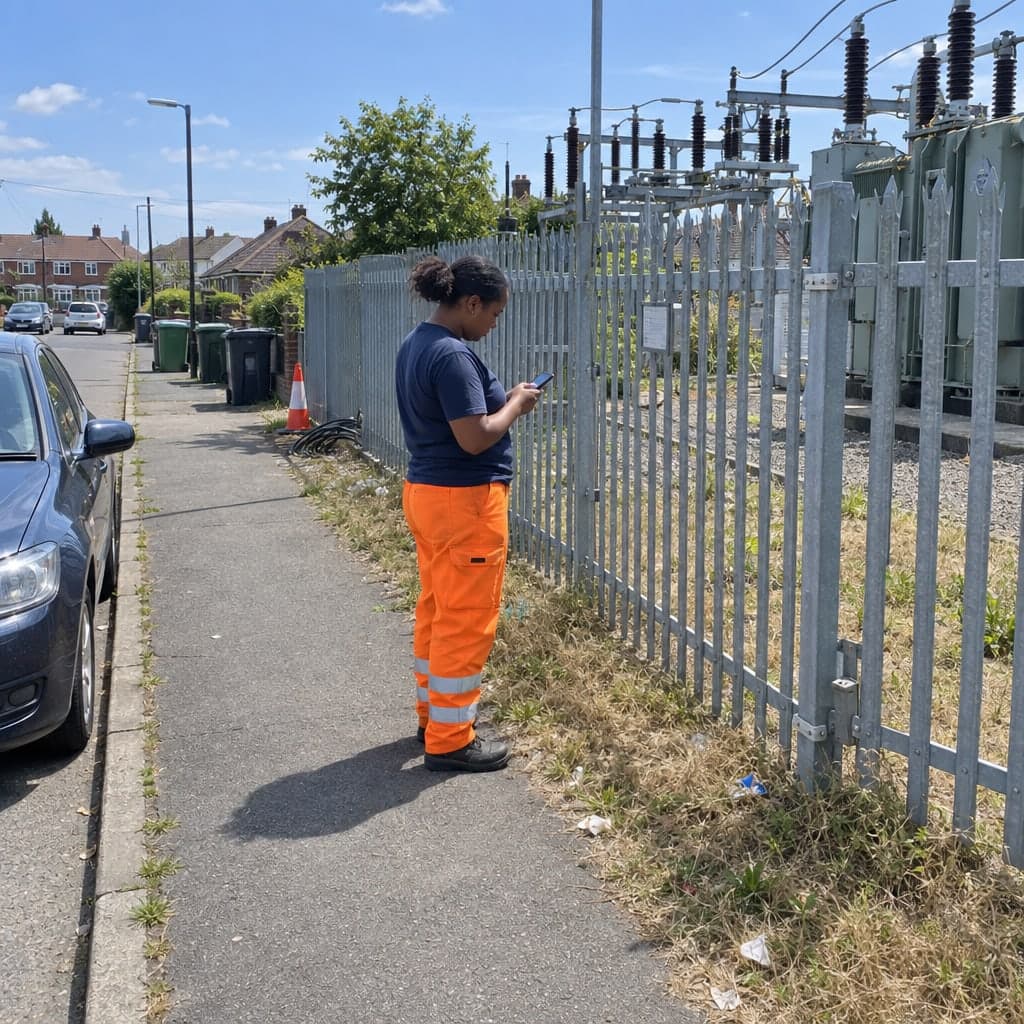
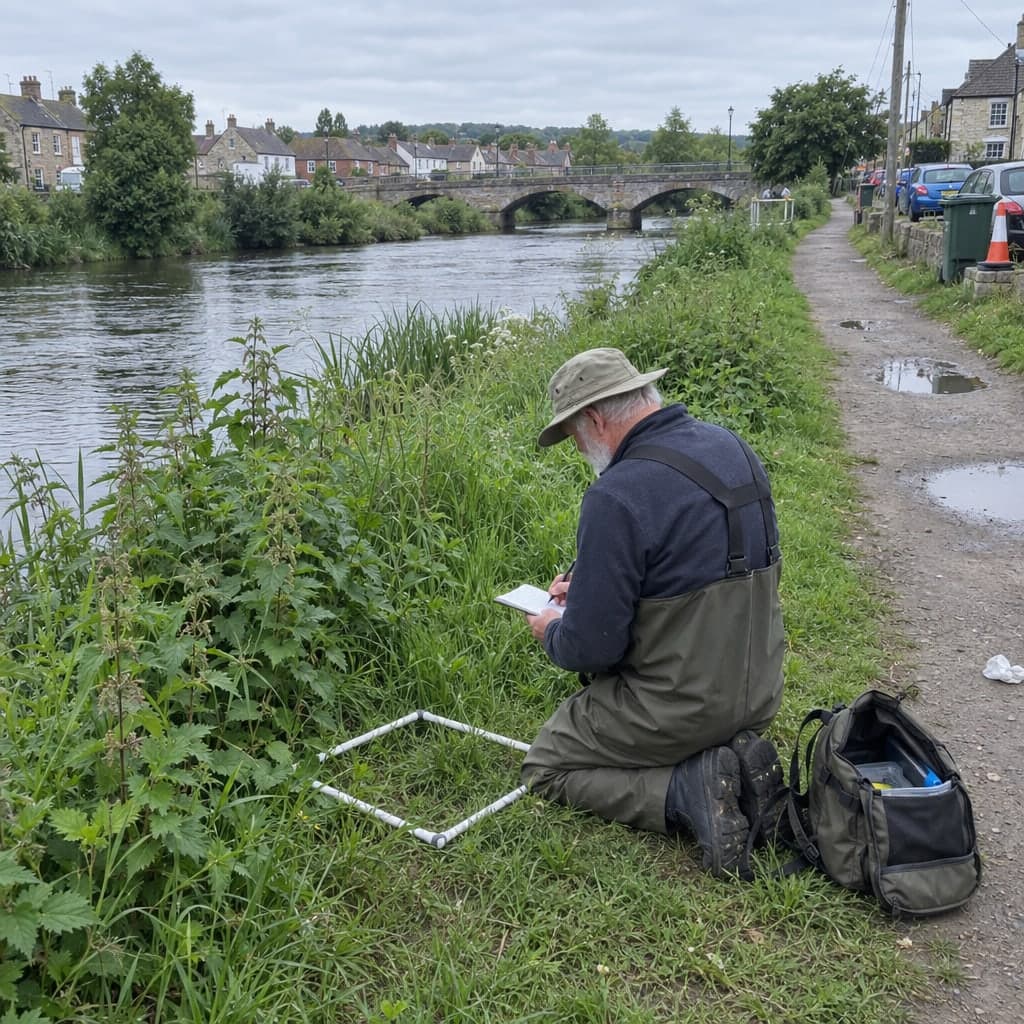
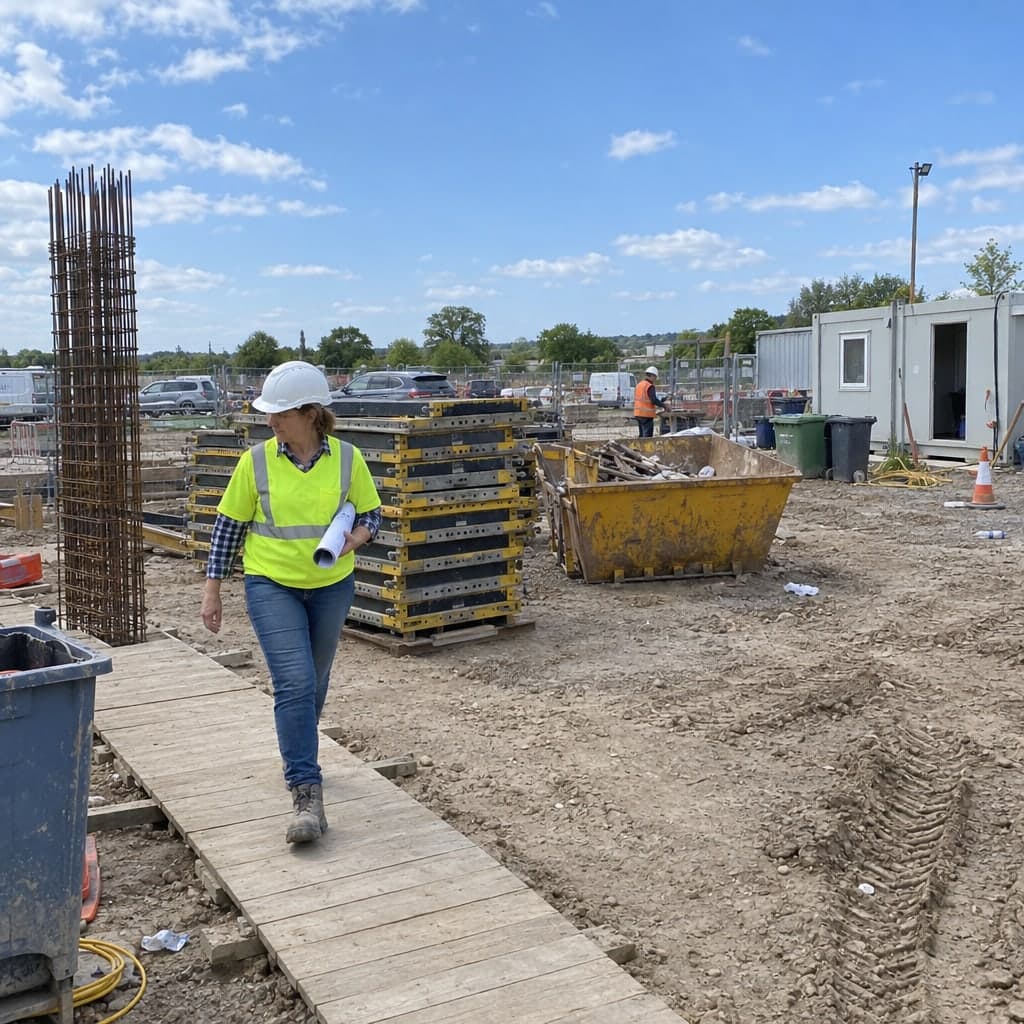
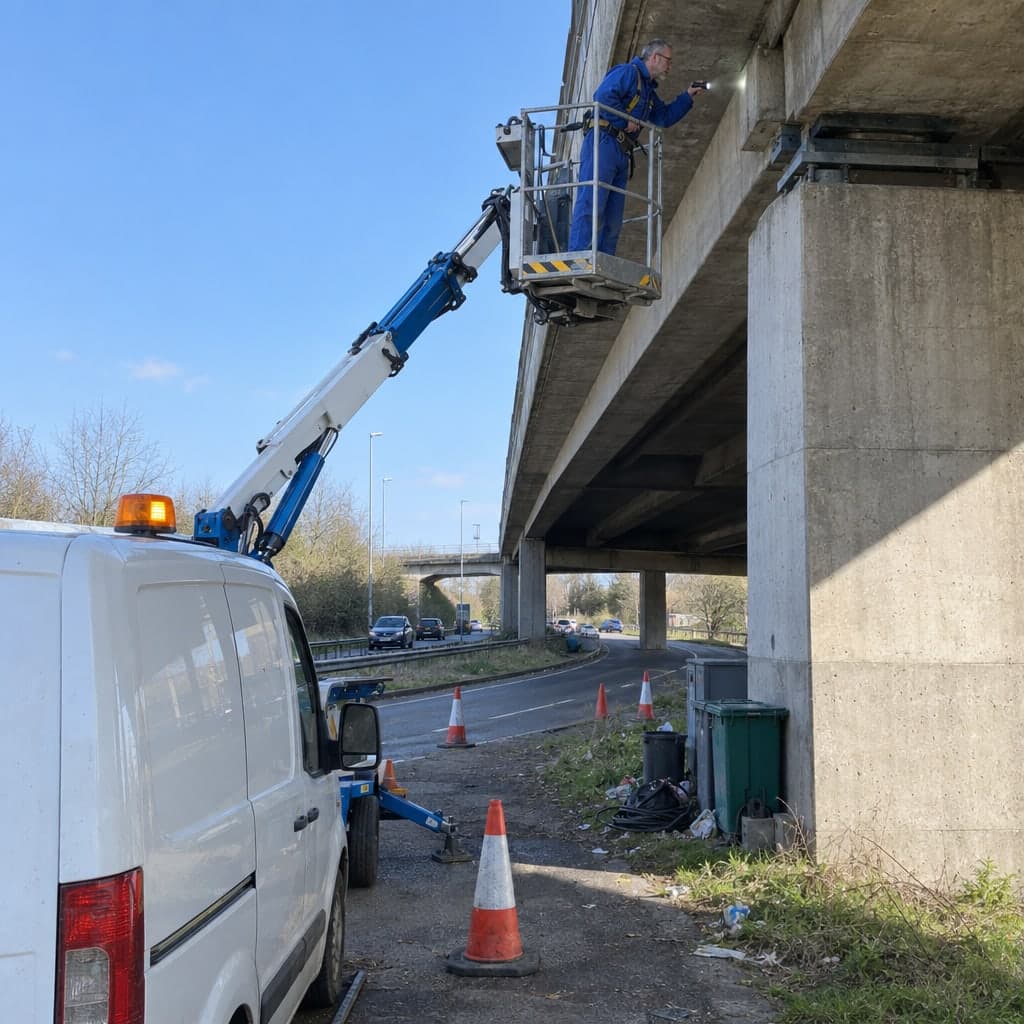
Periodic structural inspections, PV walk-rounds and permit evidence on a map, with every campaign appended to the unit
Periodic turbine inspections, PV park walk-rounds and permit evidence kept as one history per asset, from the foundation crack to the fence segment.A turbine gets a periodic structural inspection every two or four years, a lightning-protection check every year, and a service visit in between, each by a different firm. A PV park is walked every quarter by the O&M technician and every day by the shepherd. The operator carries the duty to prove all of it, per unit, to the permit authority, the insurer and the bank. Geocadra keeps the fleet as map layers, runs every campaign as a project on those layers and appends each inspection to the unit it belongs to.
Worked example
A district's solar parks, walked round every quarter
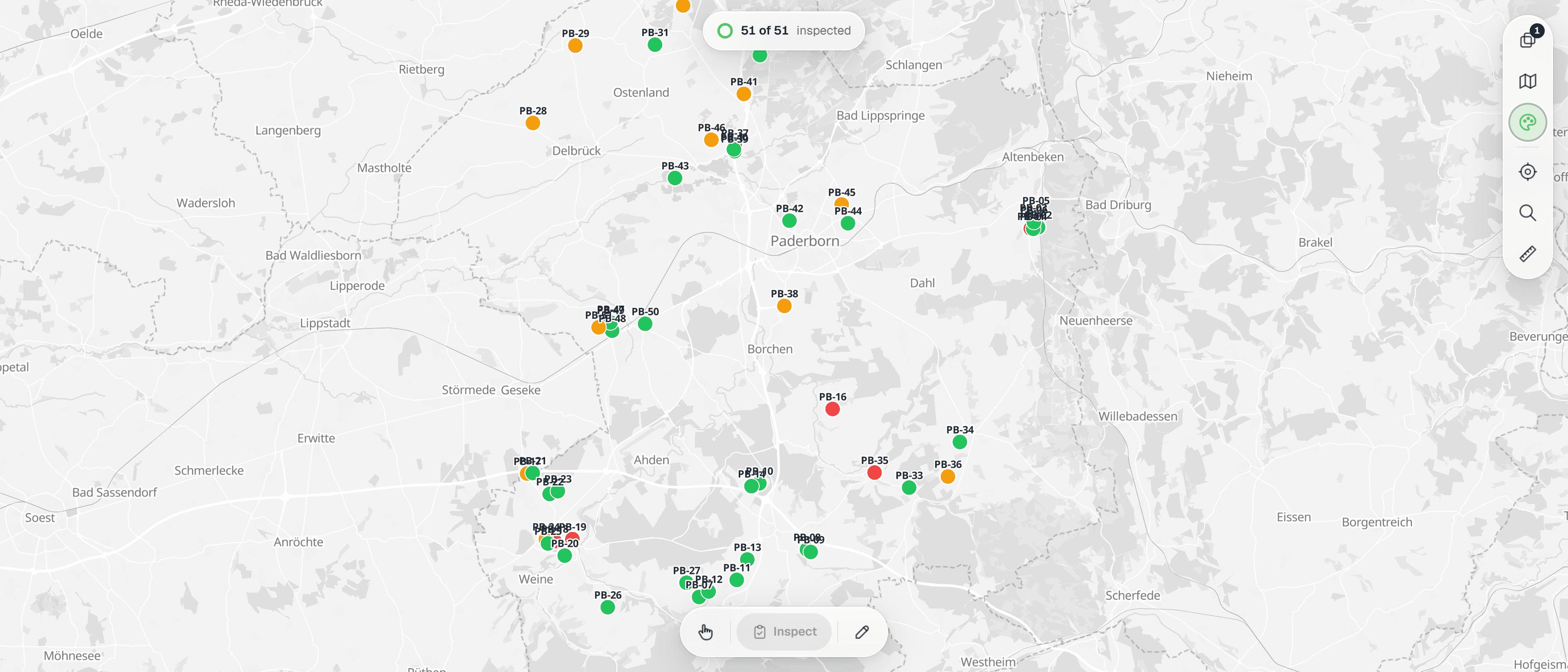
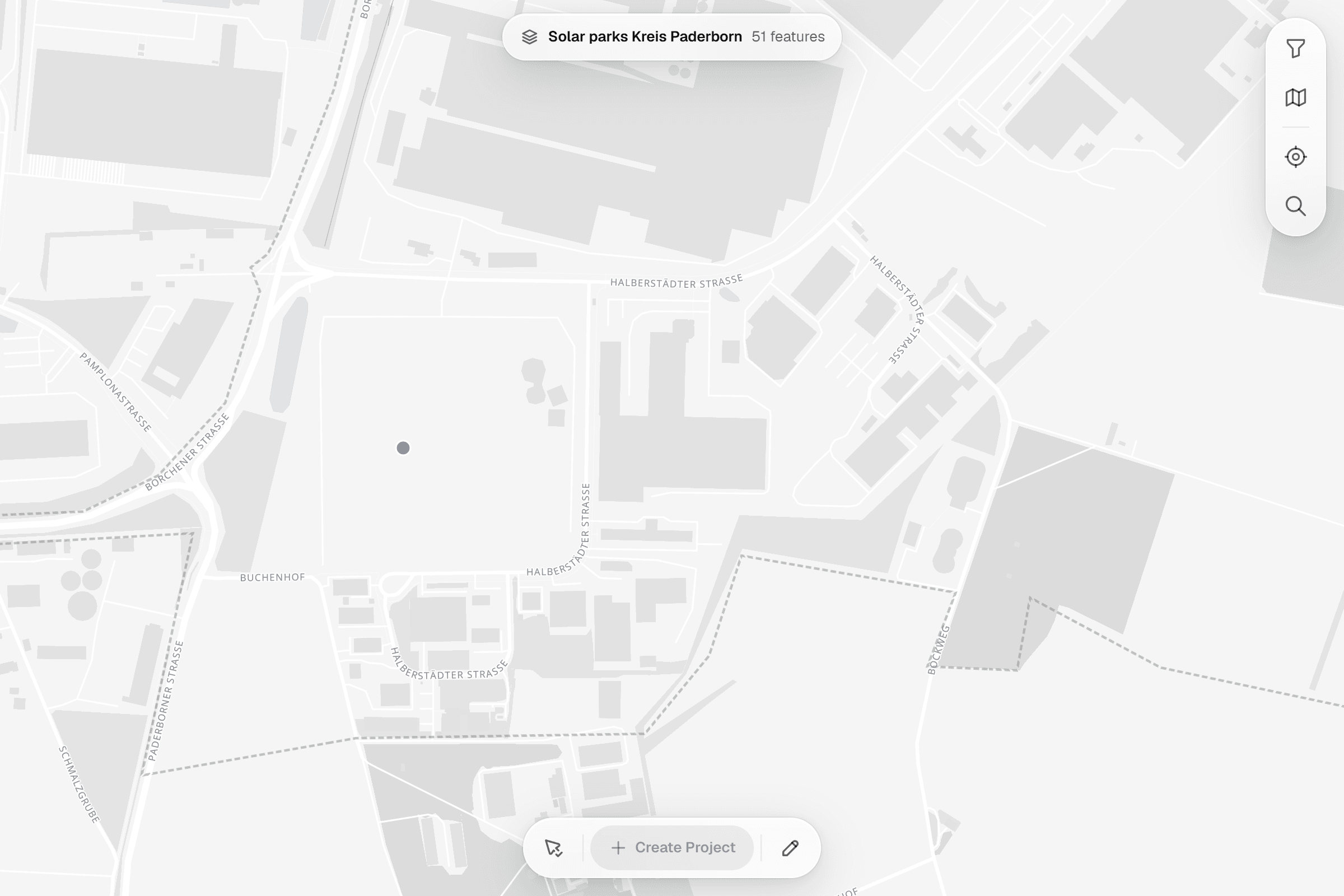
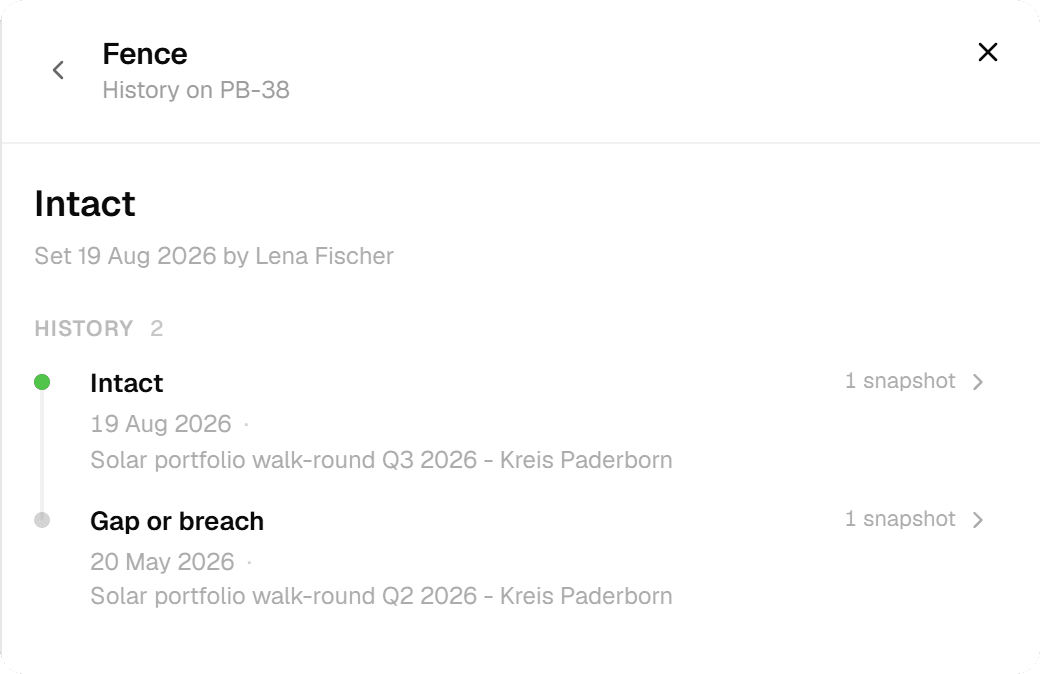
The screenshots on this page are not mock-ups. They come from the Geocadra demo workspace, where the operating ground-mounted solar parks of the Paderborn district were imported from the state's register of generation units and walked round in a Q2 and a Q3 round with one walk-round form. Positions, register numbers, municipalities, capacities, module counts and commissioning dates are the real published data; park IDs and names, findings, photos and inspectors are demo data.
Dataset
Ground-mounted solar parks, district of Paderborn
- Publisher
- State Agency for Nature, Environment and Climate NRW (LANUK), energy atlas, from the federal market master data register, via OpenGeodata.NRW
- Licence
- Data licence Germany – Zero – version 2.0
- Coordinate system
- EPSG:25832 (ETRS89 / UTM zone 32N)
- Extract
- 51 parks, 17 KB GeoJSON
 01
01Import the register extract
The file declares a projected coordinate system. The importer detects it, places the 51 parks on the map and keeps the register number, municipality, capacity, module count, commissioning date and orientation as attributes. Save as one layer.
 02
02Set up the walk-round form
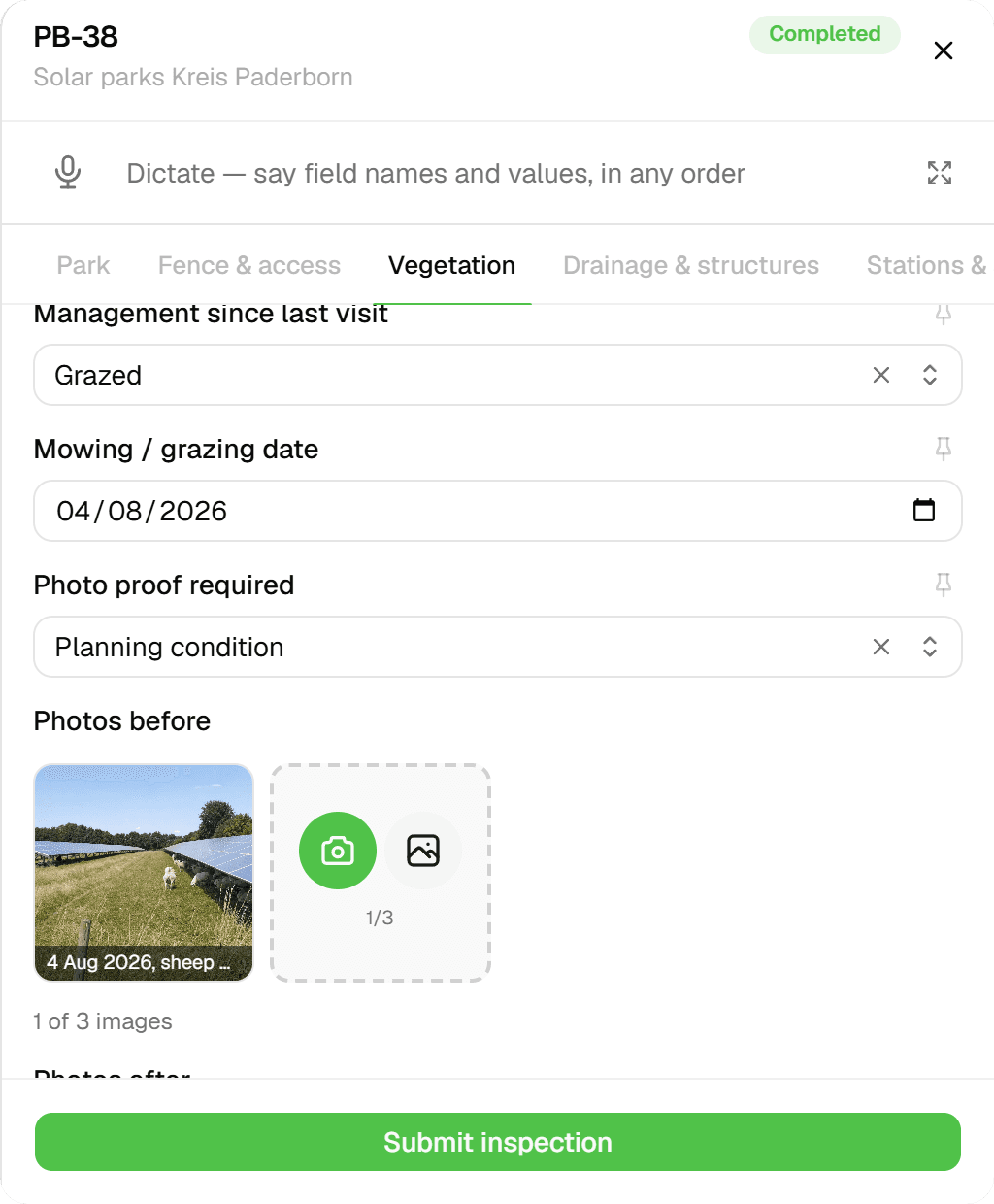
One form per park visit: park data, fences and access, vegetation height against the lowest module edge, mowing or grazing with before and after photos, drainage, mounting structures, stations and security, then one entry per finding with category, location, priority, status and photos.
 03
03Run the round on the portfolio
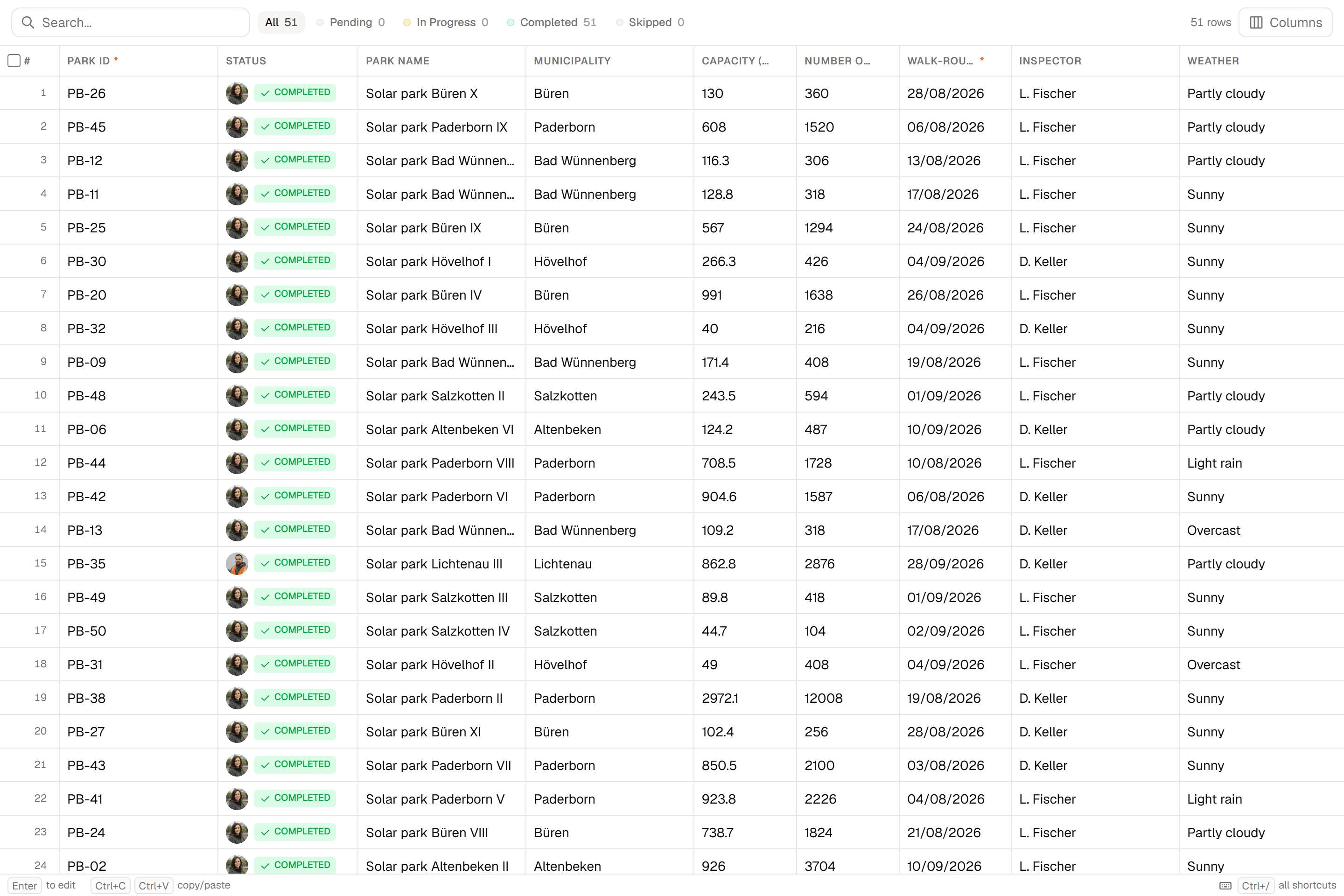
The Q3 walk-round covers 51 parks and is done in the screenshot: 54 inspections by a team of four, the report written from it, the visits of the last 30 days, and the parks on the map.
 04
04Walk the park with the form
Tap the park, open the form: park data prefilled from the register, then fences and gates, vegetation height and the lowest module edge, shading, mowing or grazing with dated before and after photos, and every finding with its priority.
 05
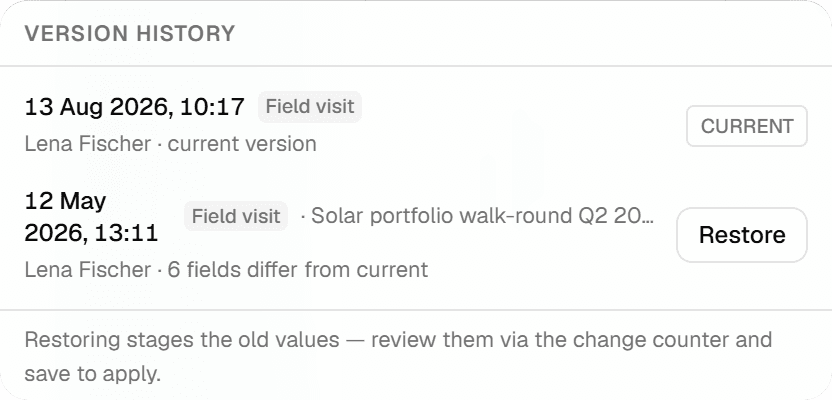
05Every round stays on the park
The features grid shows the version history of a park: the Q3 visit as the current version and the Q2 visit with the number of fields that differ. Any version can be staged for restore and reviewed before it is applied.
 06
06Hand it over
Excel with one typed column per form field for the owner's findings list, GeoJSON or GeoPackage for the GIS, a PDF report per round. Export the round's current values or a chosen version; the history stays.
The challenge
What an operations manager actually deals with
From the industry association's inspection guidance, insurer requirements and operations-management practice, three problems come up every time.
- 01
The fleet lives in spreadsheets, one per park
Two- and four-year structural inspections, annual lightning checks, climbing-gear tests, electrical tests and manufacturer service run on different cycles per turbine and per manufacturer. Missing one is a permit violation, and the responsibility for the complete programme sits with the operator. There is no single register; the dates live in Excel per park, with four identifiers per turbine.
- 02
Findings arrive as forty-page PDFs
The expert's report lists measures with deadlines; the operations manager retypes them into a defect list, assigns them to the service firm and later has to prove they were closed before the next inspection. The insurer wants the same findings in another format, the bank in a third. A crack width measured in 2022 cannot be compared with 2026 without opening both PDFs.
- 03
Evidence per component, or the claim fails
After a lightning strike the history of earth-resistance measurements decides the claim. After a theft on a PV park the insurer asks when the fence was last walked and by whom. The shepherd who saw the hanging cable told someone on the phone. Each party keeps its own record and none of them is the unit's record.
The solution
How the campaign runs in Geocadra
Everything below is what the product does today, shown above on a real solar park register.
The fleet is a layer you import once
Load the turbines or parks from the registry export, the GIS or a spreadsheet with coordinates. The importer detects the coordinate system, places the units on the map and keeps every attribute: registry number, type, hub height, rotor diameter, power, commissioning date. The registry number becomes the unit's name; nothing is renumbered.
Each campaign is a project on the same layer
The 2022, 2024 and 2026 structural inspections are three projects on the same turbine layer; the quarterly PV walk-rounds are projects on the park layer. Each has its own form, its own participants and its own progress. Because they all point at the same unit, the unit's history holds them all, in order, with the person who submitted each one.
Measurements, findings and deadlines on the record
The inspection form carries the foundation crack width against its limit, tower tilt against its limit, flange gaps per joint, the sound test count, the lightning-earth condition, and a findings list with severity, measure, deadline class and status. A unit that fails is marked for shutdown on the spot and the shutdown is on the record.
Hand over in the format the next party wants
Excel with typed columns for the defect list and the insurer, GeoJSON or GeoPackage for the GIS, a PDF report per unit for the authority. The export takes the campaign's current values or a chosen version; the history stays in Geocadra either way.
How it works
Common Workflows
Six campaigns as they run in the field, each backed by a form from the Geocadra marketplace. Copy the form, adapt the wording, keep the structure.
- 01
Periodic structural inspection of a mixed wind park
The certified expert inspects foundation, tower, flange joints and lightning earth per turbine on the two- or four-year cycle, with the operator's document pack checked first. Findings get a severity, a measure and a deadline; the report per turbine goes to the authority on request.
- 1.Create the year's project on the turbine layer with the structural inspection form and invite the expert's firm.
- 2.At the turbine, the expert fills the header from the record, checks the document pack, then measures crack widths, tilt, flange gaps and the sound test in the tower.
- 3.Findings are classified as note, deviation with deadline or shutdown; a shutdown is recorded with the operator informed.
- 4.The operations manager exports the measures list per park to Excel and the report per turbine to PDF; repeat findings are read against the previous campaign.
- 02
Drone blade inspection and repair tracking
The drone provider flies every blade; each anomaly becomes a finding with blade, radius, side and category on the turbine. The blade expert reviews, links repeat findings to last year's at the same position, and orders rope-access repairs that are closed with after-photos.
- 1.Run the blade campaign as a project with the blade finding form; the provider's images are attached per finding.
- 2.The expert reviews on desktop, merges duplicates and marks repeat findings against the previous year.
- 3.Category three and above become repair work orders with the blade map and photo.
- 4.The repair team closes each finding at the same position with an after-photo; the per-blade history goes to the manufacturer for the warranty case.
- 03
Annual lightning-protection check
Visual check every year, full measurement every two years: earth resistance per turbine, receptor condition per blade, counter reading. The measurement history per turbine is what the insurer reads after a strike.
- 1.Create the year's project with the lightning-protection form on the same turbine layer.
- 2.Record earth resistance, receptor findings and the counter reading per turbine with the measuring device used.
- 3.Deviations get a measure and a deadline for the service firm.
- 4.Export the measurement table per park for the insurer; the readings stay on each turbine year over year.
- 04
Quarterly PV park walk-round with the shepherd's reports
The O&M technician walks fence segments, gates, vegetation against the module edge, blocks and drainage; the shepherd's phone reports are entered as findings on the park. Findings carry who is responsible: O&M, shepherd, electrician or owner.
- 1.Create the quarter's project on the park layer with the walk-round form.
- 2.At the park, record each fence segment, the vegetation height against the module edge, each block's posts, clamps, glass breakage and hanging cables.
- 3.Theft or break-in marks the park as hazard, with police report and insurer notification on the record.
- 4.Export the findings per responsible party; the summer round is read against the winter round on the same park.
- 05
Permit condition evidence per season
Bat shutdown algorithm, shadow module and night mode have to be proven active per turbine per season. The technician verifies parameters in April and photographs the controller screen; monthly operating logs are attached; the package goes to the conservation authority in November.
- 1.Record each permit condition per turbine with the permit reference and the required active period.
- 2.In spring, verify the parameters in the controller and attach the screen photo.
- 3.Each month, attach the operating log export and note any deviation with dates.
- 4.In autumn, export the season's package per turbine for the authority; the retention date sits on the record.
- 06
Crane pad and access road check before a component exchange
When a gearbox fails, the crane firm asks whether the pad still carries the load and the swing radius still exists. The record per pad holds the last plate load test, the status of temporary areas, and the walk with the crane contractor before the exchange.
- 1.Import the crane pads, assembly areas and access roads as polygons and lines with their permit status.
- 2.Walk the route with the crane contractor; measure the inner radius and clearance, note ruts, culverts and fence posts in the swing area with photos.
- 3.Issue the upgrade needs as findings with the landowner's permission date.
- 4.After the exchange, document the restoration of temporary areas with before and after photos for the permit's recultivation condition.
The impact
What Changes
“The turbine's record answers the authority's question: when was this inspected, by whom, what was found and what was done. The expert's report and the service firm's closure are the same history. A unit marked for shutdown stays marked until someone reopens it with a reason. The measures list per park comes from the findings' deadline classes instead of from retyping.”
Standards
Compliance & Standards
The forms follow the way each regime structures the work; the record shows the interval, the person and the finding without prescribing a national standard. Examples of what the marketplace forms map to:
- Periodic structural inspection of wind turbines on fixed cycles by a certified expert (e.g. the German DIBt guideline and the industry association's inspection principles)
- Foundation, tower, flange joints and lightning earth per turbine with limits and reserves; findings classified as note, deviation with deadline or shutdown, and the document pack checked in the header.
- Lightning-protection testing of turbines with measurement records (e.g. IEC 61400-24)
- Earth resistance, receptor condition and counter reading per turbine with the measuring device; the measurement history is one export when the insurer asks after a strike.
- PV plant inspection and thermography with findings per module and string (e.g. IEC 62446-1 and IEC TS 62446-3)
- Fence segments, vegetation, blocks and drainage per park, and anomalies per module and string with the electrician's measurements; findings carry the responsible party.
- Registry maintenance for generation units with registry numbers per unit (e.g. the German market master data register)
- The registry number is the identity of every turbine and park, so exports match the register line by line and changes are one filter away.
- Permit conditions evidence for bat shutdown, shadow flicker and noise modes per turbine per season
- Conditions per turbine with the permit reference, the spring parameter check with photo, monthly log attachments and the autumn package for the authority.
Questions
Frequently Asked Questions
- Does Geocadra compute when the next inspection is due?
- The form computes the next inspection year from the inspection year and the interval, and it sits on the turbine's record. Creating the next campaign is a manual step: you create the project on the same layer, choose the form and assign the turbines. Nothing runs by itself.
- Can the external expert work in our project?
- Yes. The expert's firm is invited to the project with its own seat and submits from the tower. The operations manager sees the findings the day they are recorded, not when the report arrives.
- Where do drone images go?
- Attached to the finding they document, on the turbine. A blade finding carries blade, radius and side, so the same position can be found again next year. The provider's portal stays the provider's; the finding and the photo are yours.
- We run turbines from three manufacturers. Does the form fit all of them?
- The structural form is manufacturer-neutral: tower type, limits and joints are fields, not assumptions. Manufacturer-specific service reports are attached as files on the turbine. Adapt the wording of a copied form without changing its structure.
- Is this only for wind?
- No. The worked example runs PV park walk-rounds on a second layer in the same workspace, and the marketplace holds forms for module and string findings, rooftop portfolios, substations, battery containers and biogas plants.
- Our turbines carry four numbers. Which one do we use?
- Whichever the file has. Imported attributes stay on the unit, and the form's identity field is the registry number, so the manufacturer serial, the operator's ID and the feed-in key remain searchable attributes on the same record.
See your own fieldwork in Geocadra
Set up a project, run an inspection and export the result. Free for 14 days, no credit card.
No credit card requiredFree trial included