

Report template
Site inspection report template, part by part
A site inspection report template as an outline: the parts in the order a reader expects them, what to record for each finding, and which kind of site visit you are writing up. Download it as a Word file to write in or as a PDF to print, or let the walk fill it in.
- An outline, not a blank shell
- Every finding with its place and photo
- For repeated walks over the same site
Site inspection report format: the outline in eleven parts
Eleven parts. A short visit merges some of them; none should be missing without a reason.
The report as a document for the walk
Eleven headings, a findings table with a column for the place and the photo number, an actions table with an owner and a date, and room for the open points of the last visit. Word to write in, PDF to print.
Editions it names: US EPA, Site Inspection Report Template for the 2022 Construction General Permit · Work at Height Regulations 2005, Schedule 7 · RICS, Party wall legislation and procedure, 7th edition (2019, reissued 2023)
Word: 124 KB · PDF: A4, 3 pages, 175 KB
Word and PDF, free. No sign-up, no e-mail address.
- 1
Title block
Project, site address, report number, date of issue, who wrote it and for whom.
- 2
The visit
Date, start and end time, weather, who attended, and the phase the works were in.
- 3
Scope
Which areas were walked and what was looked at. Just as important: what could not be reached.
- 4
Reference documents
What the site was checked against: the drawing revisions, the specification, the last report.
- 5
Summary
Three or four sentences the client reads first: the overall picture, and what needs a decision.
- 6
Site plan
A map or drawing with every finding numbered on it. A reader should be able to walk to finding 12.
- 7
Findings
One entry per finding, numbered as on the plan: where, what, how serious, with its photos.
- 8
Actions
For each finding that needs one: the action, one named owner and a due date.
- 9
Open points from the last visit
What has been closed since, what is still open, and what got worse.
- 10
Photo appendix
The photos in the order of the findings, each captioned with its finding number.
- 11
Sign-off and distribution
The author's name and signature, and who receives the report.
There is no general standard for a site inspection report. The outline follows what published templates and guidance have in common, among them the US EPA's inspection report template for construction sites.
What to record for each finding
Most of a report's value is in this list. Record every finding the same way.
A number
The same number in the list, on the plan and on the photos.
The place
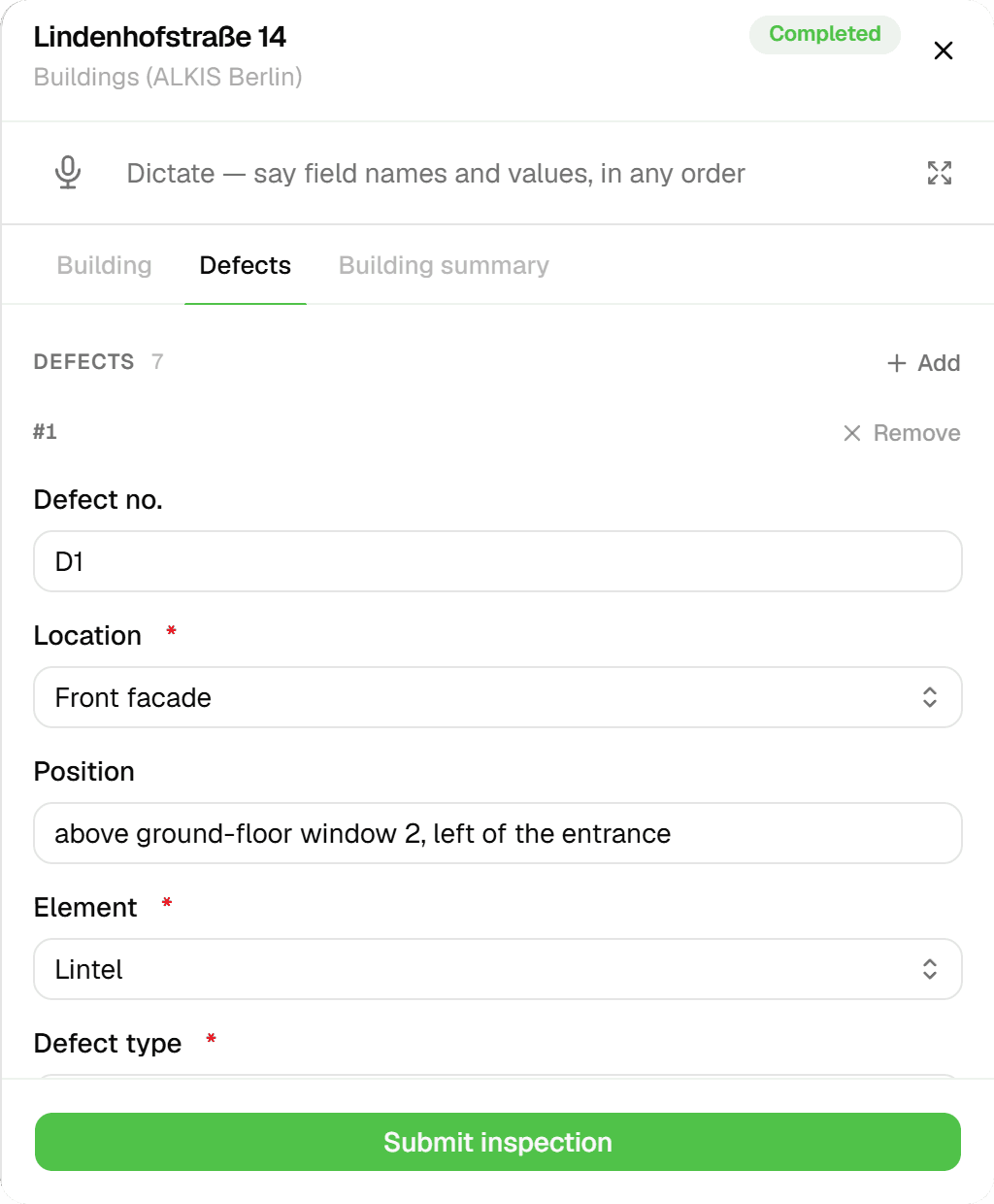
A point on the map, plus words a person can follow: ‘front facade, above ground-floor window 2, left of the entrance’.
The element
What the finding is on: a lintel, a kerb, a manhole cover, a fence panel.
What you saw
The type of defect, and a measurement where one is possible. A crack has a width, a length and a direction.
How serious, and whether it is new
A grade the client understands (for example minor, moderate, severe), used the same way through the report, and whether the finding is new, unchanged or worse since the last visit.
Photos
One overview that shows where it is, and one close-up with a scale in the frame.
Site inspection or site visit report: which are you writing?
People mean four different visits by a site inspection. The outline below serves all of them; what changes is who reads the report and what counts as a finding.
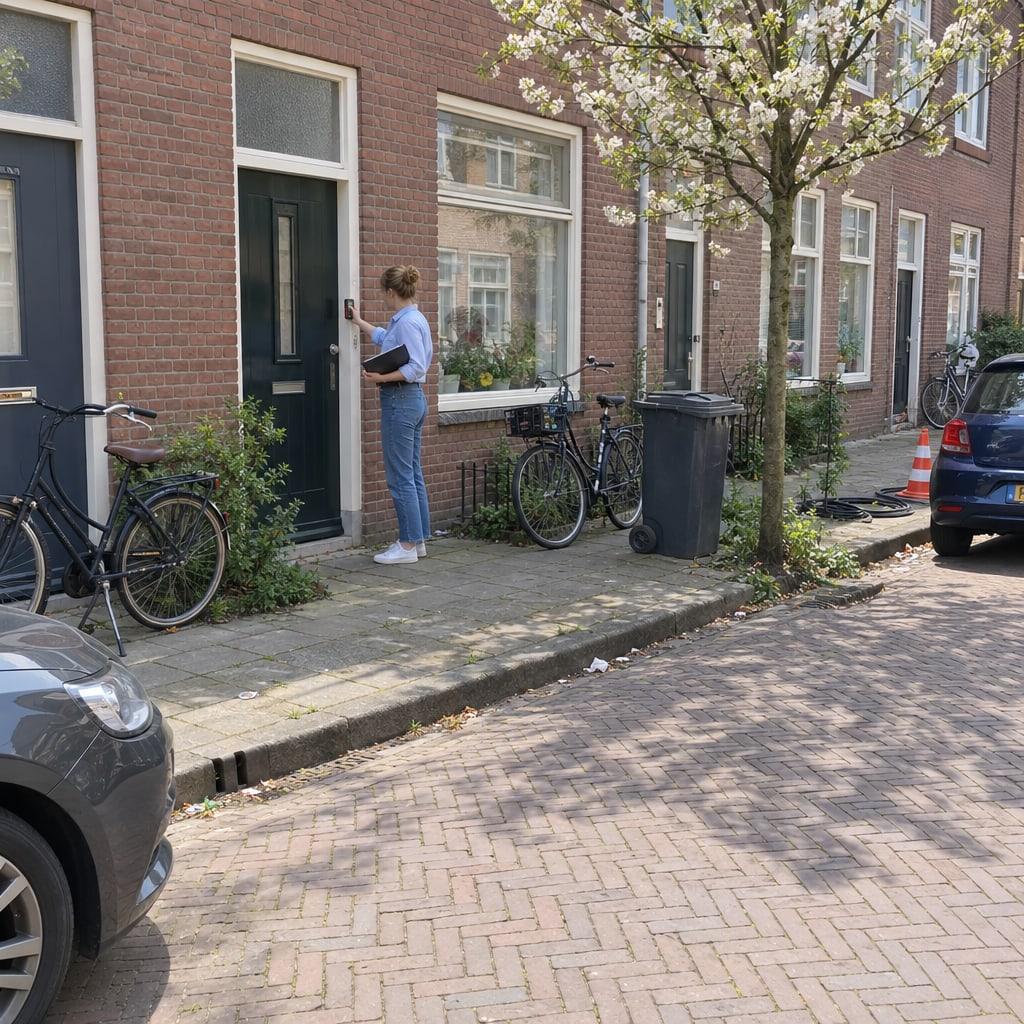
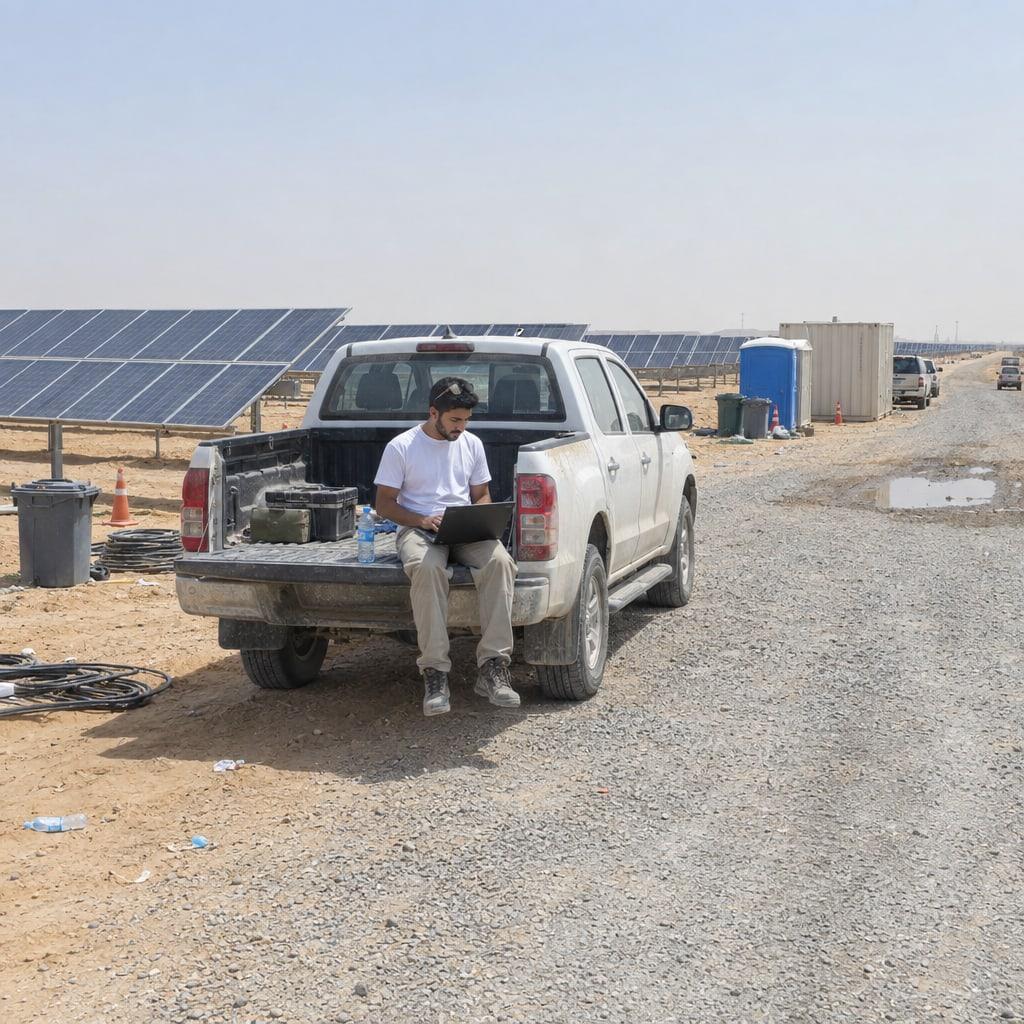
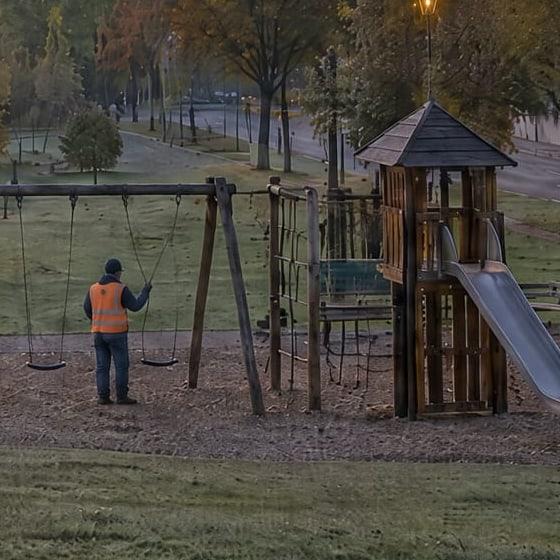
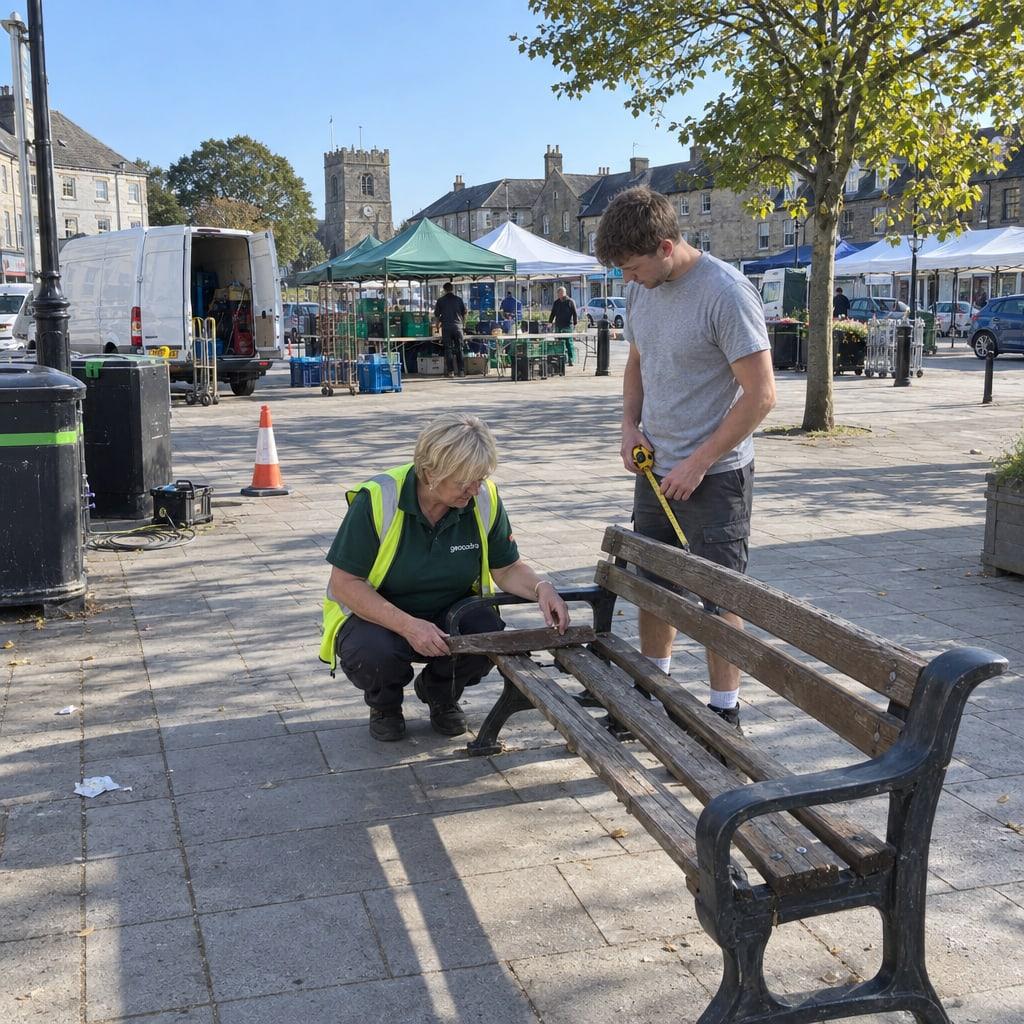
| Kind of visit | Who writes it | What a finding is | What the reader does with it |
|---|---|---|---|
| Condition before works start | A surveyor or engineer, for the contractor or the client | An existing crack, stain or defect, with its position and size | Compares it with the same spot after the works |
| Progress or quality visit | Consultant, clerk of works, client's representative | Work that departs from the drawing or the specification | Instructs the contractor and checks at the next visit |
| Health and safety inspection | Safety officer or site manager | A hazard, or a breach of the site rules | Assigns the corrective action and a deadline |
| Grounds and assets round | A contractor or the owner's staff | The condition of an asset: a tree, a lamp, a fence, a path | Plans the maintenance and the next round |
Geocadra is built for the first and the last: visits where findings have a place on a map and the same site is walked again.
Let the walk write the report
In Geocadra you record each finding on the map where you stand, with its photos. The site report is built from those records: the plan, the table of findings and the photo appendix come from the data. For a round over many assets, see the inspection report template.
Start from the client's drawing
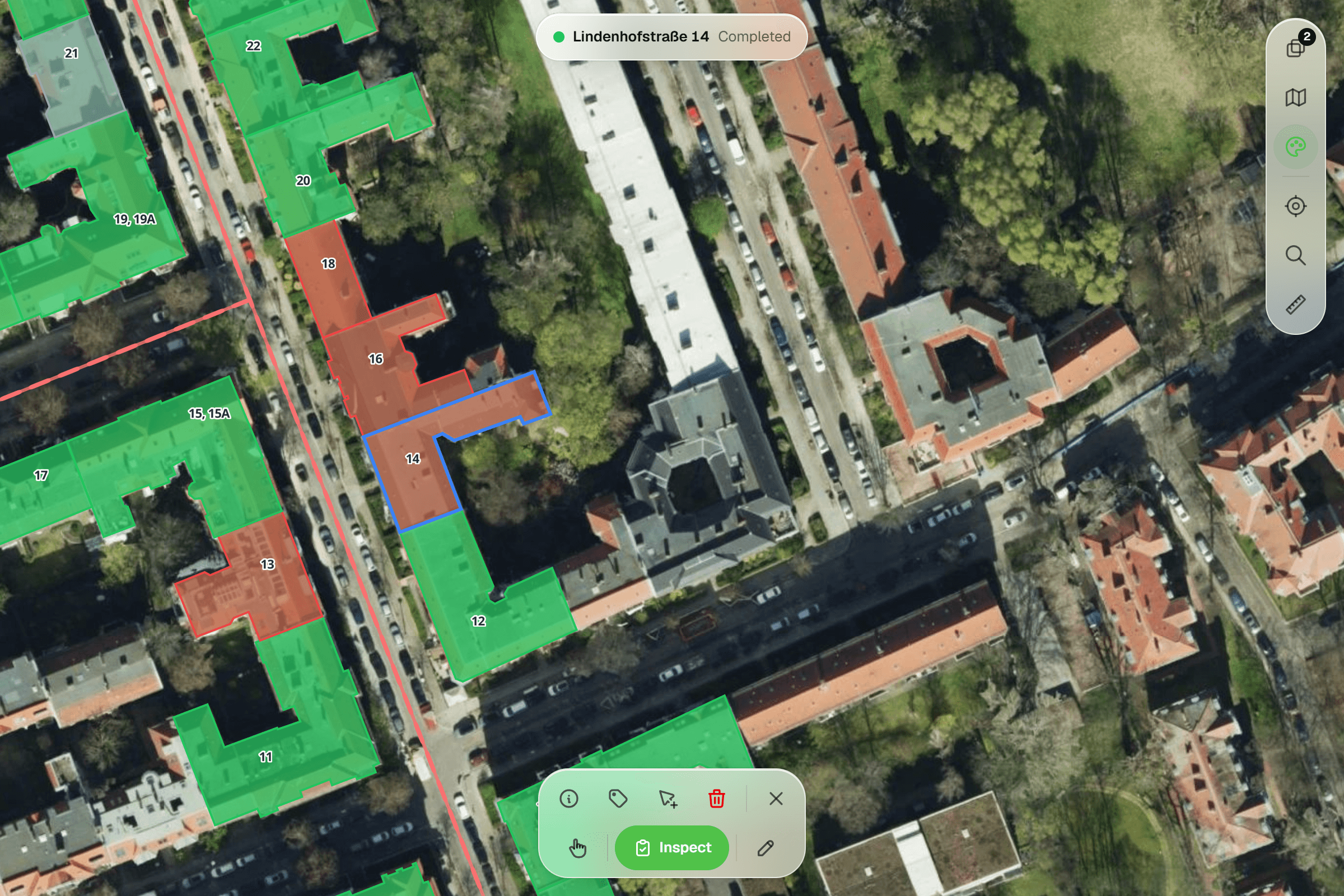
Import the site plan as DWG or DXF, or the parcels and buildings as a GIS file, and walk on top of it.
One record per building or asset
Defects go in as a repeating set: location, position, element, type, size, photos.
The second visit sits on the first
Every visit is kept on the object. After the works you see what was there before, what is new and what has changed.
A draft you finish, not a blank page
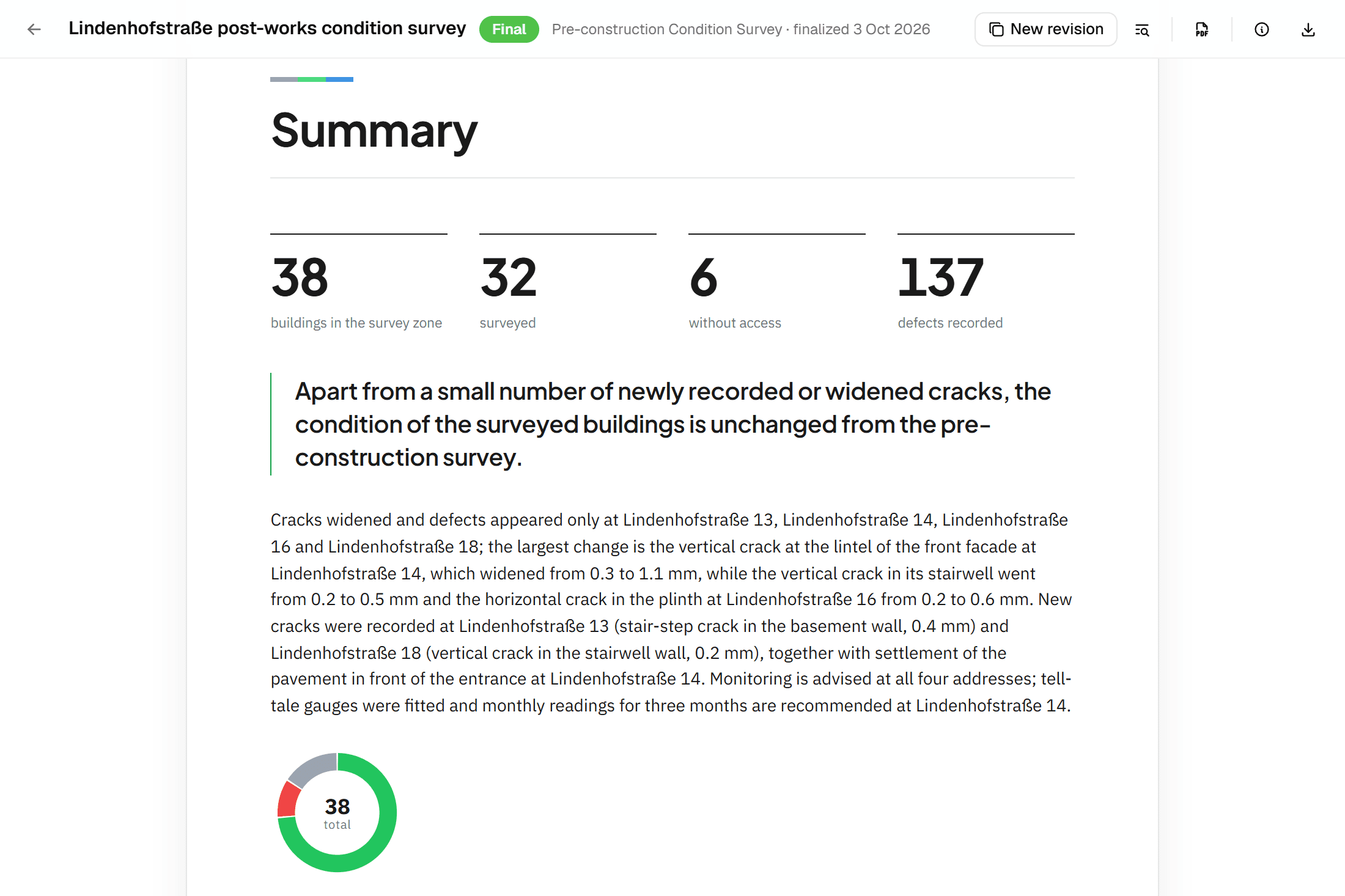
An assistant drafts the summary from the data. You read it, correct it and finalize the PDF; the figures and tables come from the records.

What makes a site report hard to use
Five habits that come from filling in a form at the desk instead of recording on site.
‘Location: site’
A location cell filled with the name of the site. Nobody can find the finding again. Give each one a point on the plan.
Photos in a folder
IMG_4471 to IMG_4533 on a shared drive. Bind each photo to its finding when you take it, not afterwards at the desk.
Actions without an owner
‘To be repaired’ is not an action. Name one person and one date.
Every report starts from zero
The fourth visit does not mention what the third one found. Carry open findings forward until somebody closes them.
No record of what was not seen
The locked plant room, the rear elevation behind the scaffold. If the scope does not say so, the reader assumes you looked.
Questions about site inspection reports
What should a site inspection report include?
The project and site, the date, time and weather, who attended, which areas were covered, the findings with their location and photos, the action for each finding with an owner and a due date, the open points from the last visit, and a signature. A short summary at the front saves the client reading all of it.
Is there a standard format for a site inspection report?
Not a general one. Some regimes set the contents for their own inspections: Great Britain's Work at Height Regulations 2005 list the particulars of an inspection report, and the US EPA publishes a template for stormwater inspections on construction sites. For most site visits the format is the client's or your own.
What is the difference between a site inspection report and a schedule of condition?
A site inspection report says what was found on a visit and what has to happen next. A schedule of condition only records the state of a property at one moment, typically before neighbouring works start, so that later damage can be told from what was already there; it lists no actions. The RICS standard on party wall legislation and procedure recommends one, notes that it is not a statutory requirement, and asks for cracks to be recorded with their location and width.
Can I download the template as Word or PDF?
Yes, free in both. The Word file carries the eleven headings, a findings table with a column for the place and the photo number, an actions table with an owner and a due date, and a table for the open points of the last visit. The PDF is the same document to print. In Geocadra the report comes out of the records as a PDF, in a layout set up for your workspace.
How do I show where each finding is?
Number the findings and put the numbers on a plan. On paper that is a marked-up drawing; in Geocadra each finding is a point on the map over the client's drawing, and the report's map figure is drawn from those points.
What does Geocadra do for site inspections?
Geocadra records the condition of sites and assets on a map and turns the records into a report and into CAD or GIS files.
More checklists and templates
Each page carries its document in full and links the standards it is drawn from.
Write the next report from the walk
Import the site plan, record the first findings on the map and watch the report take shape. Free for 14 days, no credit card.
No credit card requiredFree trial included