
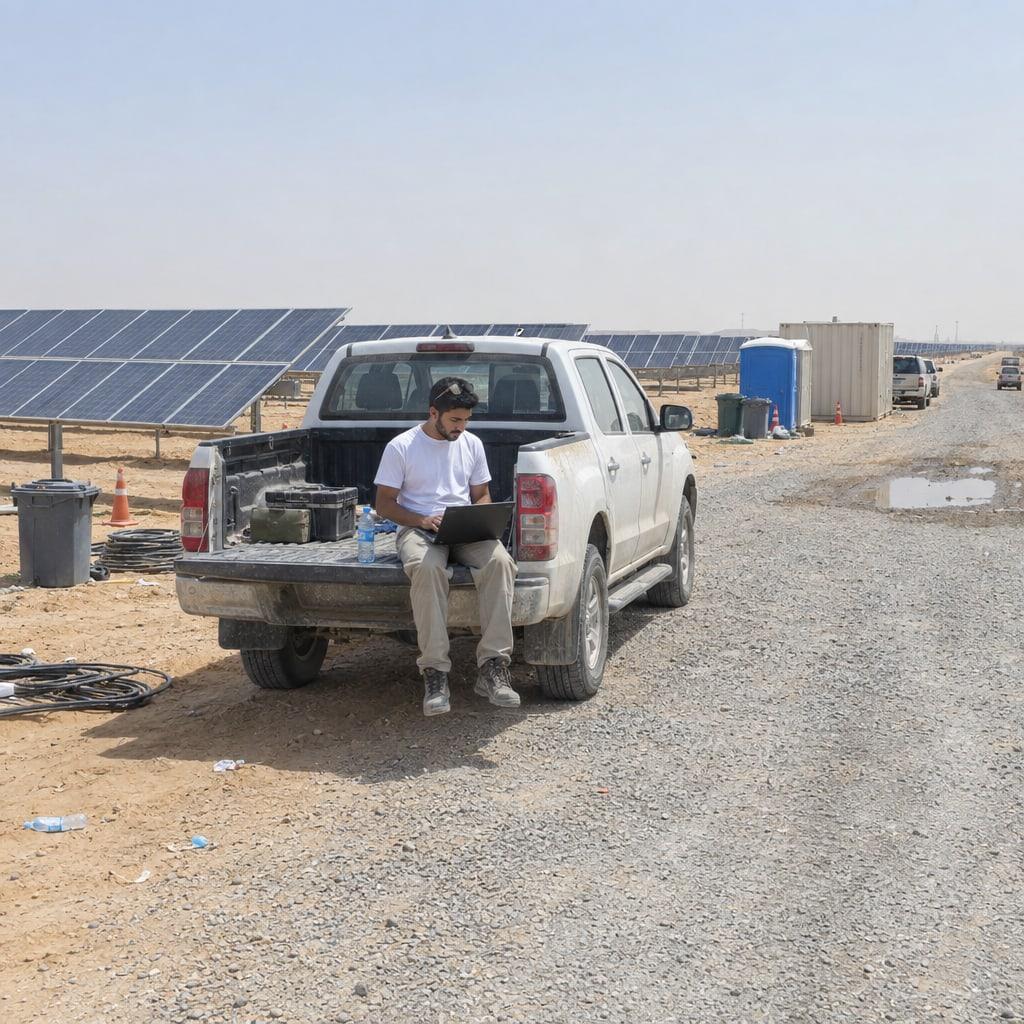
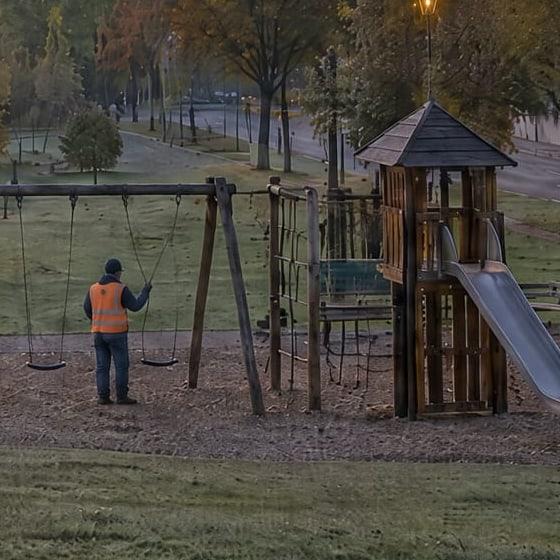

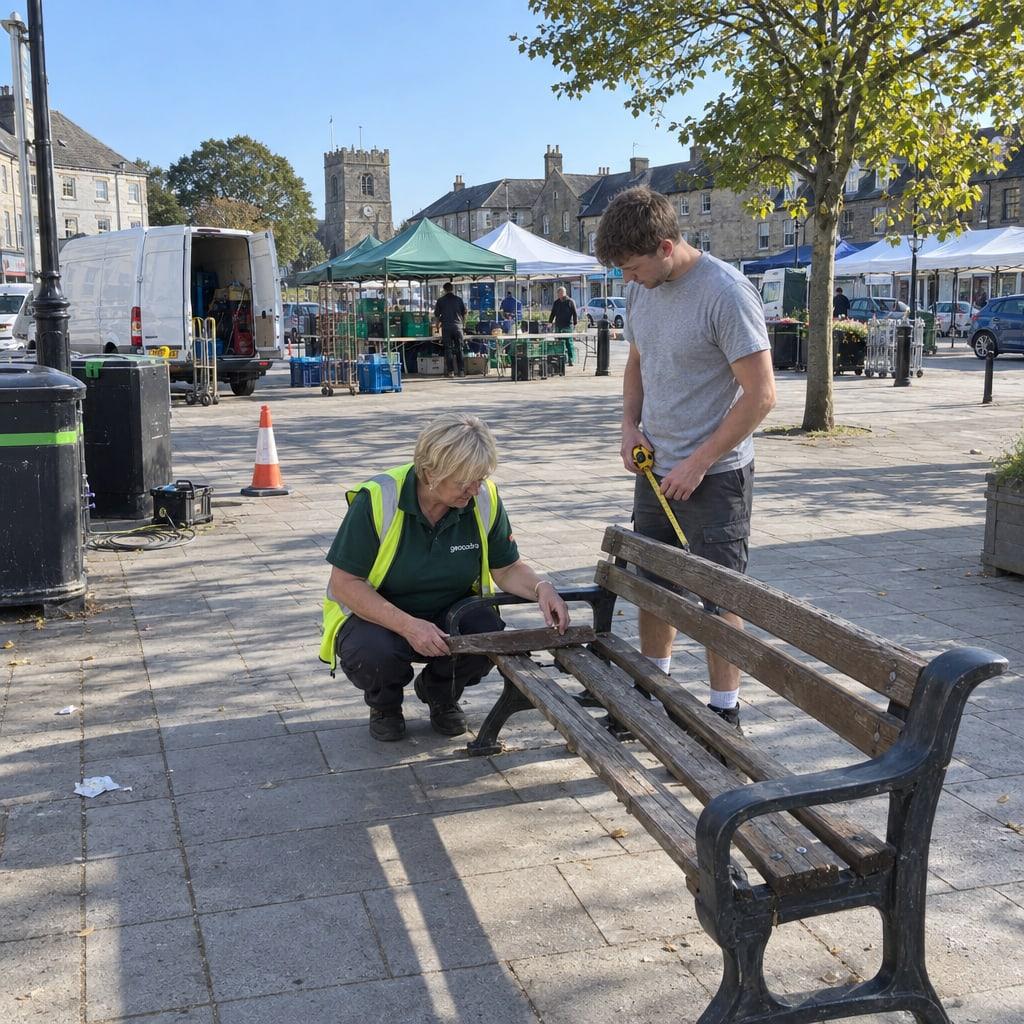

Park inspection software for grounds maintenance and park furniture
Park inspection software for the people who check that a park is in the state the contract asks for. Every site and every bench is on the map. Each visit is graded, and each failure has its photo.
- Sites, furniture and fences on one map
- Client and contractor in one project
- Excel and GIS files on every plan
Park inspection software for both sides of a contract
A grounds maintenance contract has a client who monitors and a contractor who does the work and checks its own quality. Often each keeps its own records. In Geocadra both look at the same sites and the same visits.
The client's monitoring officer
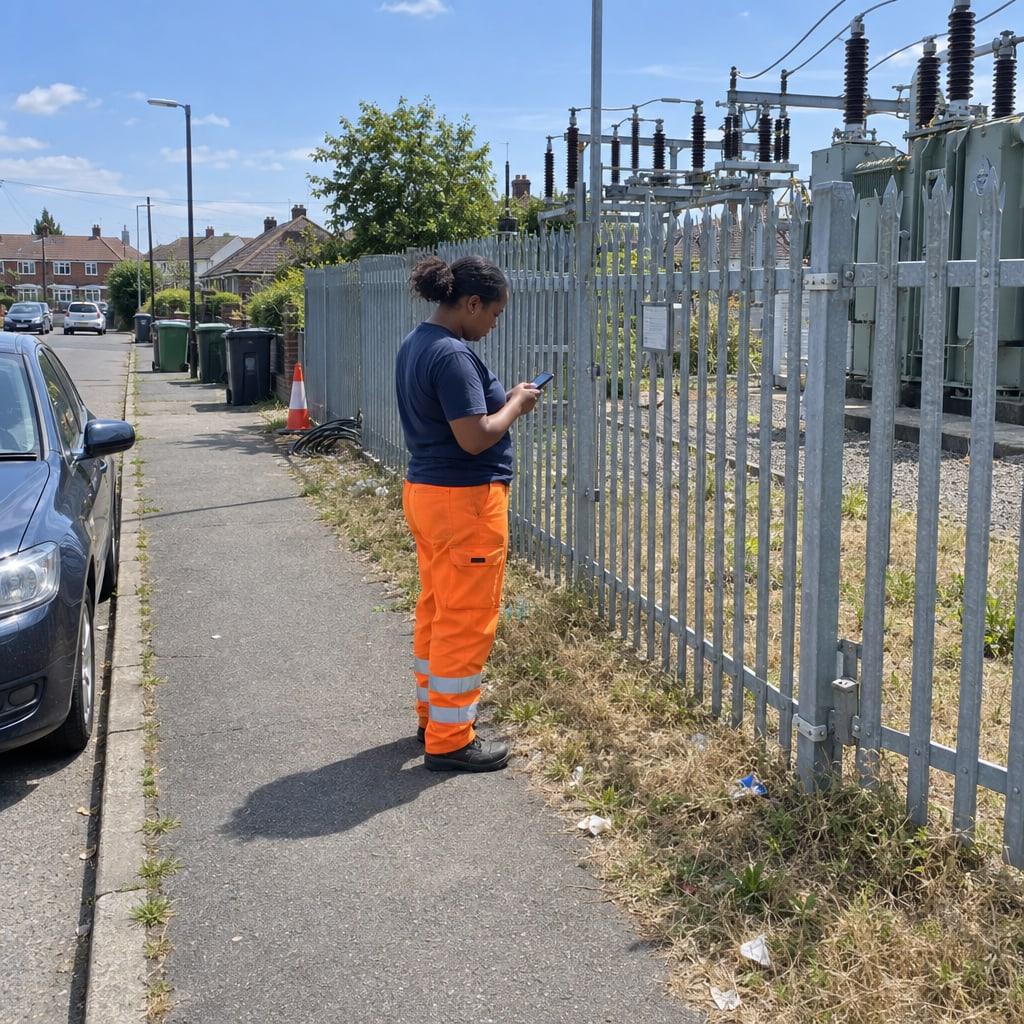
Walk the sites you chose for this round, grade each one against the contract and photograph what falls short. A contractor you have invited as a viewer reads the result when they open the project, not in next month's meeting.
The grounds maintenance contractor
Each client is an organization in your workspace, with its own sites and its own records; the Starter plan holds three. Your supervisors record their own quality checks, and the client's officer reads them as a viewer.
Inspection consultancies
If you inspect for several councils, one form and one way of working serve all of them, and each council sees only its own sites. The grades go out as Excel, and the sites as a GIS file for the client's system.
Housing providers and estates teams
Communal areas, play areas and bin stores are graded the same way. The record shows what was checked on which estate and when.
One walk, several sheets: a park inspection in Geocadra
A park holds many things to check: mown areas, beds and hedges, benches and bins, fences. In Geocadra each kind is a layer on the map with its own form, and an inspection round is a project over those layers. A visit is kept with the site or the bench it was made at.
What the product does today. The screens are real ones from two street surveys in the demo workspace.
A round is a project, with a sheet per kind of asset
One visit covers the grass, the hedge and the bench beside it. Tap a site and the grounds sheet opens: its turf areas, beds and hedges are entries on that sheet. Tap the bench and the furniture sheet opens. The project counts what is done across all of them.
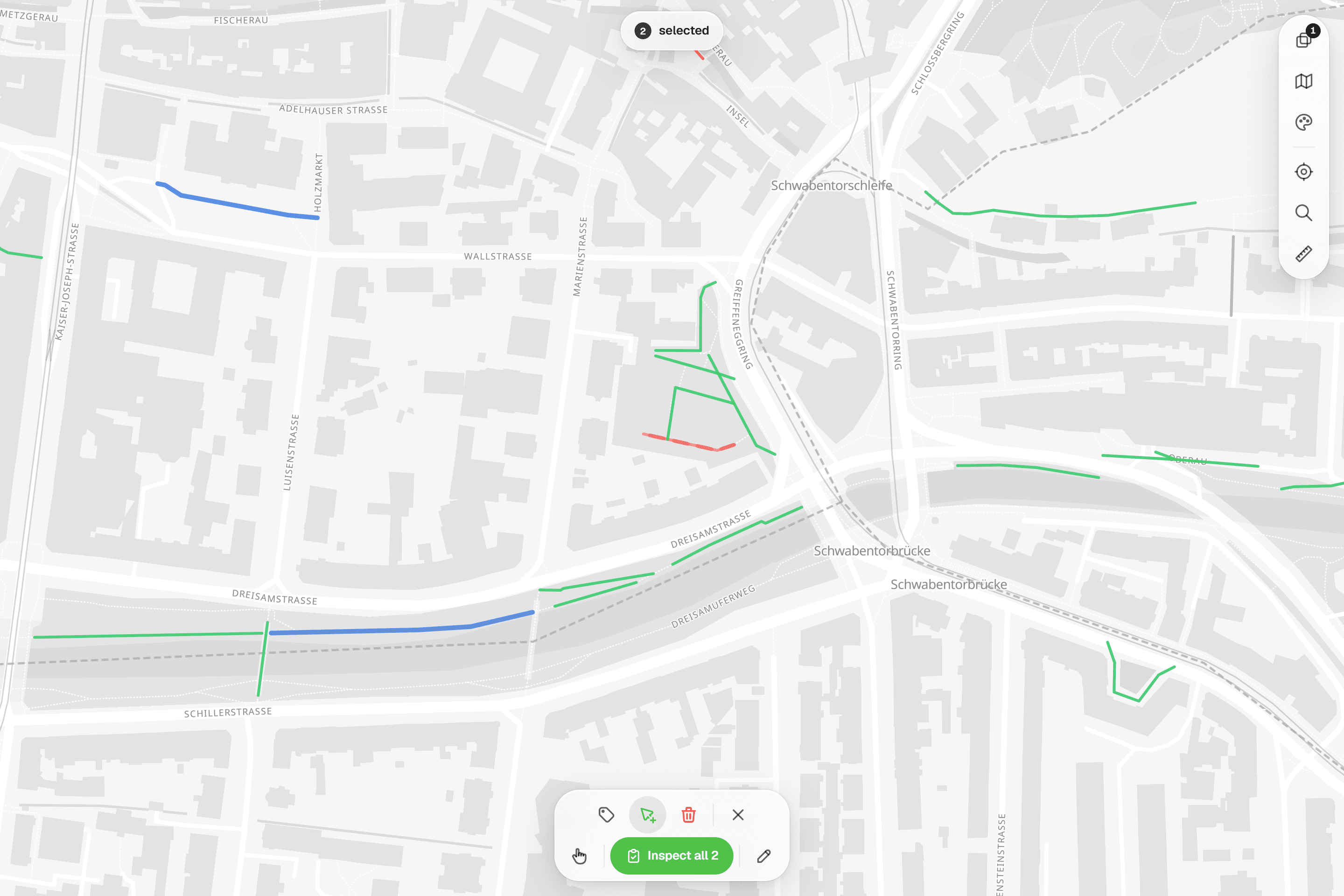
The sites and the furniture are layers
Load the maintenance sites from the GIS as polygons, and benches, bins and signs as points: Shapefile, GeoPackage or GeoJSON. What is in no file you draw on the aerial photo. Site numbers and contract references stay as they are.
A failure carries its photo
A grade or a condition is one tap, and the photo is taken in the same entry, so the note and the picture cannot be separated later. The English turf form has no field for what is to be put right or by when: add both to your copy.
The site keeps every visit
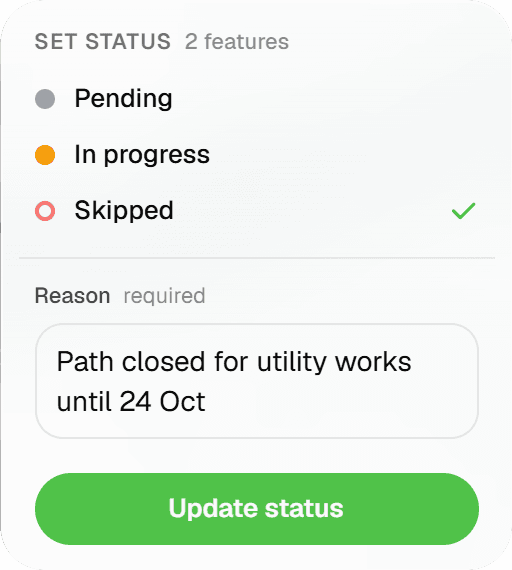
Each visit is added with the name of whoever made it and the time. When a contract ends, each site goes to the client as Excel and GIS files with its latest visit; earlier visits stay readable in the app.

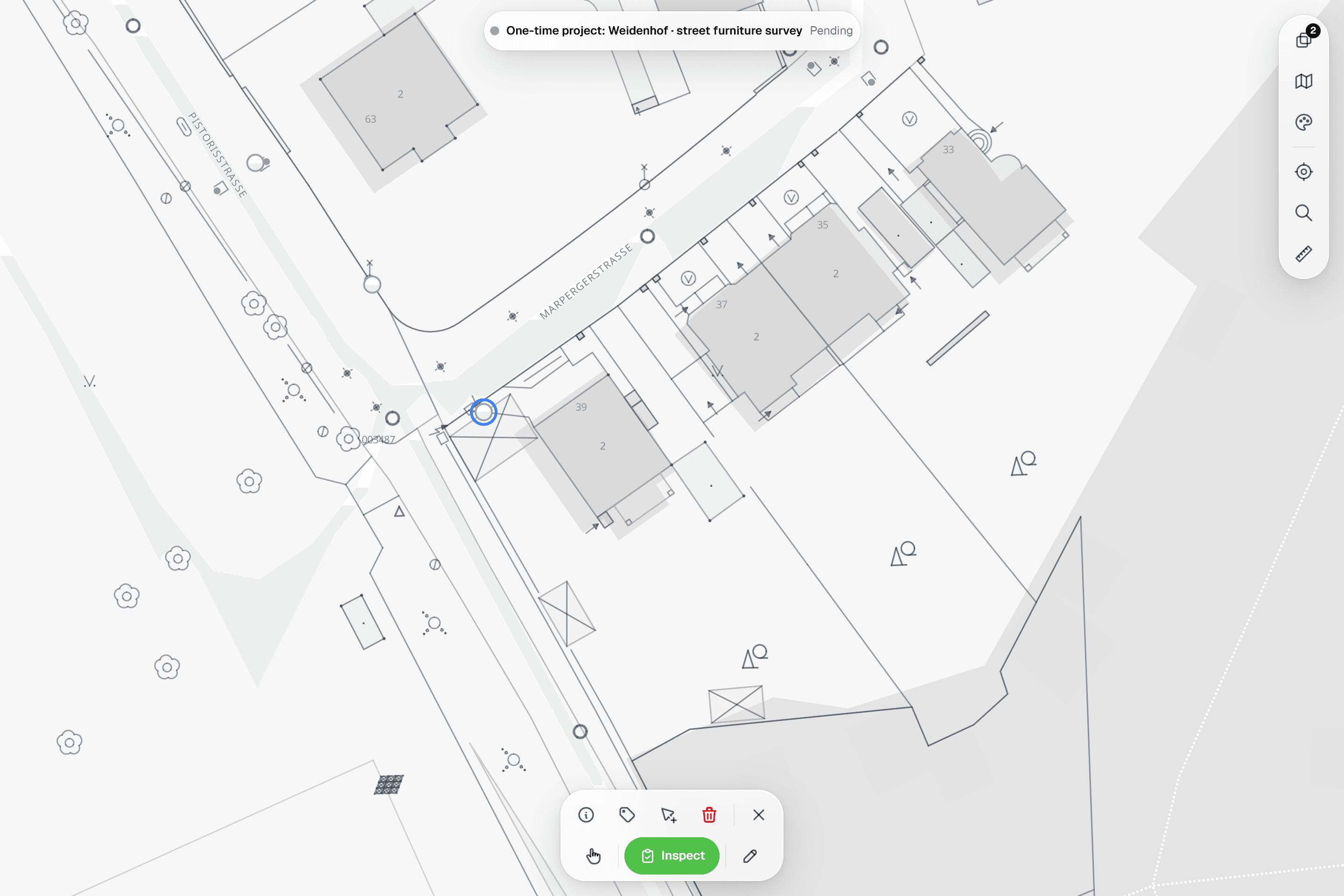
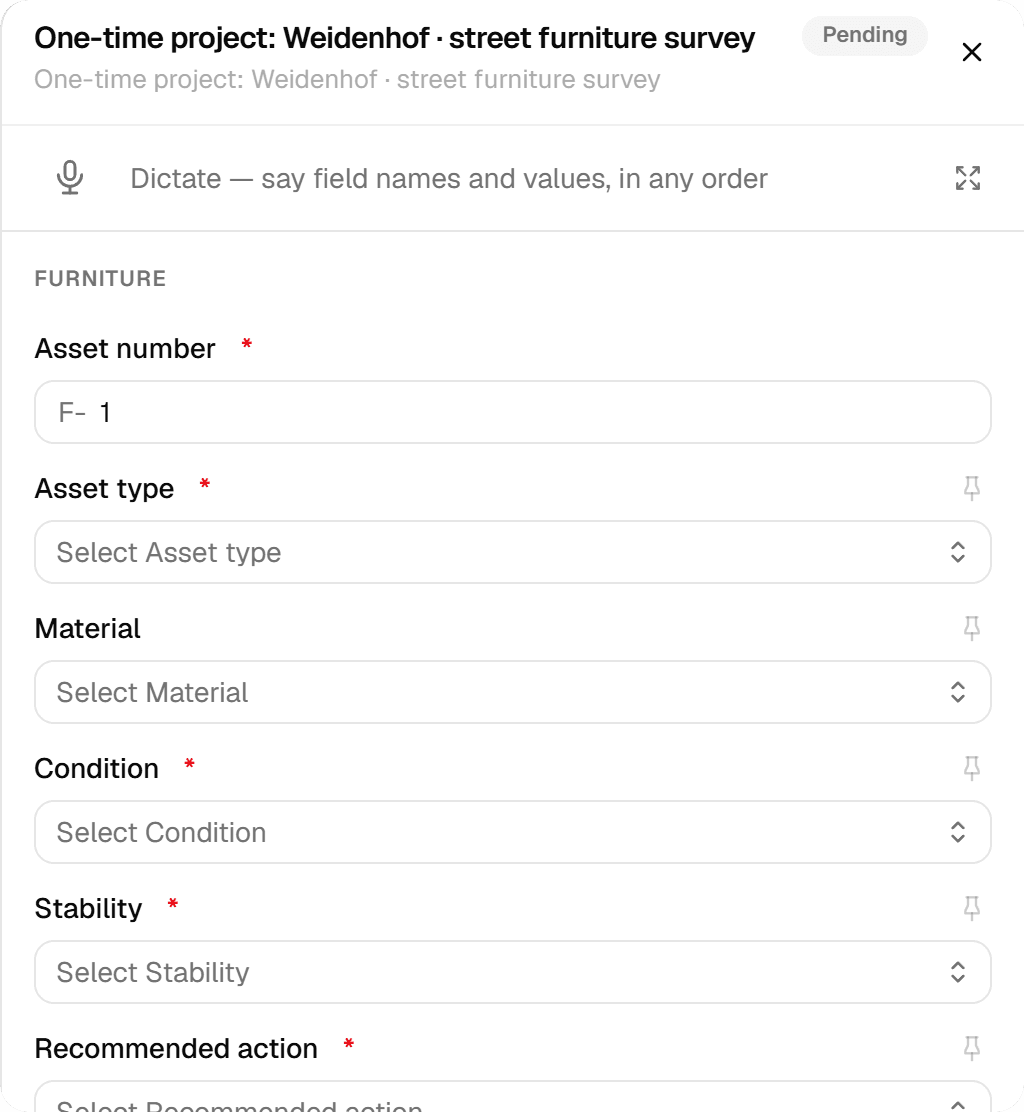
Real screens from the demo workspace: a street furniture survey on a client's drawing here, a footpath condition survey at the top of the page.
How the state of a park is graded
There is no single scale. Each country and often each contract has its own, and most of them fit in one field of a form.
| Scheme | What is graded | Scale |
|---|---|---|
| England: Code of Practice on Litter and Refuse (revised March 2026) | Litter and refuse on each type of land, by zone | Grades A to D, and a time to restore grade A that depends on the zone |
| Netherlands: CROW quality catalogue for public space (2023) | Green space, paving, furniture and litter against photo scales, at sampled locations | Levels A+ to D against the level the contract sets |
| San Francisco: park maintenance standards | Park features against written standards, evaluated every quarter | A score per park, published every year |
| Germany: FLL catalogues for open spaces (2025 and 2016) | The level of care agreed per site, and photo scales to compare against | Three service levels; five quality levels from A+ to D |
| Your own contract | Whatever the specification says: grass height, weeds in beds, hedge cuts a year | Met, to be put right, or not done |
A grade is a field on the form, so any of these scales, or your contract's own words, can be its option list.
Three park rounds, step by step
Each round starts from a form in the Geocadra marketplace. Copy it and change the option lists to the words of your contract.
A grounds maintenance inspection for contract monitoring
In each monitoring period the client's officer, or the contractor's own supervisor, walks a set of sites and grades the work: grass, edges, beds, hedges, litter.
- 1Import the maintenance sites once and create the period's project with the turf and soft landscape form.
- 2At each site record the litter grade and, per turf area, the sward height, weeds, edges and a rating; beds and hedges have their own entries.
- 3Where the work falls short, take the photo in the entry. To record what is to be put right and by when, add those two fields to your copy of the form first.
- 4Export the round to Excel for the contract meeting and filter it to the sites that fell short; a report block counts how many sites stand at each grade.
A street furniture inspection: benches, bins, bollards and signs
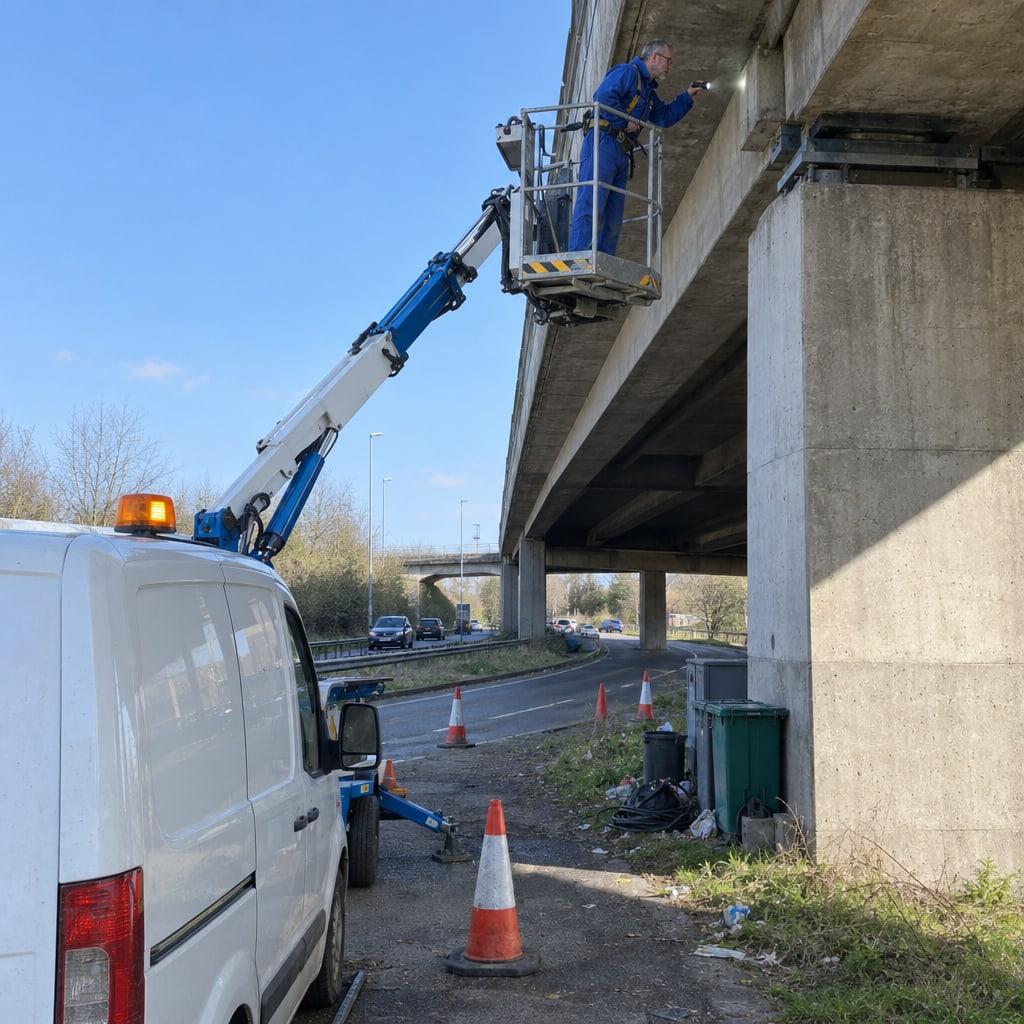
Benches, bins, bollards and signs get a condition round of their own. The round gives you the data for the repair list and, over the years, for the replacement plan.
- 1Import the furniture as points, or place each item on the aerial photo as you walk.
- 2Record the element type and material, each defect with its severity and extent, and a condition score.
- 3Give the item a recommended action and an urgency, and take the overview photo.
- 4Export the round to Excel and filter it to the items that need action; next year's round shows what was fixed.
A quality survey against CROW levels
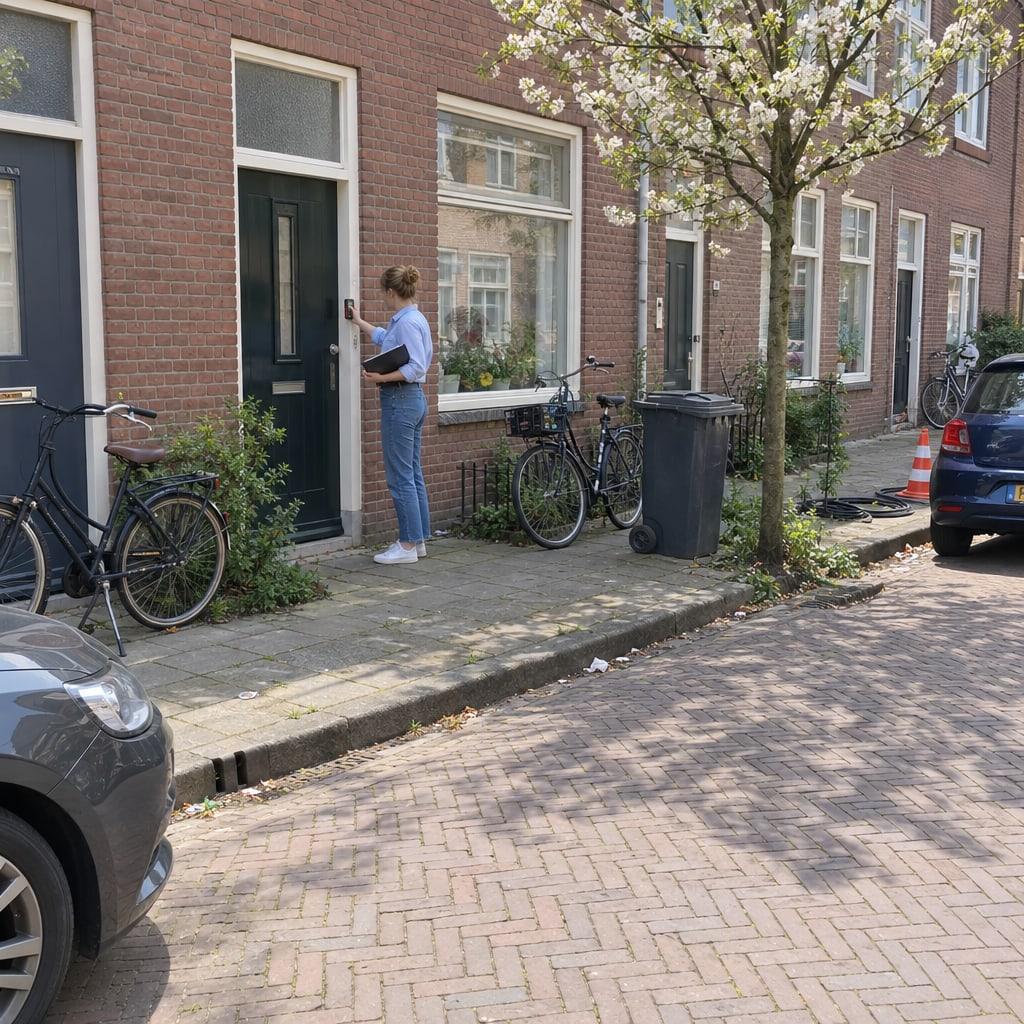
Dutch image-based contracts are checked by a survey of sample locations, each scored against a photo scale. An inspection consultancy often does it for the municipality.
- 1Import the measuring locations you drew for this survey, or place them on the map.
- 2At each location choose the scale and the level the contract asks for, then the level you see, from A+ to D.
- 3Add the counts the scale asks for, such as weed cover or pieces of litter, and the photos.
- 4Export to Excel and work out the share of locations that meet the level there.
What each park inspection form records
What gets recorded depends on what you are standing in front of. These are the forms with English labels and what each one holds; the furniture and quality-level forms carry Dutch labels beside the English.
Turf and soft landscape
A litter grade from A to D for the site, then one entry per turf area: category, sward height in millimetres, weeds, edges, arisings and a rating from 1 to 5, with photos.
Beds, hedges and newly planted trees
On the same form: weeds, mulch, pruning and plant health for each bed or hedge, and stakes, ties and the base of each newly planted tree.
Street and park furniture
Element type and material, each defect with its severity, intensity and extent, and a condition score from 1 to 6 on the Dutch NEN 2767 scale, with a recommended action and its urgency. Change the scale in your copy if your contract uses another.
Fences and gates
Posts, stability, infill, corrosion and fixings, the gate and its lock, a log of defects by location along the fence, and an overall grade from 1 to 5.
Ponds, lakes and streams
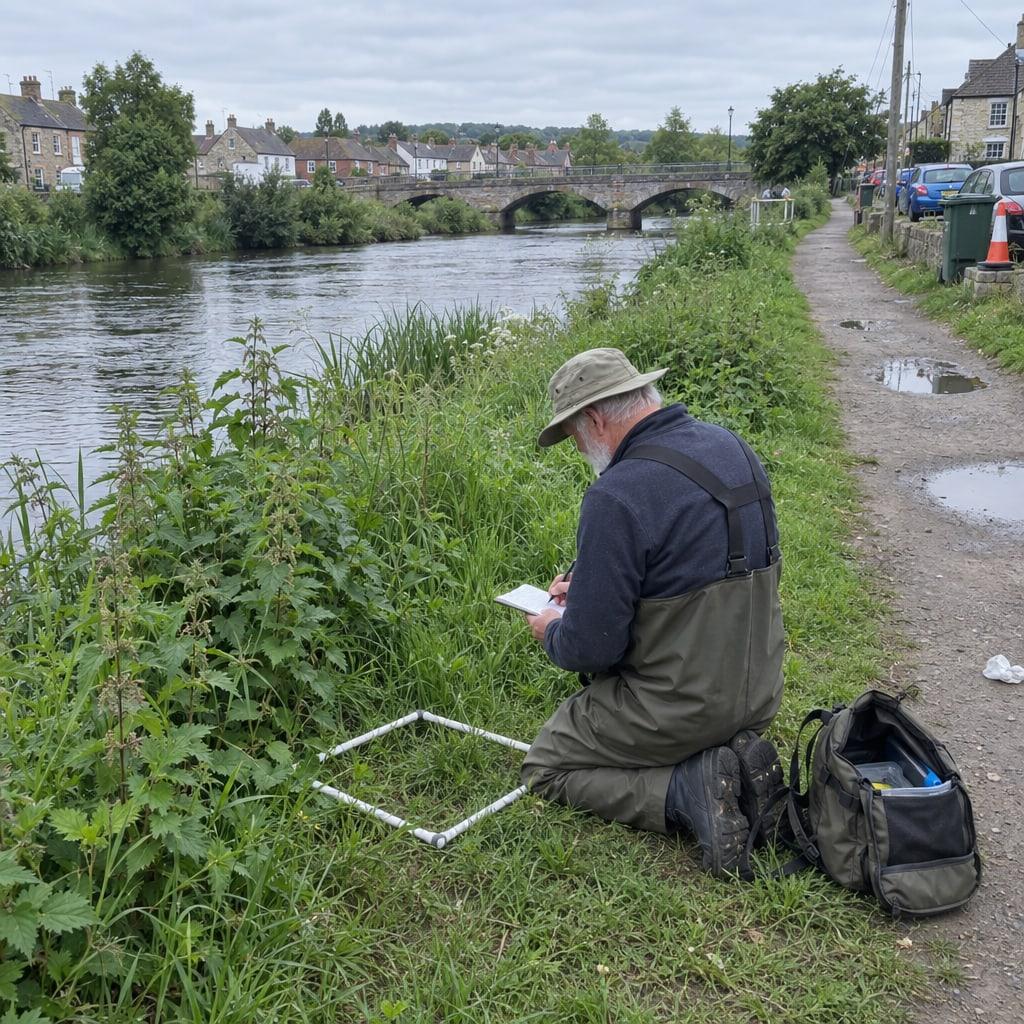
Water level, flow and silt, banks and hard edges, path safety, the lifebuoy and the signs, a litter grade, and a log of invasive species.
A quality level against a photo scale
The level the contract asks for and the level observed, with weed cover, bare patches and litter counts, for surveys run the Dutch way.
Forms for benches and bins in parks, paths in parks, street cleanliness, public toilets, dog areas and cycle parking exist in German. Copy one and reword it, or build your own in the form builder.
Scales and standards behind the park forms
Each form is built around the standard or method named. It holds what the inspector saw on the day, and its scales are yours to change.
Litter grades A to D
The turf and soft landscape form and the water areas form carry a litter grade from A to D per site, the scale of the Code of Practice on Litter and Refuse.
BS 7370: turf and soft landscape
Turf categories, sward height, weeds, edges and arisings per turf area, with a rating from 1 to 5. Beds and hedges get weeds, mulch, pruning and plant health. The 1 to 5 rating is the form's own scale.
NEN 2767: street furniture
Defects by severity, intensity and extent, and a condition score from 1 to 6, set by the inspector.
CROW quality levels
The level asked for and the level observed, from A+ to D, with the counts each photo scale needs.
Fences, cycle parking and tactile paving
Separate forms are built around BS 1722 for fences and DIN 32984 and ISO 23599 for tactile paving. A cycle parking form to DIN 79008 exists in German.
Standards this page covers
Each standard below has its own page with the inspection regime, the rating system and the form on the marketplace.
Related inspections
The same client usually has these rounds too. Each has its own page.
Questions from both sides of the contract
Can our grounds maintenance contractor see the inspection results?
Yes, once you invite them. As a viewer the contractor's supervisor reads every visit, grade and photo on a free viewer place; as an editor they record their own checks in the same project and use a seat.
We are the contractor. Can each council see only its own sites?
Yes. Each client is an organization in your workspace. A client contact invited to their organization sees its sites, visits and reports and nothing else. Viewer places are free: two, four or ten per seat, depending on the plan.
How do we choose the sites for a round?
You decide which sites a round covers. The map filters show which sites were inspected between two dates and which never were, so you can see what has been left out.
What happens when a site fails?
The failure is on the record with its photo, and the Excel export lists every site of the round, ready to filter to the failures for your notice to the contractor.
Can we grade litter from A to D?
Yes. The turf and soft landscape form and the water areas form have a litter grade from A to D. Any other form can get the same field: the option list is yours to write.
Can we start from our GIS layer of maintenance sites?
Yes. The import reads Shapefile, GeoPackage, GeoJSON, KML and DWG or DXF drawings, keeps every attribute and detects the coordinate system or lets you pick it. The sites go back out as Shapefile or GeoPackage, or as a layered CAD drawing on the Pro plan and up.
How does it work with our asset management system?
It does the inspection round and keeps its record, and it hands the results to the larger system as Excel or GIS files.
Does it work offline in a large park?
The Android app, in early access by invitation, saves an inspection without signal and sends it when the connection is back. The web app works wherever you have a connection.
Where is our data stored?
Your projects, photos and files are stored in Frankfurt, Germany. AI features, such as the report draft, are processed by providers in the US.
Grade your first site on the map today
Import one contract area and copy the turf and soft landscape form. Free for 14 days, no credit card.
No credit card requiredFree trial included